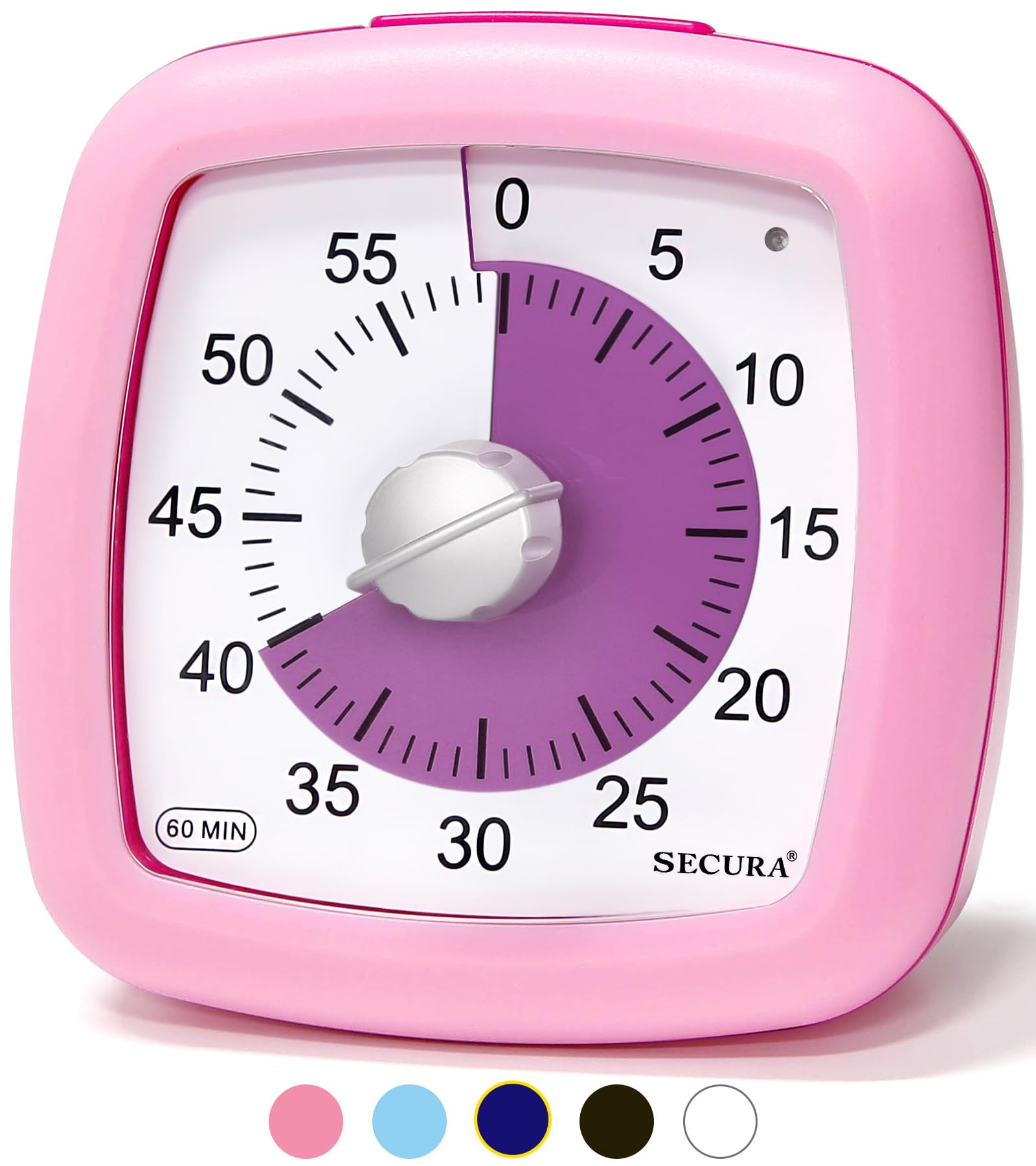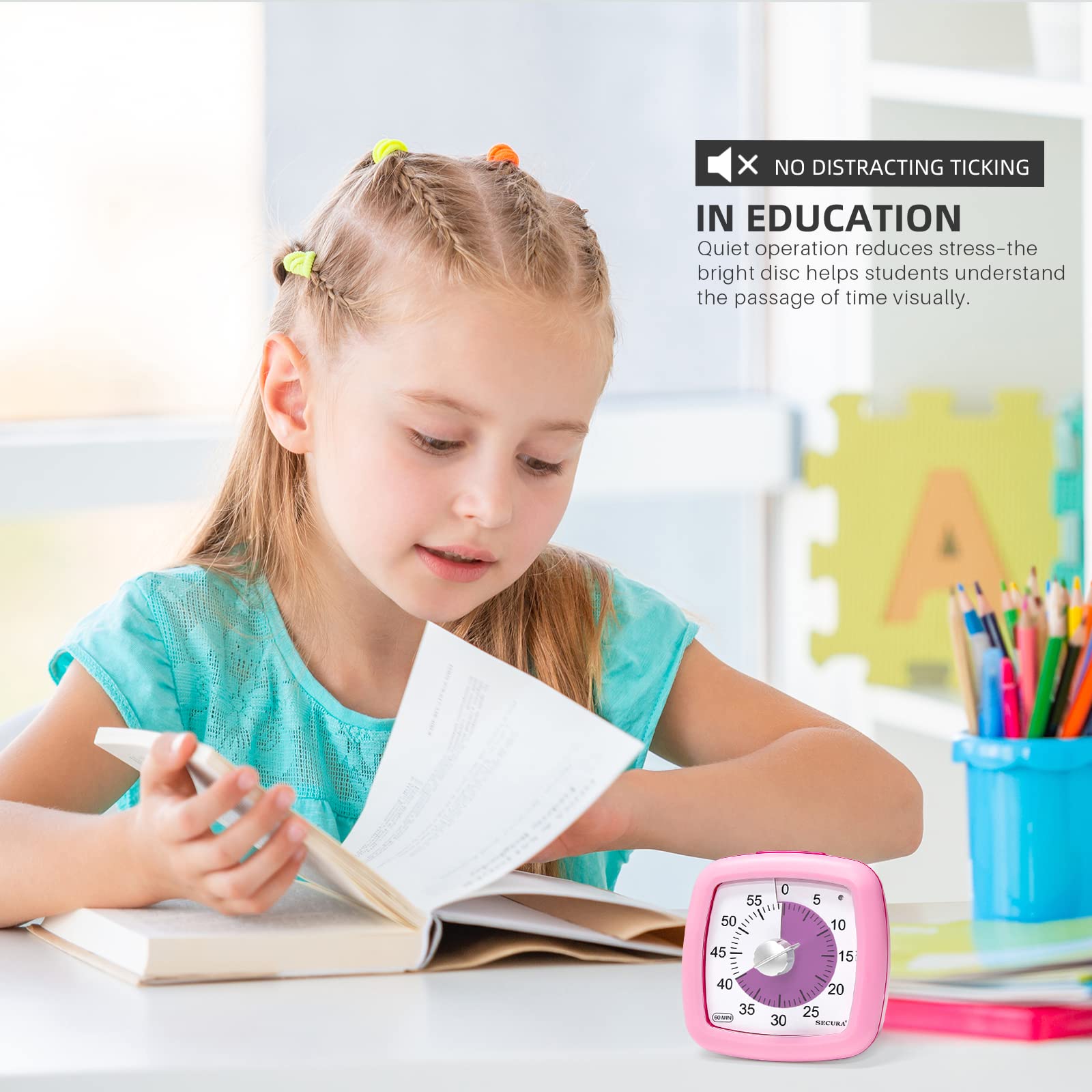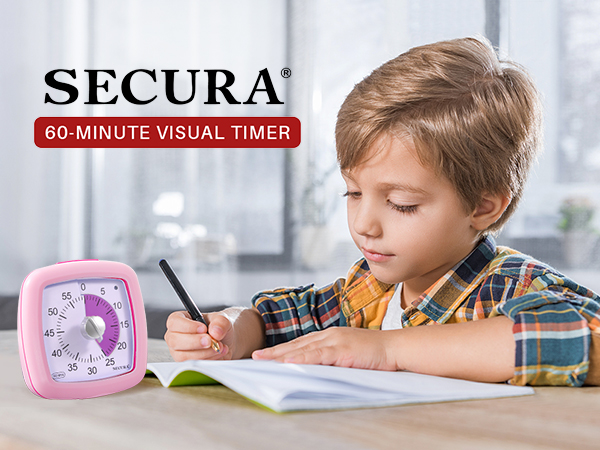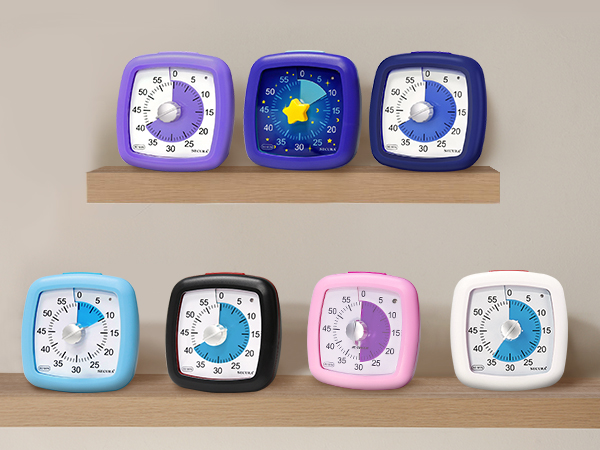








Timer Management: What can you get done in 60 minutes? Improve time management, perform tasks effectively, complete your work, and encourage productive learning with the Secura 60-minute visual timer. Highlights: No loud ticking
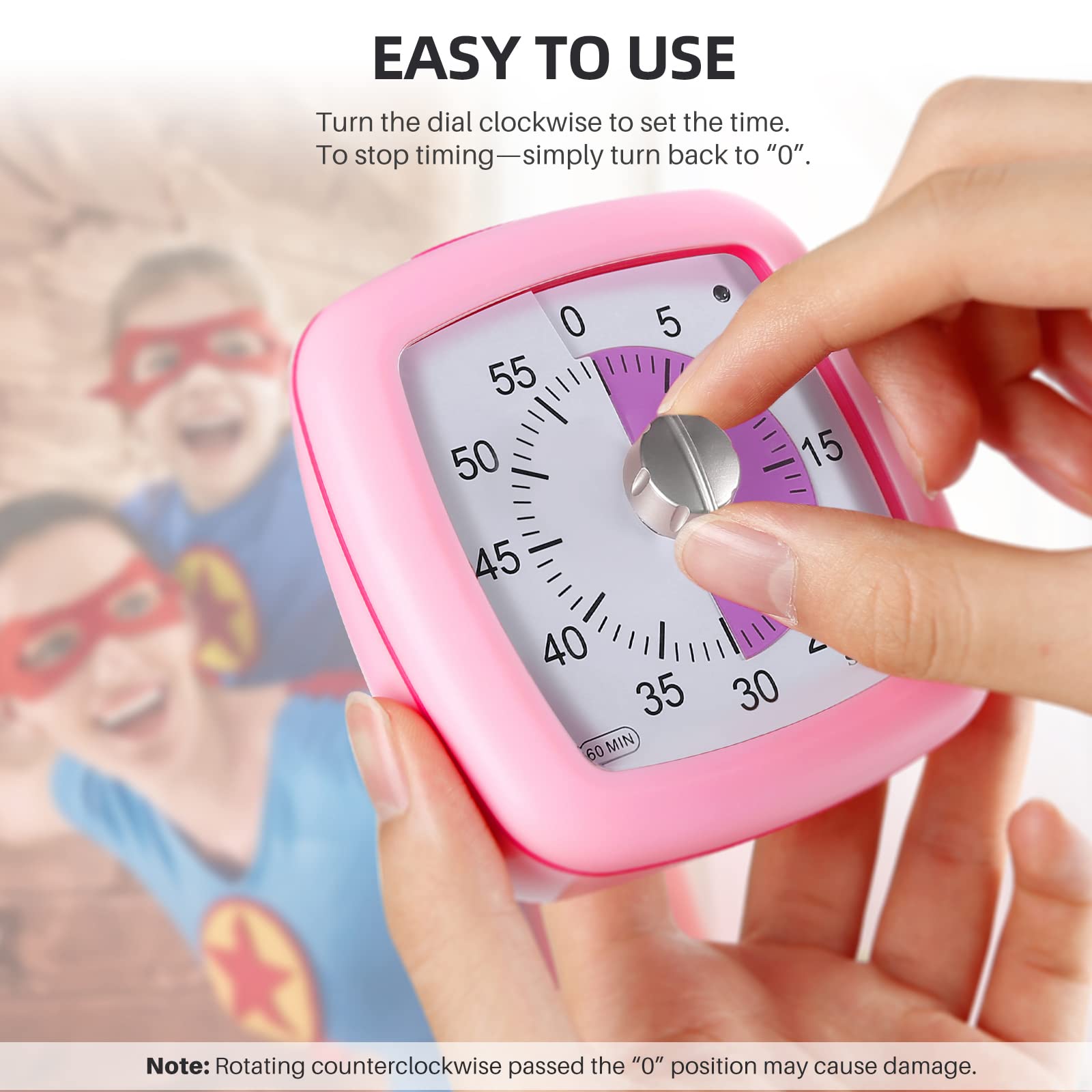
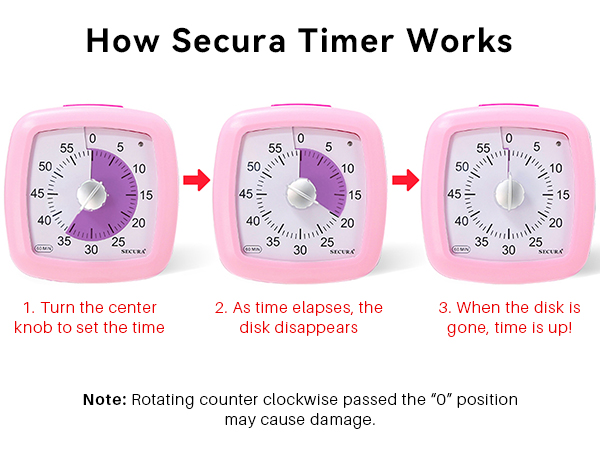
Easy to Use: Turn the timer dial clockwise to adjust the time. To turn the timer off - turn back to zero. NOTE: Please start setting the time when the indicator light is off
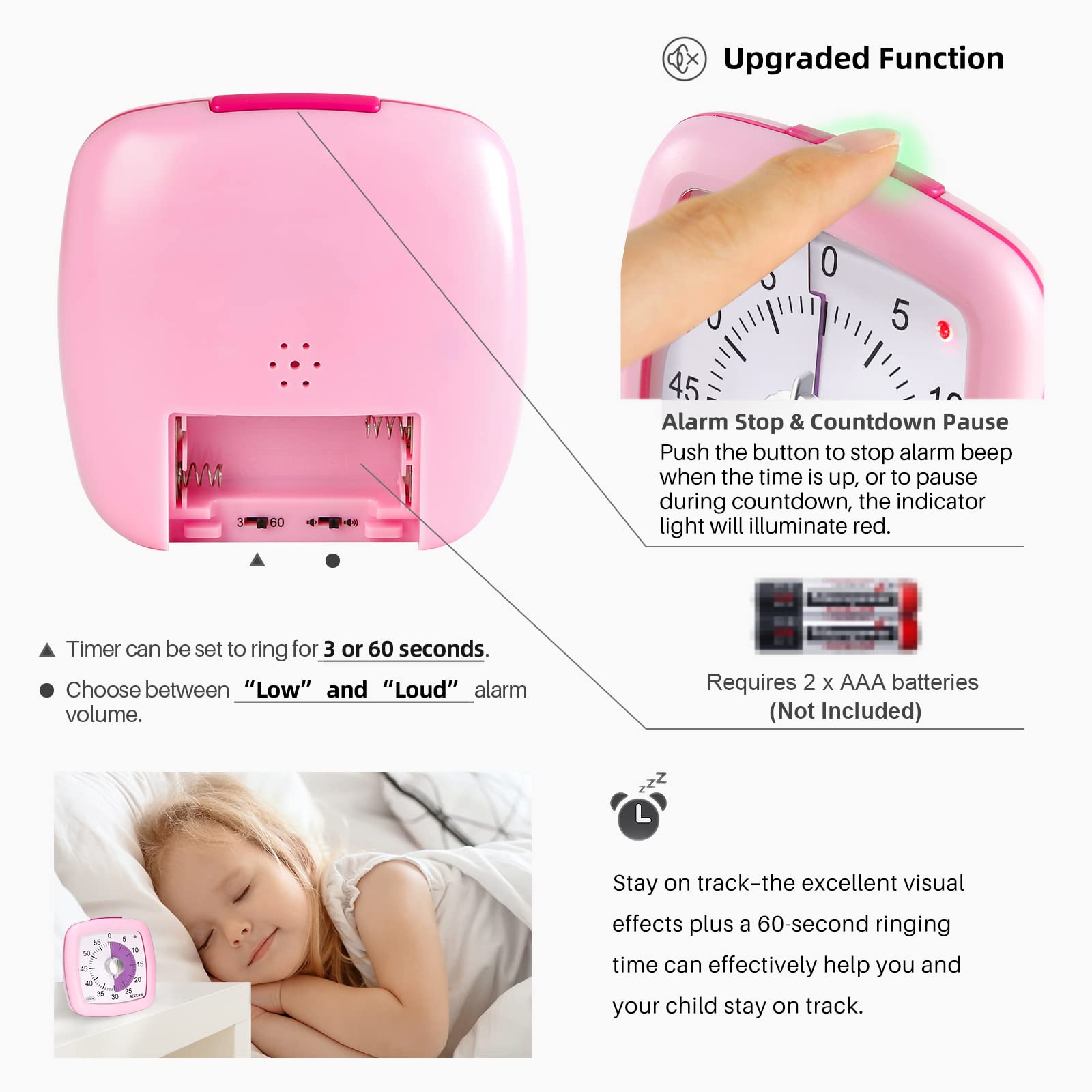
Alarm Stop & Countdown Pause: Push the button to stop the alarm beep when the time is up. Or to pause during the countdown, the indicator light will illuminate red, and push the button again to restart the countdown
Kids Friendly: Our kids timer allows children to easily and intuitively understand the passage of time through a gradually decreasing purple disc. Adjustable Alarm Level: Loud(about 70 dB) or Low(about 50 dB), Adjustable Beep Duration: 3 or 60 seconds
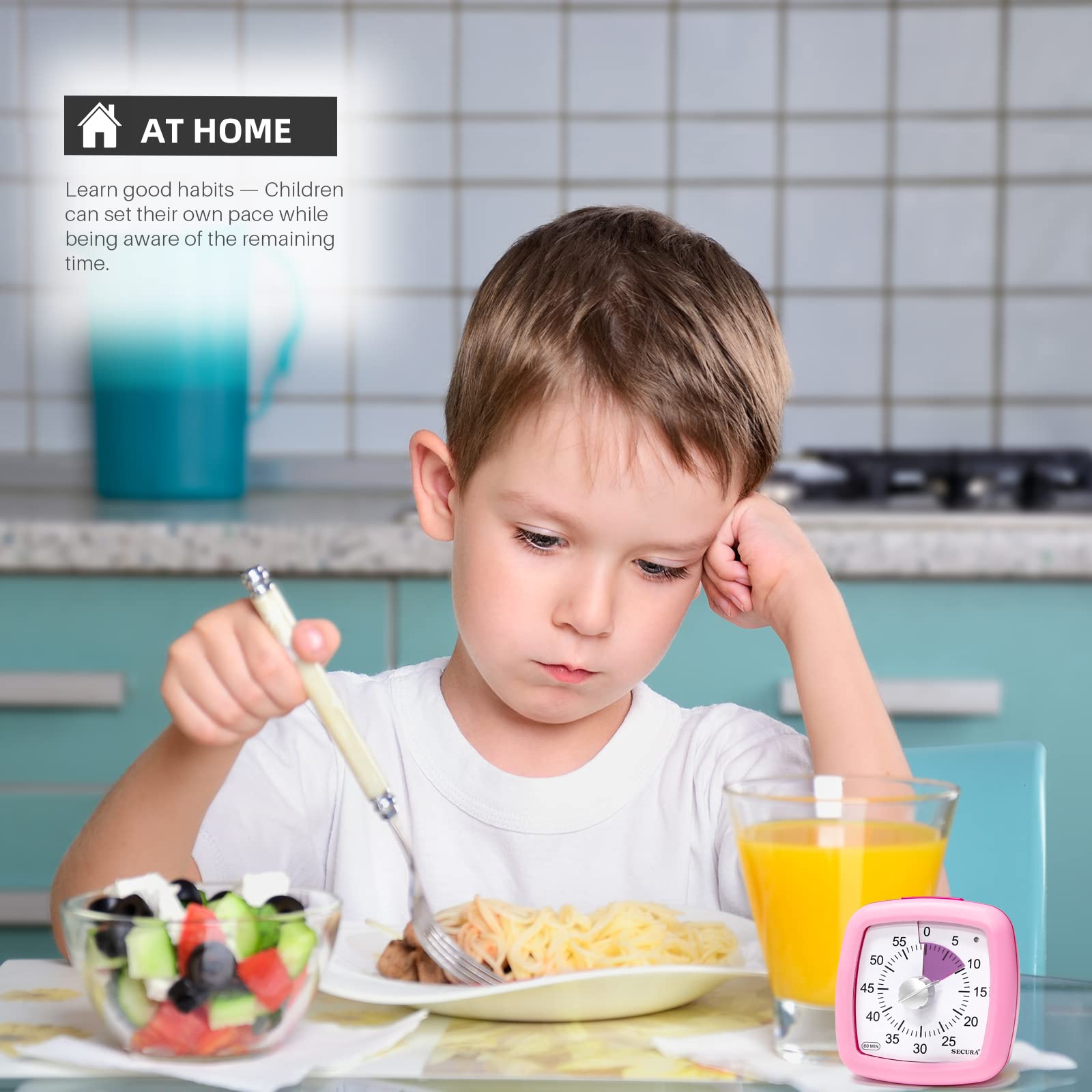
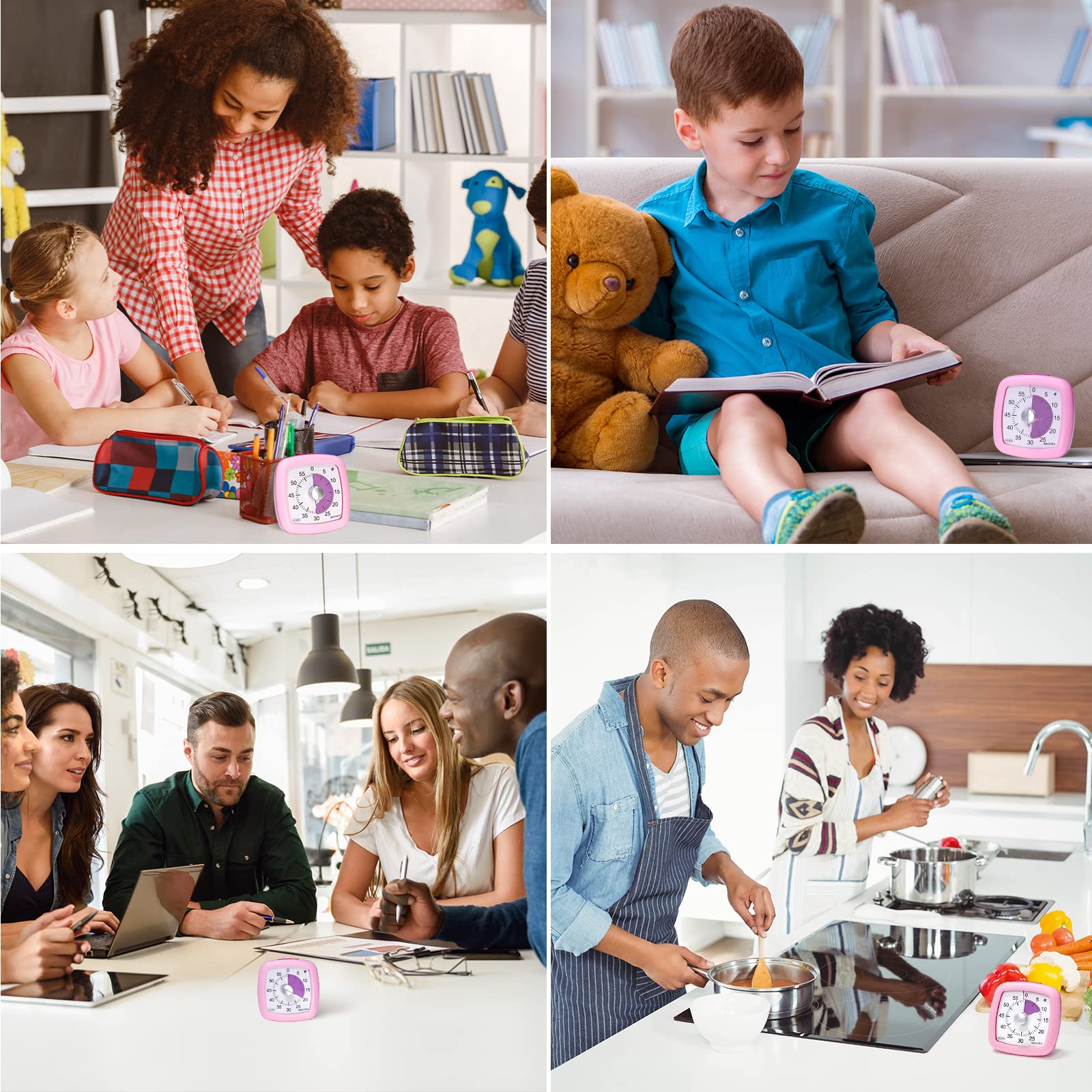
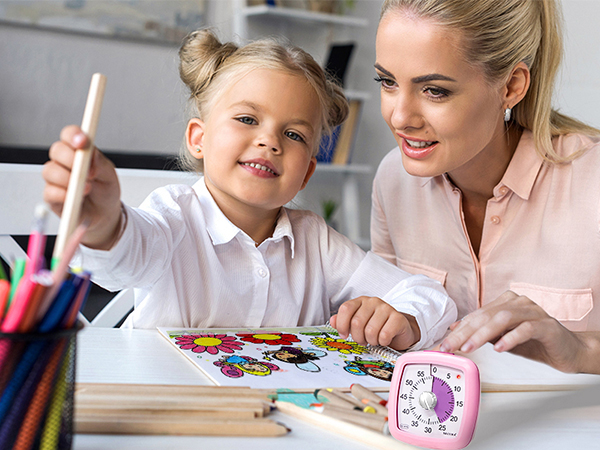
Applications: Great for classroom, home, and office settings. It makes an excellent classroom timer, study timer, pomodoro timer, egg timer, cooking timer, kitchen timer, toddler timer, kids timer, and more
Product Specifications
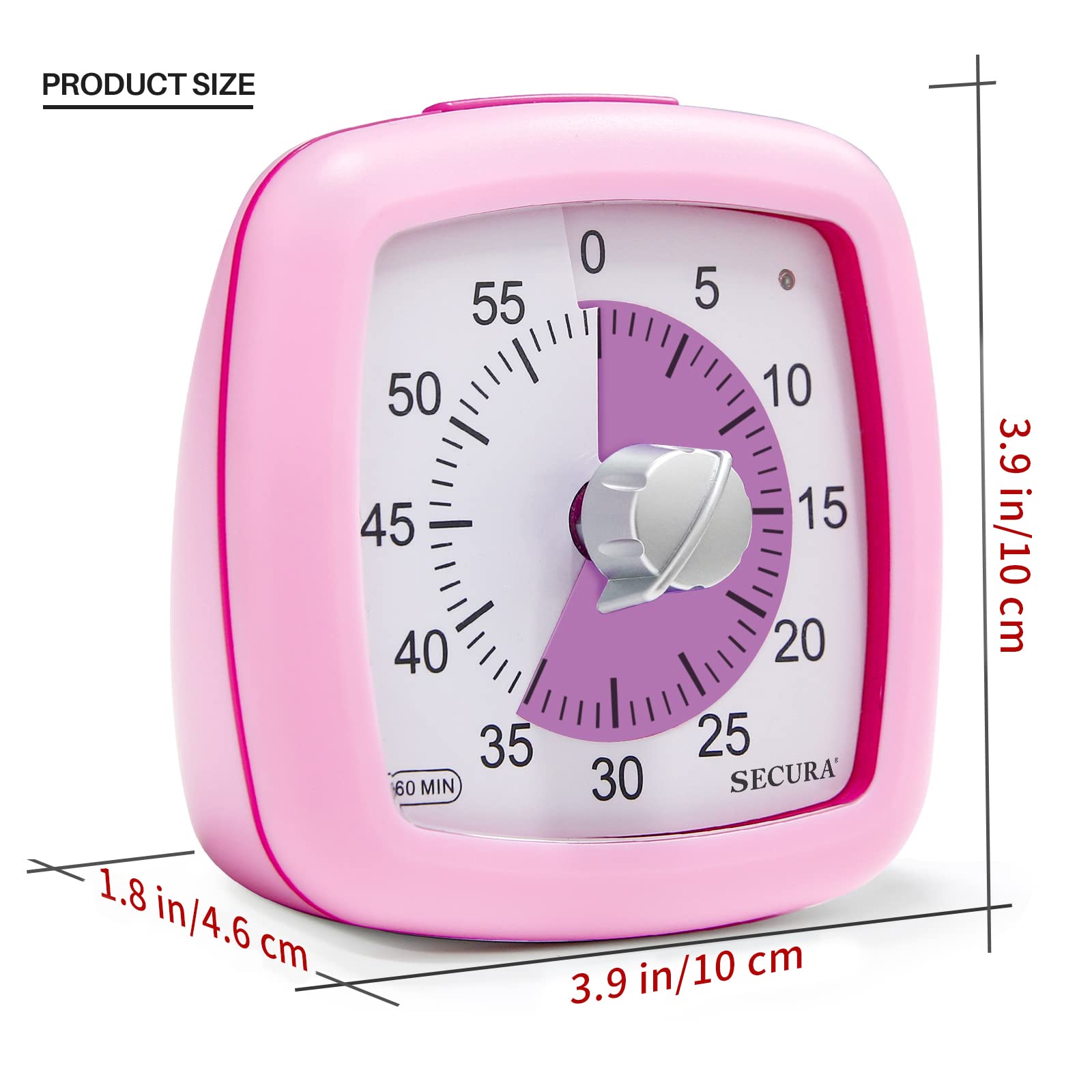
Product Dimensions: 1.8 x 3.9 x 3.9 inches
Item Weight: 5.6 ounces
ASIN: B08XM466D2
Item model number: TM034
Customer Reviews: 4.3 out of 5 stars 1,968Reviews
Best Sellers Rank: #5,342 in Kitchen & Dining (See Top 100 in Kitchen & Dining) #33 in Timers
Batteries required: Yes
Included Components: User Manual, Visual Timer
UPC: 769134703217
Global Trade Identification Number: 00810092454632
Manufacturer: Secura
Product Information
Product description
Secura 60-minute visual timer is a modern time management tool that helps you easily transition from one activity to another, overcome inefficiencies and procrastination, and develop good time awareness.
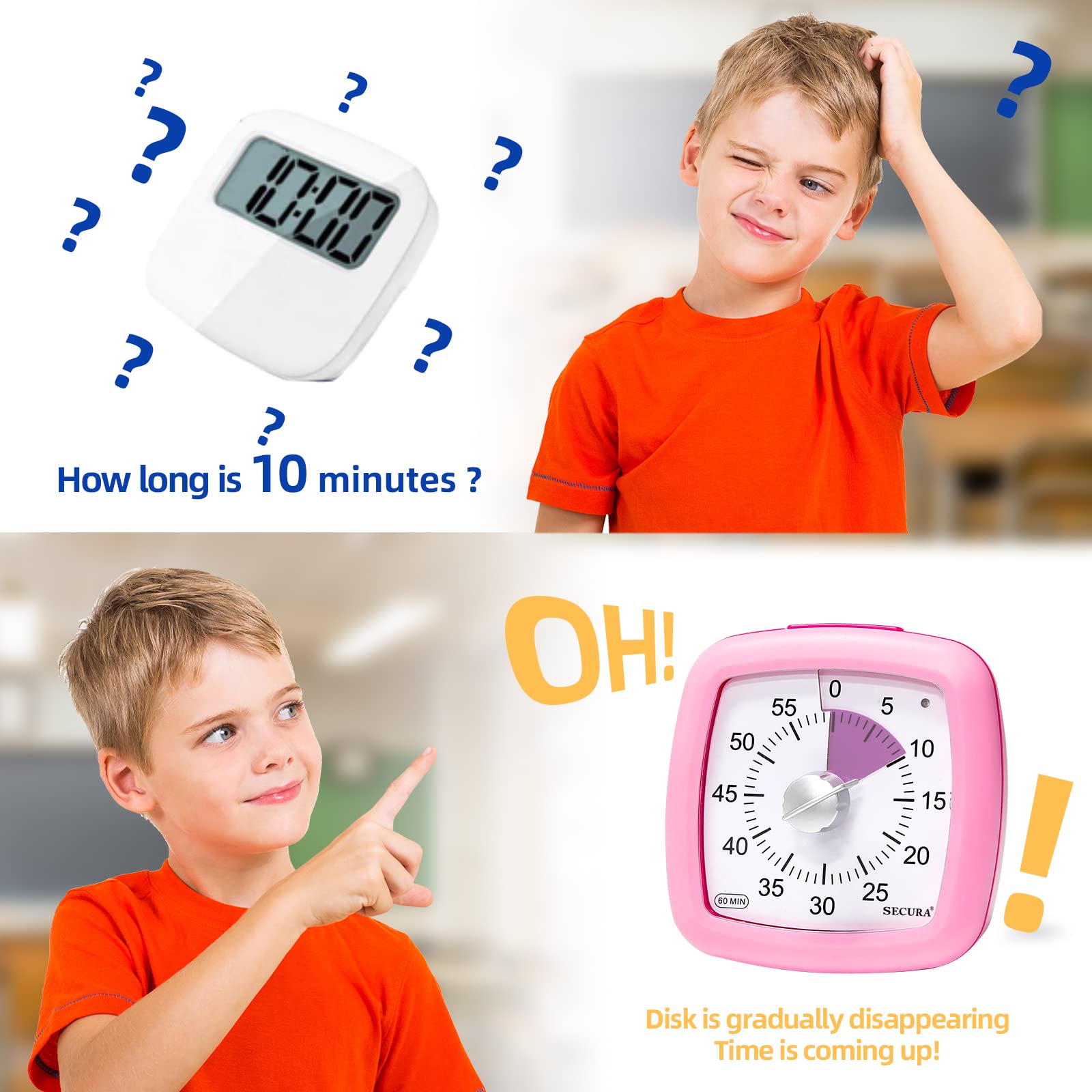
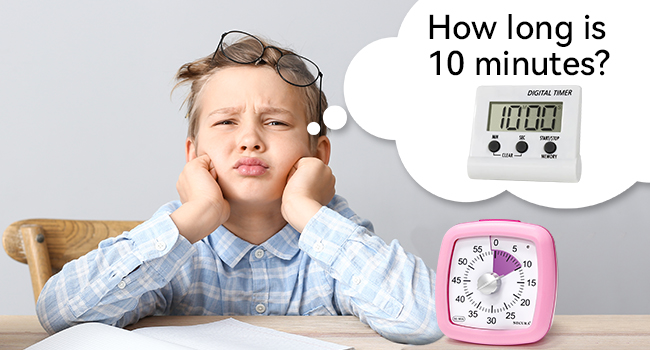
Are children confused about the concept of time?
Secura visual timer features a purple disc that makes it easy for children to visually understand the passage of time and can help you easily transition from one activity to another.
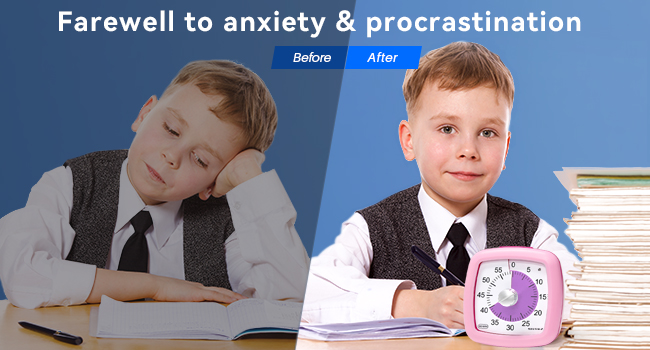
Farewell to Anxiety & Procrastination
One of the biggest advantages of the visual timer is that it helps your child understand time (e.g. seconds, minutes, hours, remaining time, etc.), understand the passage of time, easily manage daily tasks, break big challenges into small tasks, and solve timeout issue.
EASY TO USE
Alarm Stop & Countdown Pause
How to stop the beep?
1. When the time is up, the timer will beep for 3 or 60 seconds. If you want to interrupt the beep, push the top button.
2. Or press the button during the countdown to pause the countdown, while the indicator light will illuminate red. Push the button again to restart the countdown.
VERSATILE USES
Classroom Timer
Homework Timer
Game Timer
Meeting Timer
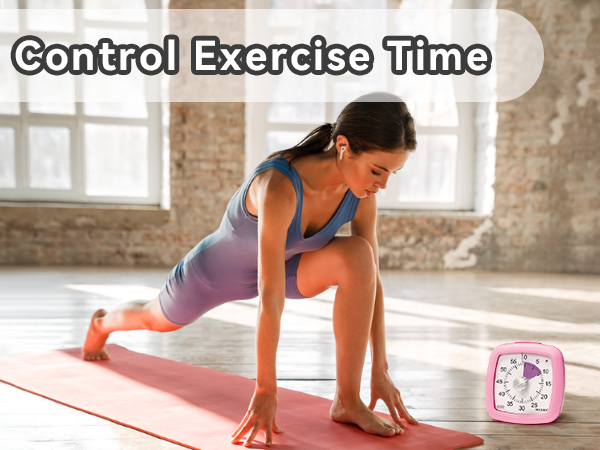
Exercise Timer
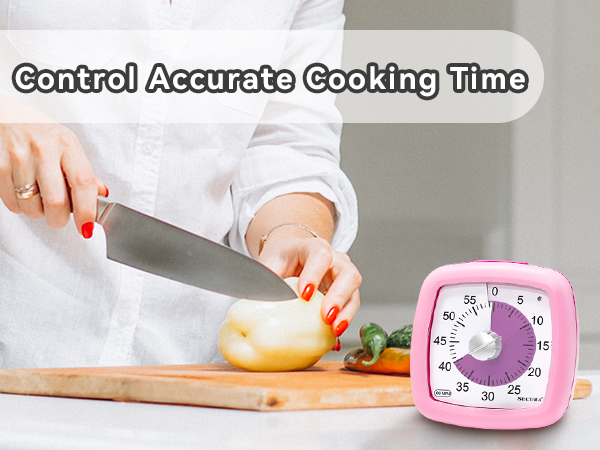
Kitchen Timer
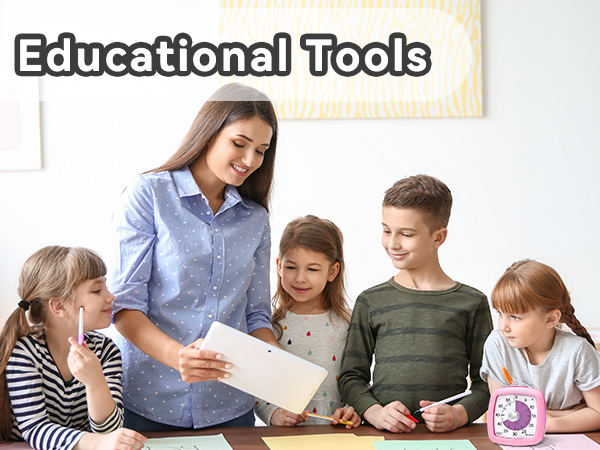
Visual timers are used for timed assignments, self-study, and group work to help teachers effectively allocate students' school time and empower students with the ability to manage their own time.
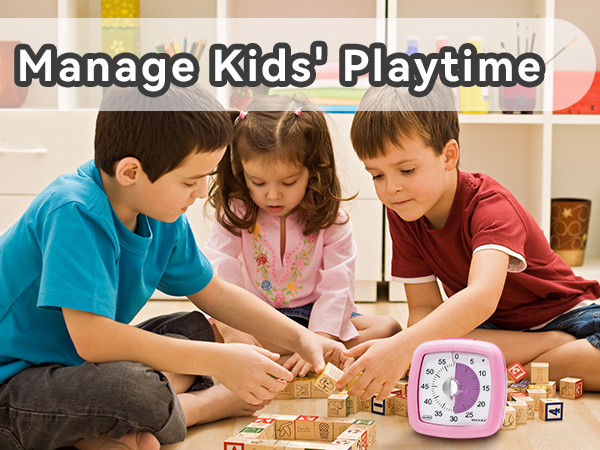
Stopping the game may be like the end of the world for your child! Tell him the time in advance and set your visual timer. Once the time is up, he will stop the game.
Secura timer to remind you how long you exercise every day. You can keep track of time easily anywhere. When the bell rings, the exercise time is over.
Used in the kitchen to control accurate cooking time, never worry about forgetting the food being cooked because of other housework or children, and cook delicious food for your family.