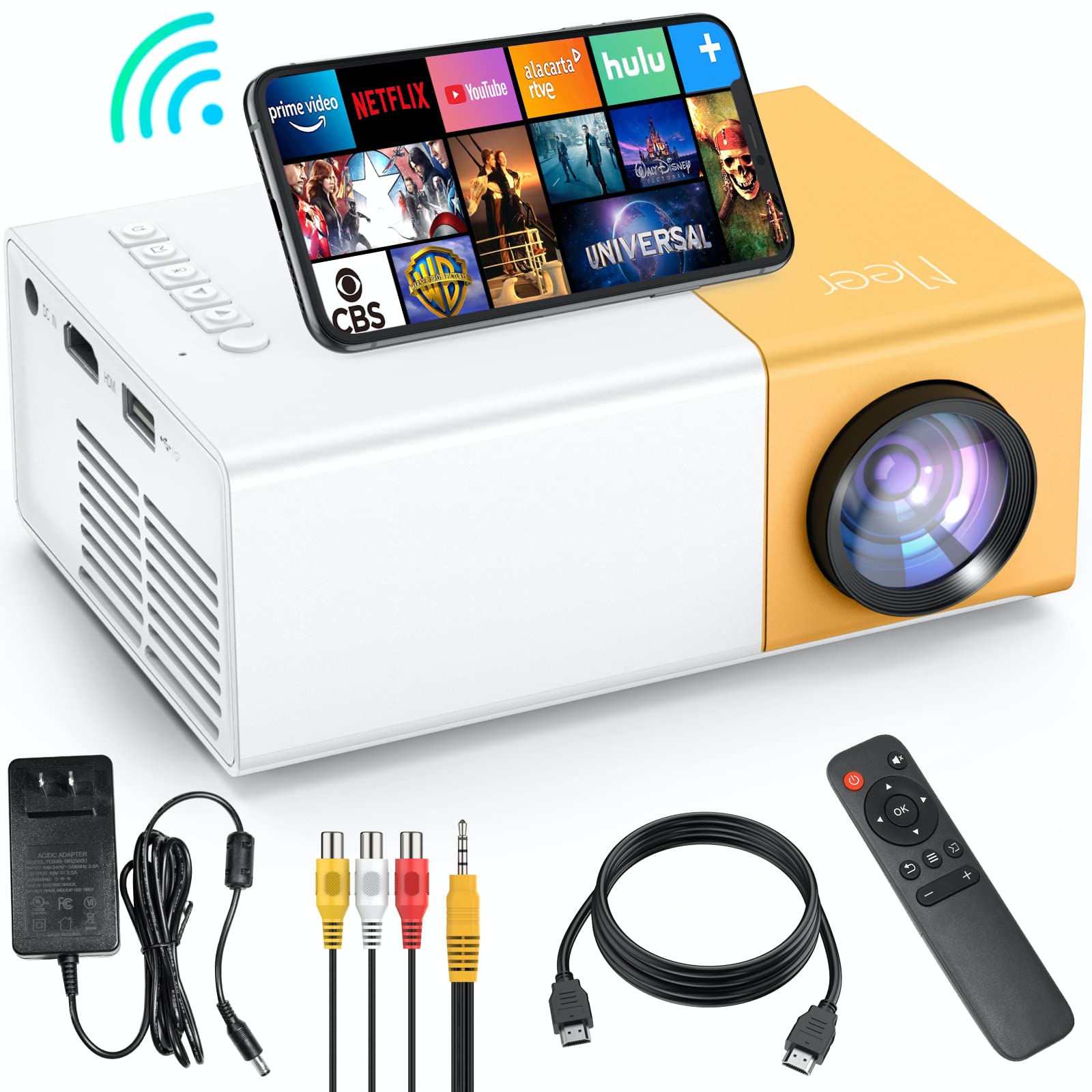






Meer 5G WiFi Mini Projector,Portable Movie Projector,Neat Projector,Proyector Compatible with iphone,Android,Windows,Firestick,PS5,Laptop,Tablet,Provide HDMI,USB,Earphone,AV Port and Remote Controller
【Professional Upgraded】New version of the most popular YG300 mini projector with 50% up in resolution and 100% up in brightness,upgraded with the newest 5G Wi-Fi technology to provide us a better wireless private theater.
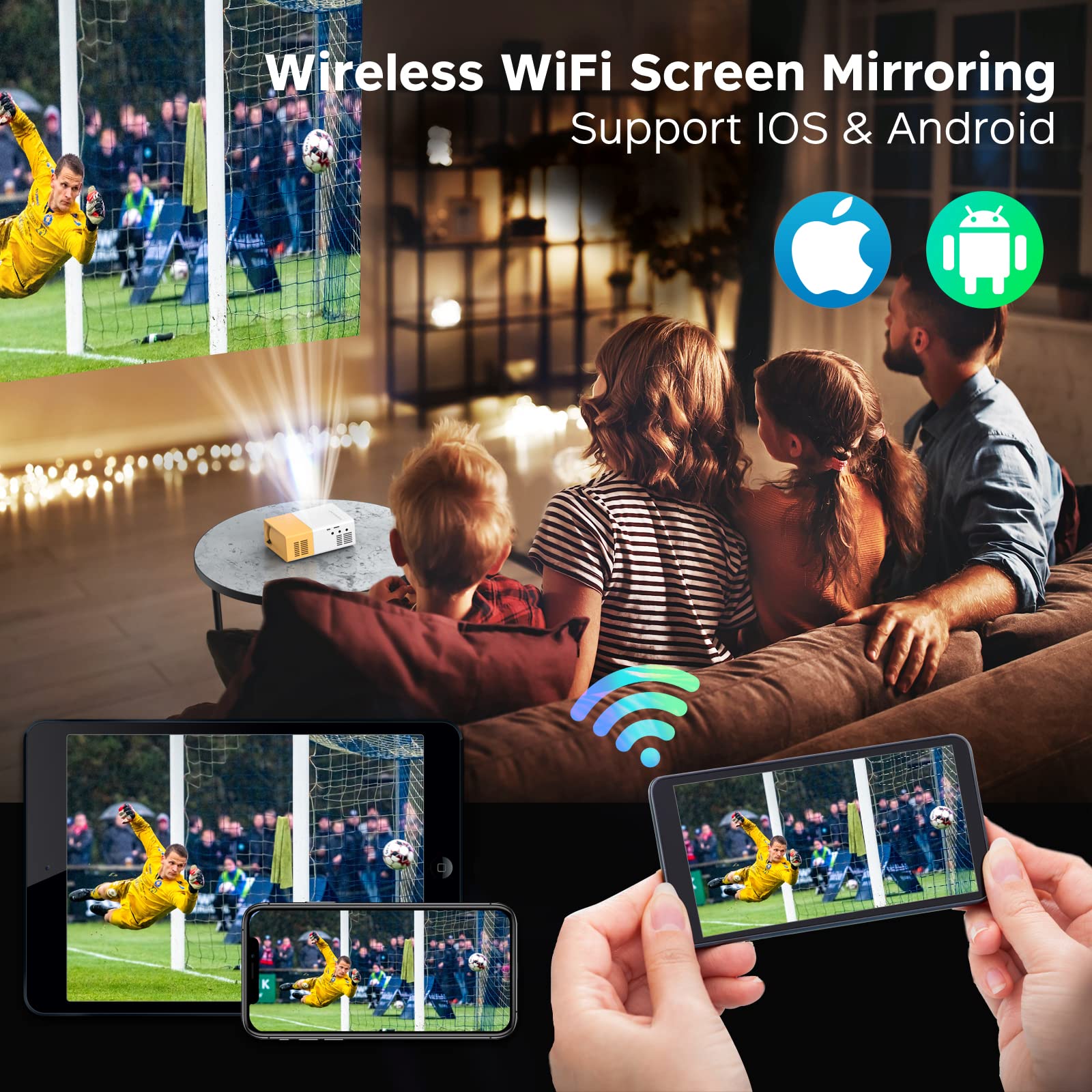
【Wi-Fi Connection】Connect our mobile device such as a mobile phone or a tablet with Wi-Fi to realize Screen Mirroring & Screen Cast,No extra adapter needed,No more complicated connection steps.Just confirm that our projector and mobile device in the same Wi-Fi environment.
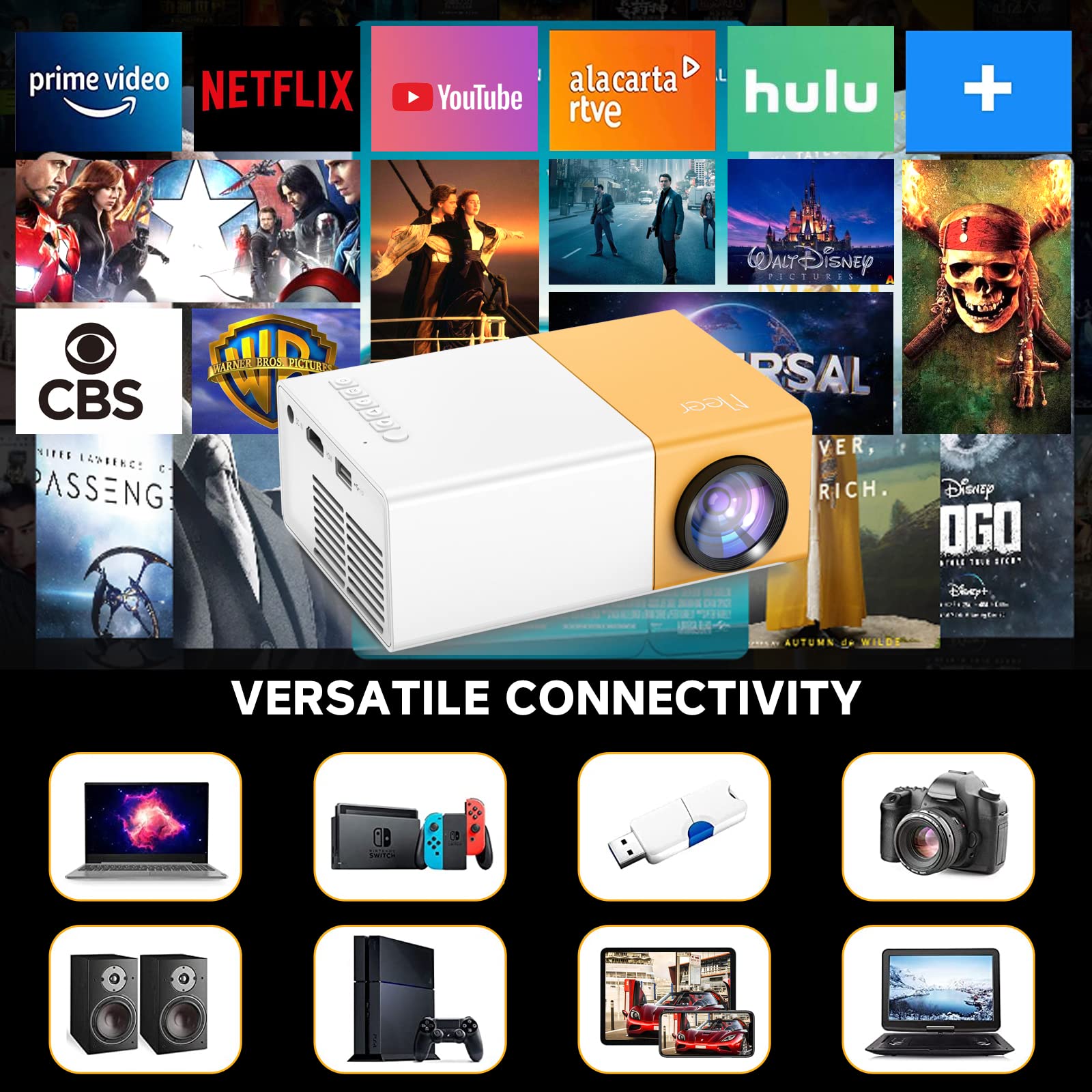
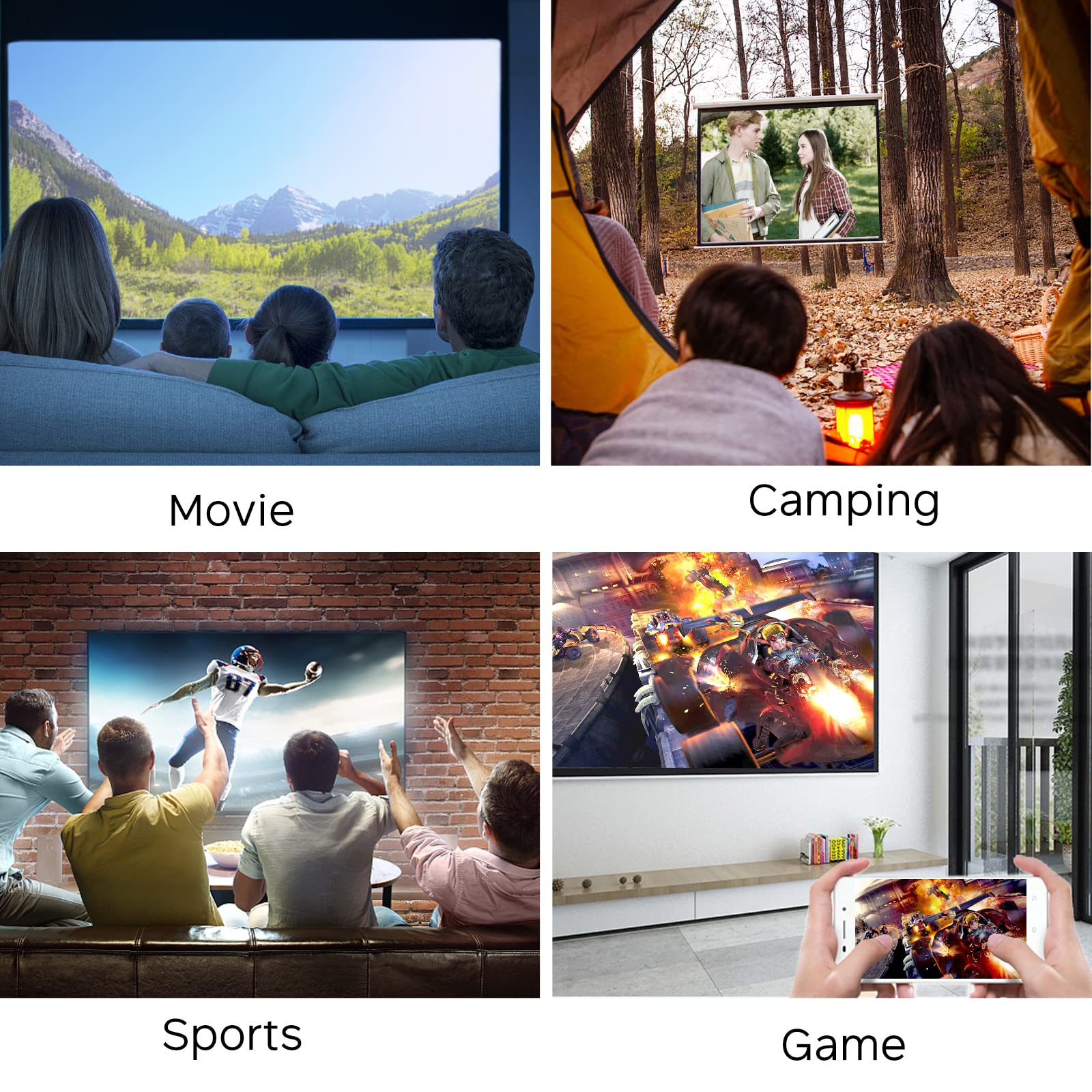
【Hardware Interface】Equipped with multiple ports such as HDMI/ USB/ AV / SD / Audio.Even without Wi-Fi It can be easily connected with our smartphone,TV Stick, PS4, PS5, Switch or tablet, laptop to play video,TV series, sports livestreaming, games etc.
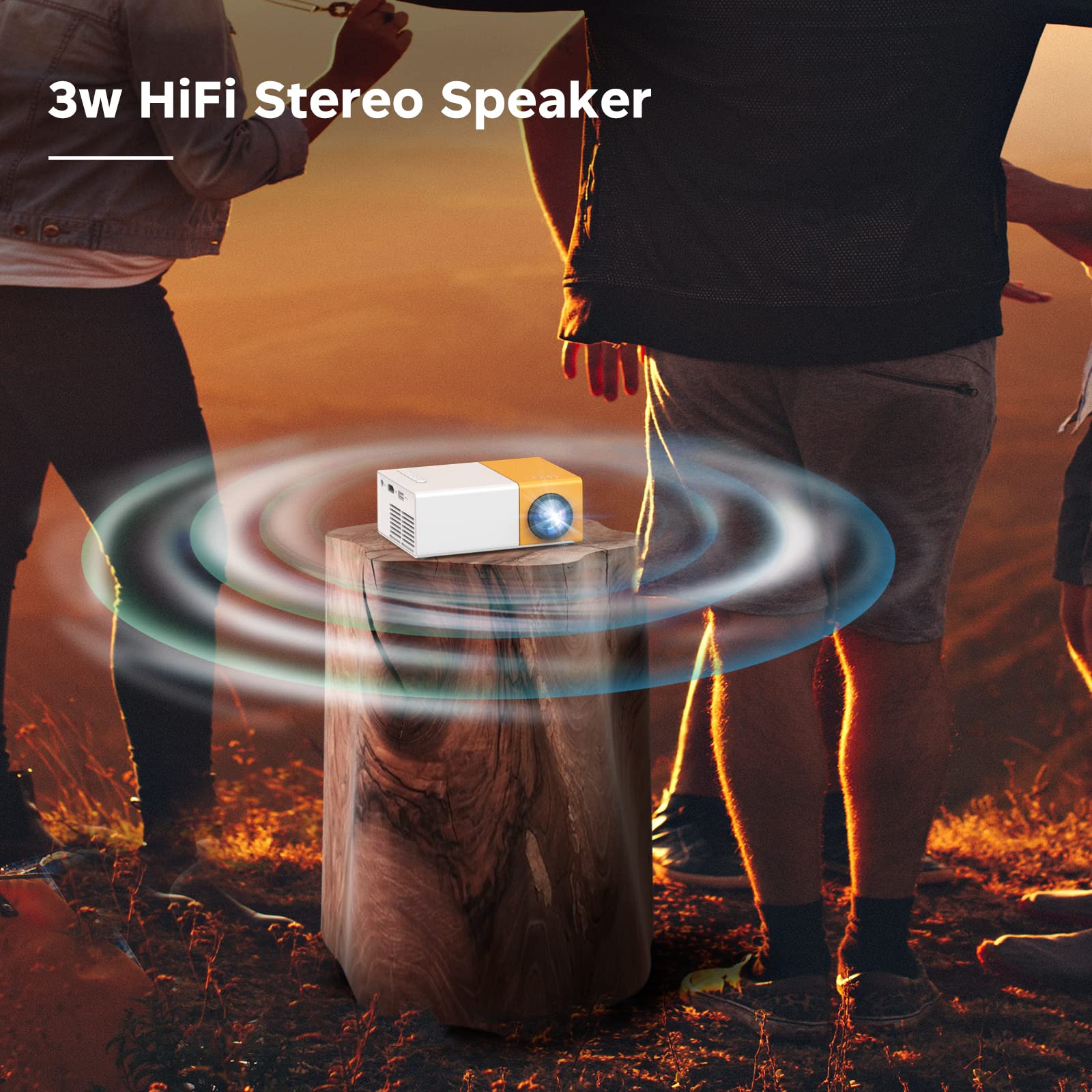
【Built-in Speaker】Built-in 3W HiFi stereo speakers to provide better sound quality, enjoy the perfect sound like in the theater without extra speaker.Advanced cooling system reduces noise interference which makes the sound we need more clear and pure.
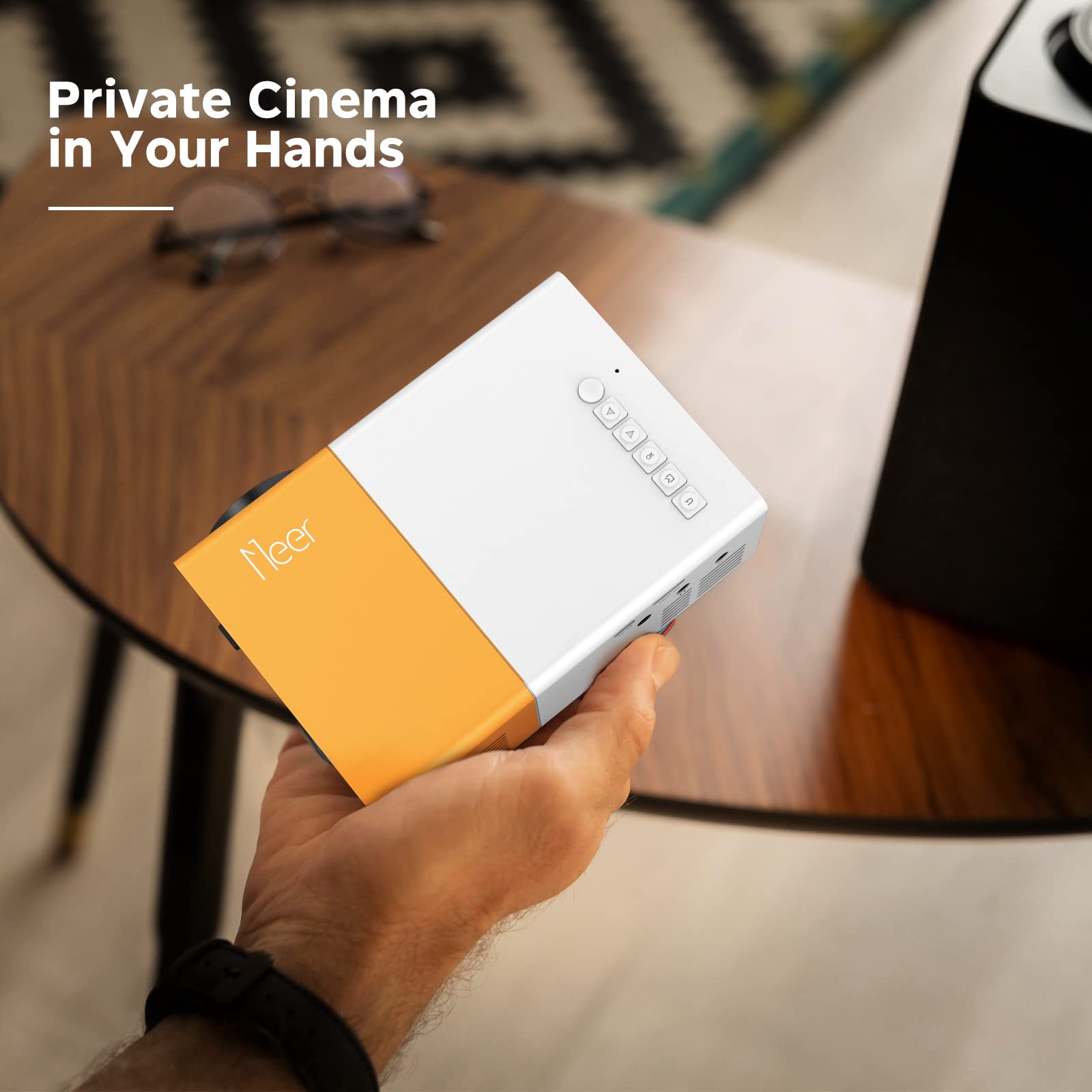
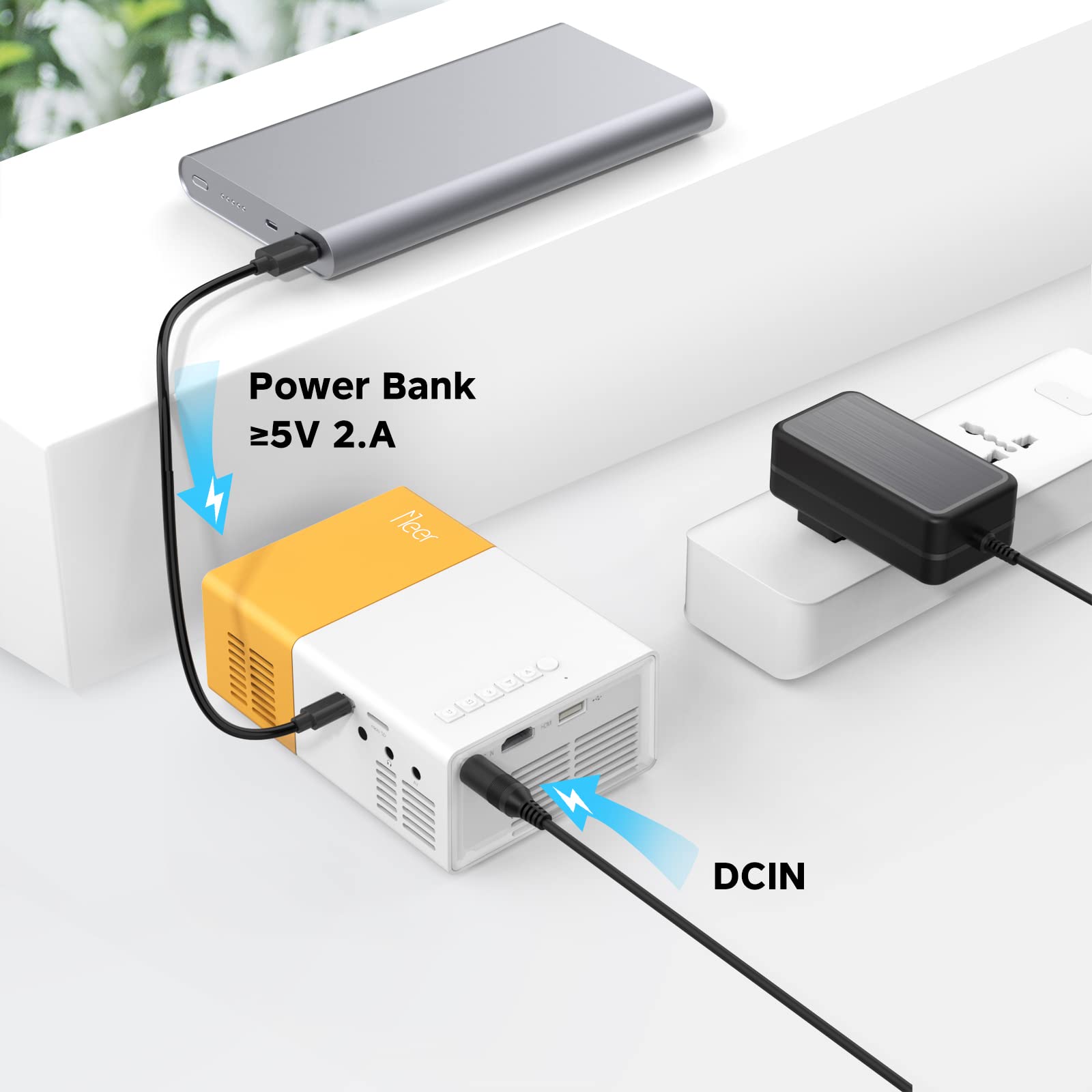
【Mini and Portable】Same size as the old YG300 mini projector,it is just 11.9cmx8.6cmx4.8cm (10 ounces ),we can take it anywhere and anytime cause it is also an excellent outdoor projector,by the way we can also charge the projector with a power bank.
Product Specifications
Item Weight: 10 Ounces
ASIN: B09MW1GZWC
Item model number: YG300Pro-WIFI
Customer Reviews: 3.6 out of 5 stars 11,798Reviews
Hardware Interface: MicroSD, Micro USB 2.0 Type AB, HDMI, 3.5mm Audio, Headphone
Control Method: Remote
Minimum Throw Distance: 1 Meters
Product Information
Product description
YG300 Pro-Your Best Private Home Theater
Screen Synchronization via WiFi
How to Screen Mirror Your iOS Phone to this Projector?
1. Turn on your wifi projector, go to setup page to connect your projector with your home wifi;
2. Select “iOS Cast” from the projector main menu;
3. Connect the iPhone and your projector to the Same Local WiFi Network;
4. Turn on Screen Mirroring on your Phone, select the projector device "YG300-Pro" for pairing;
How to Screen Mirror Your Android Phone to this Projector?
1. Turn on your wifi projector, go to setup page to connect your projector with your home wifi
2. Select “MiraCast” from the projector main menu
3. Connect the Android Phone and your projector to the Same Local WiFi Network;
4. Turn on ‘wireless projection’ on your Phone, select the projector device "YG300-Pro" for pairing
How to Screen DLNA Your iOS Android Phone to this Projector?
1. Turn on your wifi projector, go to setup page to connect your projector with your home wifi
2. Select “DLNA” from the projector main menu
3. Connect your phone and projector to the Same Local WiFi Network
4.Click the TV icon from your video page and select projector name "YG300-Pro" for connecting
Multiple Interfaces Support Multiple Devices
The WiFi function doesn't support protected Apps from smartphones because of copyright, such as Netflix, Amazon Prime Video and Hulu. But you can play these videos via HDMI connection like Fire TV Stick/Roku Streaming Stick+/Google Chromecast.
Due to this movie projector does not support Dolby sound. When you plug in a Fire Stick to watch a movie, if the projector doesn't have any sound, you need to change the settings on the Fire Stick display and sounds, then turn off the Dolby sound. Go to Settings > Display & Sounds > Audio > Dolby Digital Output > Turn Dolby OFF.