









Friendly Solutions Guide
1. Function Troubleshooting
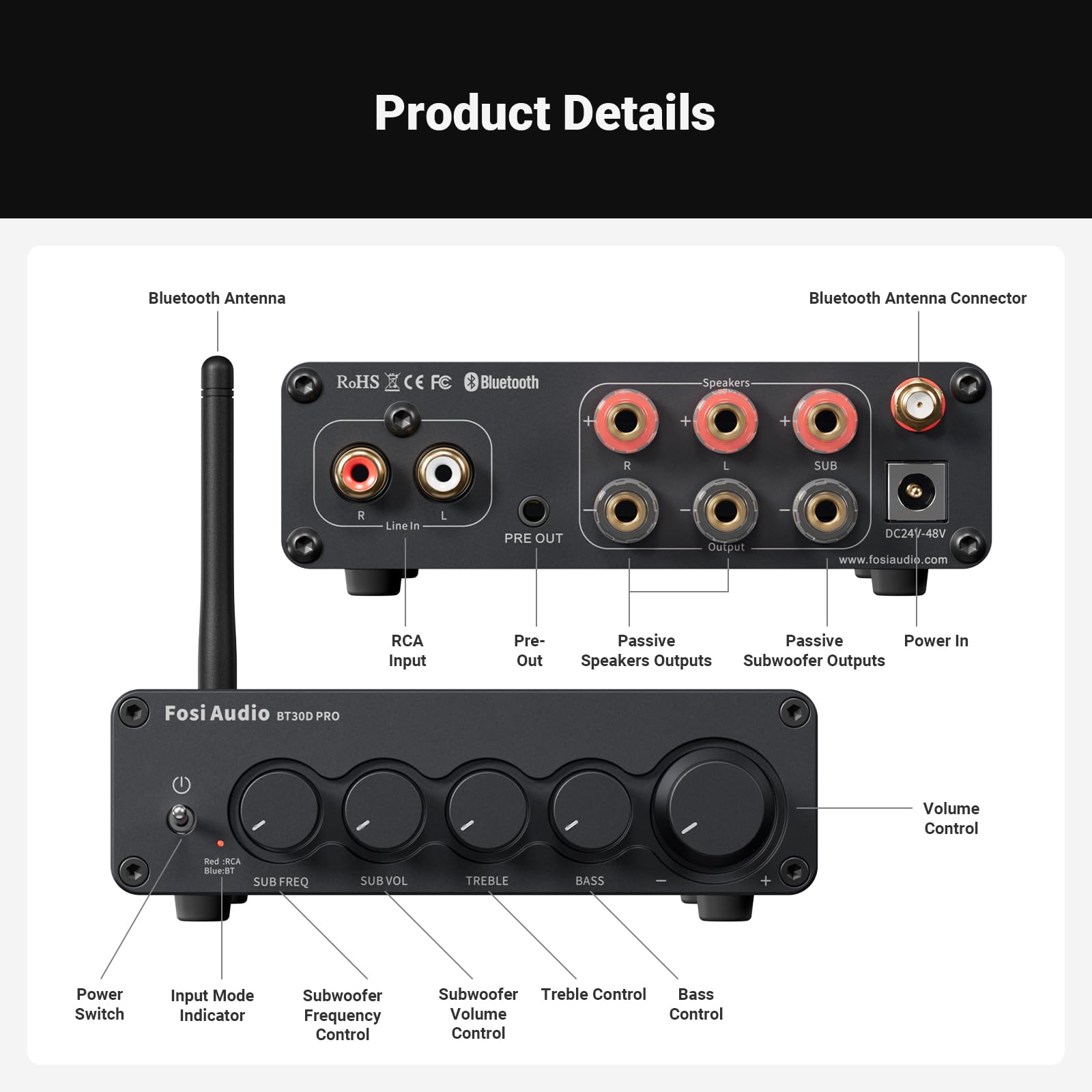
- Ensure all wiring is correct (connect the positive speaker wire to the amplifier’s positive terminal, the negative to the negative terminal, and make sure the speaker wires do not touch each other, as this could cause a short circuit and potentially damage the amplifier).
2. Bluetooth Connectivity
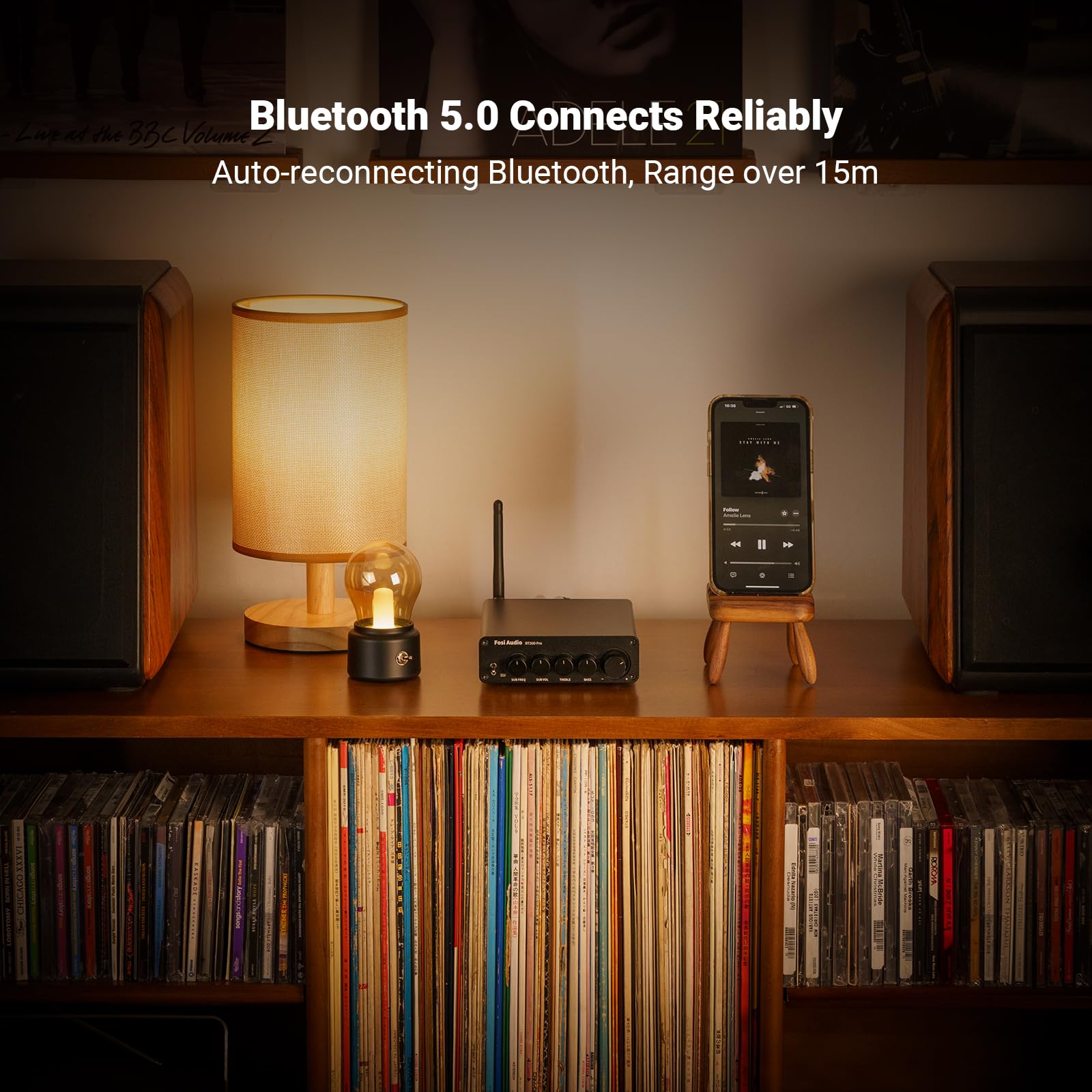
- Make sure all connections are correct. - Ensure that there are no other interference signals or electrical devices located nearby. - Move the amplifier closer to the Bluetooth device to improve signal strength. - Remove and reattach the BT antenna, making sure it is hand-tightened, or replace it with another antenna to test. - Remove all Bluetooth pairings from all devices and move around the room to test for connectivity. - Try using another Bluetooth device to play music. - The device does not have a Bluetooth reconnection function. To reconnect, can click on the Bluetooth device name in the paired device list.
3. Audio Sound Quality:
- Audio Quality: Different audio source qualities affect the sound quality. It is recommended to use high-quality, lossless audio files, such as FLAC, WAV and other formats, to obtain a better sound quality experience. - BT30D PRO supports impedance of 2-8Ω. Speaker impedance that is too low or too high will cause unstable amplifier output and affect the sound quality performance. - Please replace with a high-quality RCA cable with good shielding to prevent noise.
4. Compatibility:
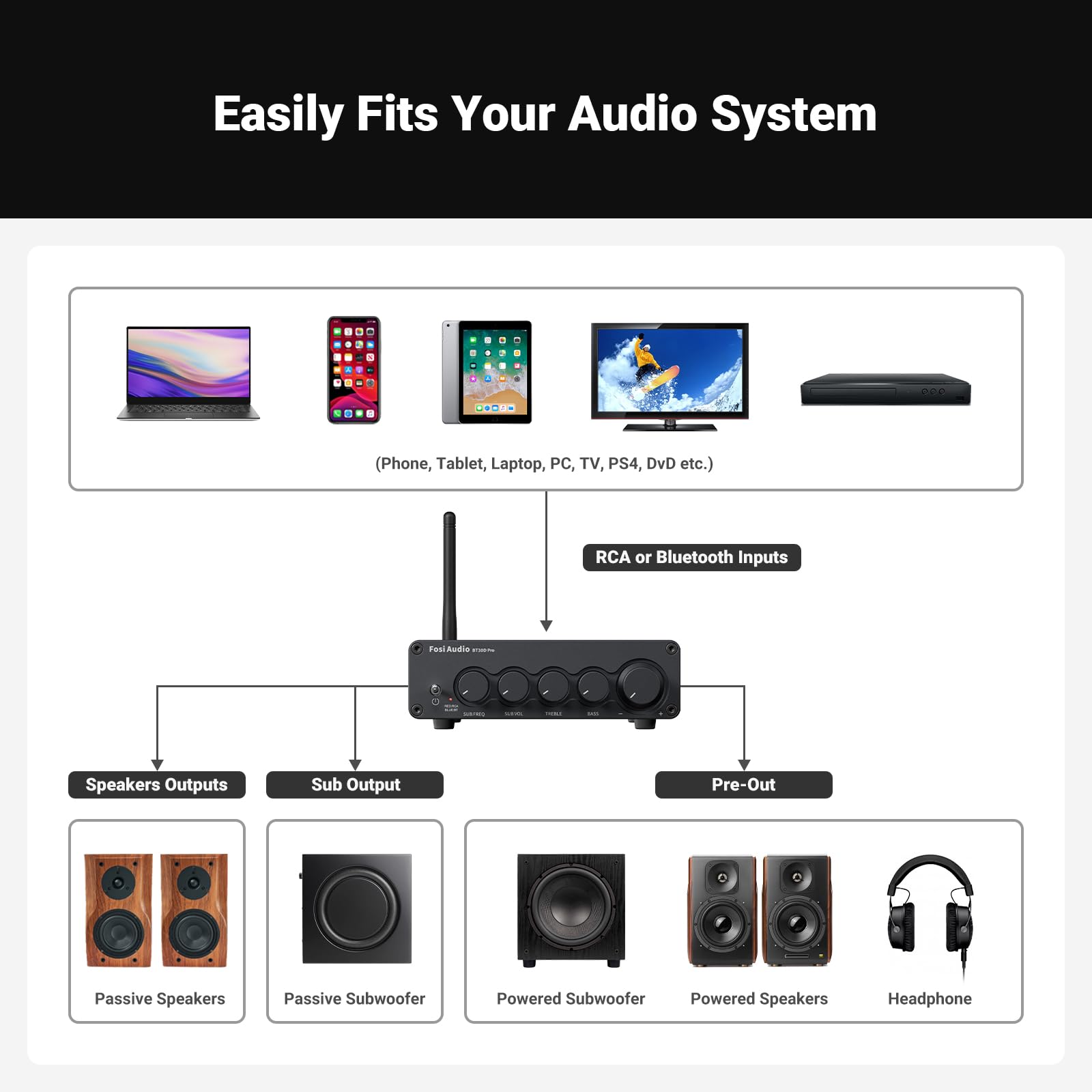
- Note: The active subwoofer must be connected to the “Pre-Out” port, and only the master volume control knob can adjust its volume; passive subwoofer must be connected to the“Sub Output”port and can be adjusted via the bass and volume knobs.
- Suggest Compatible Device: Speakers: KOSS M85, Energy RC-10, PSB Alpha P3, Monitor XT70 (pair), Taga Harmony TAV-807S (bookshelf speakers), Polk Atrium5, Polk Atrium4, Klipsch 600M, Mission M52. Subwoofers: Monoprice 10" in-wall subwoofer, Polk HTS 10".