









Critical Notes:
Due to the inherent properties of hard drives, and in order to protect your data, please strictly follow these guidelines:
- 1. Back up any important data promptly.
- 2. Always perform a safe “eject” operation each time before unplugging the drive.
- 3. Never unplug the drive during data transfers, and avoid any sudden power loss.
About SSD Compatibility:
- 1. Only supports iPhone 15/iPhone 16/iPhone 17 or newer models with a USB-C port.
- 2. Cannot work with iPhone 14 or earlier models with a Lightning port.
- 3. SSD usually ships in exFAT format for universal compatibility with most iPhone, Android, Windows PC, and Mac systems.
- 4. Some batches may use the NTFS format and they can be reformatted to exFAT or other file formats as well. Please note that reformatting will erase all data on the drive, so be sure to back up your data first.
- 5. To work on iphone, Android, Windows and Mac, it is suggested to format the drive as exFAT for greater compatibility across most common devices.
How to use with iphone:
- 1. Open the "Files" app on your iphone, and click "Browse"
- 2. Connect the drive to your iphone/macbook/ipad through the USB-C cable, and you will see a new drive folder in the "Files" app.
- 3. Due to iOS limitations, certain files cannot be directly opened on iPhones or iPads. Our product is merely a hard drive for file storage, Files that can't be opened on your device cannot be opened by any hard drive either. You need software compatible with the file format.
How to use with Android:
- 1. Android devices like Samsung must support and turn on OTG (On-The-Go) functionality to recognize and access external drives or devices.
- The method for enabling OTG varies by manufacturer; please refer to your phone's manual for specific guidance.
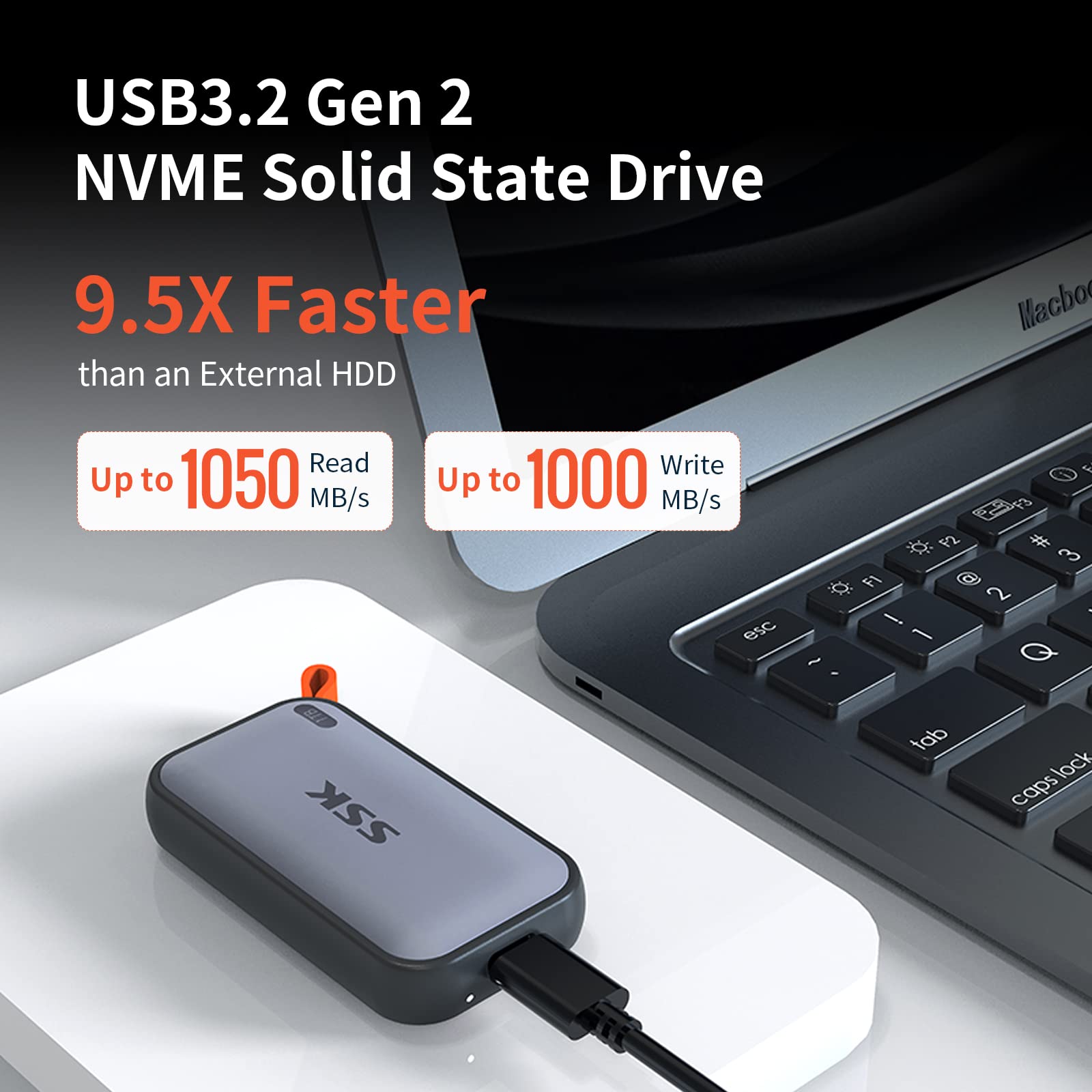
- Our drive follows USB 3.2 Gen2 10Gbps protocol. For better transfer speed, please connect the drive to a compatible port. If connected to a USB 2.0 port, transfer speeds will be limited to 40–50 MB/s due to the inherent limitations of the older USB 2.0 standard.
- The 1000MB/s speed, tested via CrystalDiskMark, represents the drive's peak capability. Actual file transfer speeds are subject to various factors, including the USB specification of your computer or phone port, the USB standard of any adapters used, the size and number of files being transferred, and the current state of the drive.
SSK Direct always stands behind every product purchased from our store, please let us know if you need any assistance when using our products.