






Q: What to do if I can't connect to my device via Bluetooth?
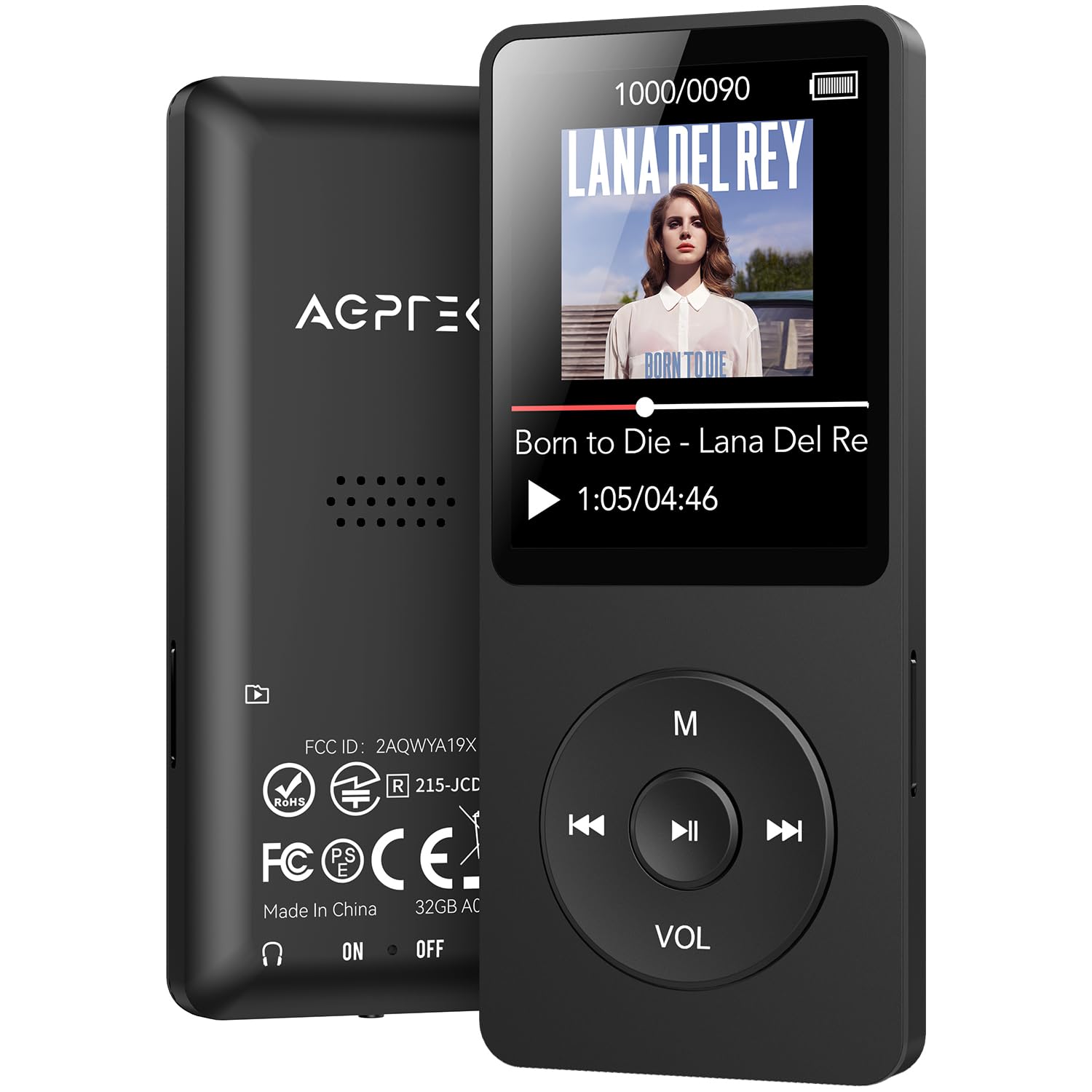
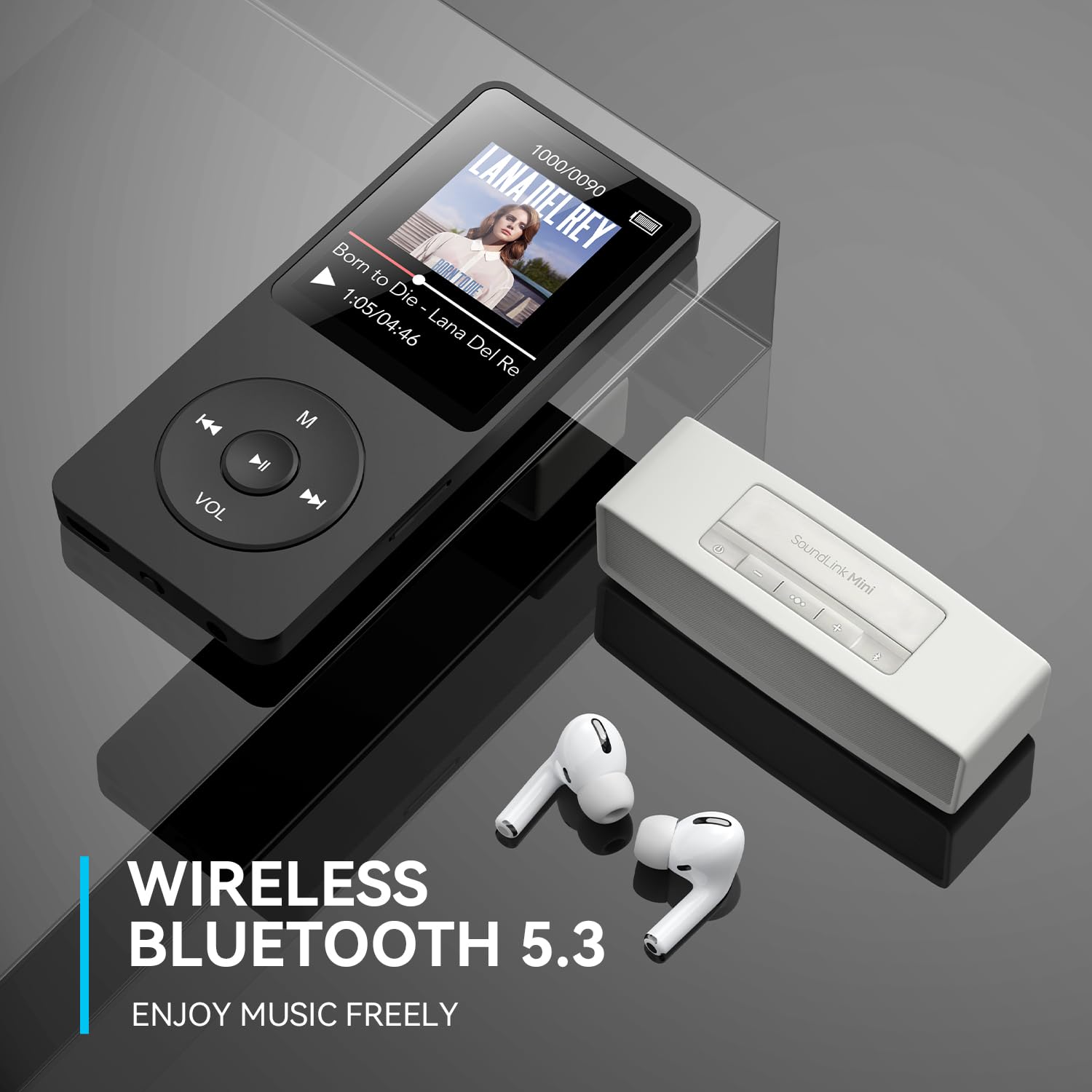
1. Please note that it does not support Bluetooth connection to mobile phones, tablets, laptops, or cars (a 3.5mm audio cable is recommended for car audio); Only Bluetooth headphones and speakers are supported.
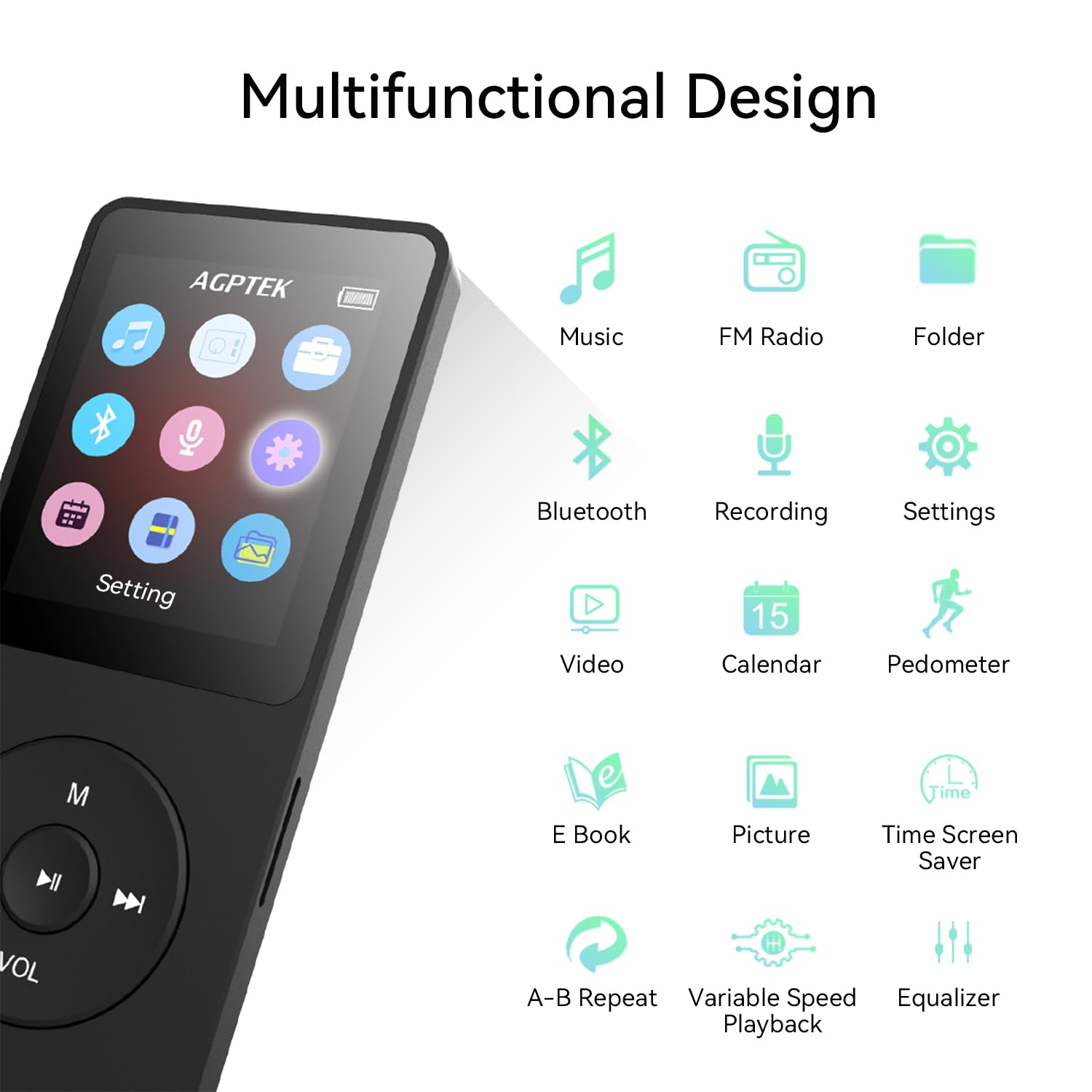
2. Please turn on the MP3 Bluetooth function first and then turn on the Bluetooth headphones or speakers to search for pairing.
3. Please check if your Bluetooth headphones or speakers are in pairing mode. If yes, please disconnect and turn off other Bluetooth devices first to avoid interference, then use MP3 to connect.
4. Please check whether the MP3 has been connected to more than one device before. If yes, please delete all of them and then reconnect them.
5. Please check if the Bluetooth version of the Bluetooth headphones or speakers is 2.1 or above.
6. If you still can't find your Bluetooth device, it may be due to incompatibility. You can inform us of your Bluetooth device through Amazon.
Q: What to do if the Bluetooth frequently disconnects?
1. Please make sure that the direct distance between the MP3 player and the Bluetooth device is within 8-10m, or the back is within 4-5m away from the obstacles, or it will lead to disconnection.
2. Please check the environment where the MP3 player is used, if near other 2.4G signal sources or obstacles, such as indoor through the wall, signal base station, router, high speed rail, subway, etc., it will be interfered by the signal and lead to disconnection, you can try it in the open place.