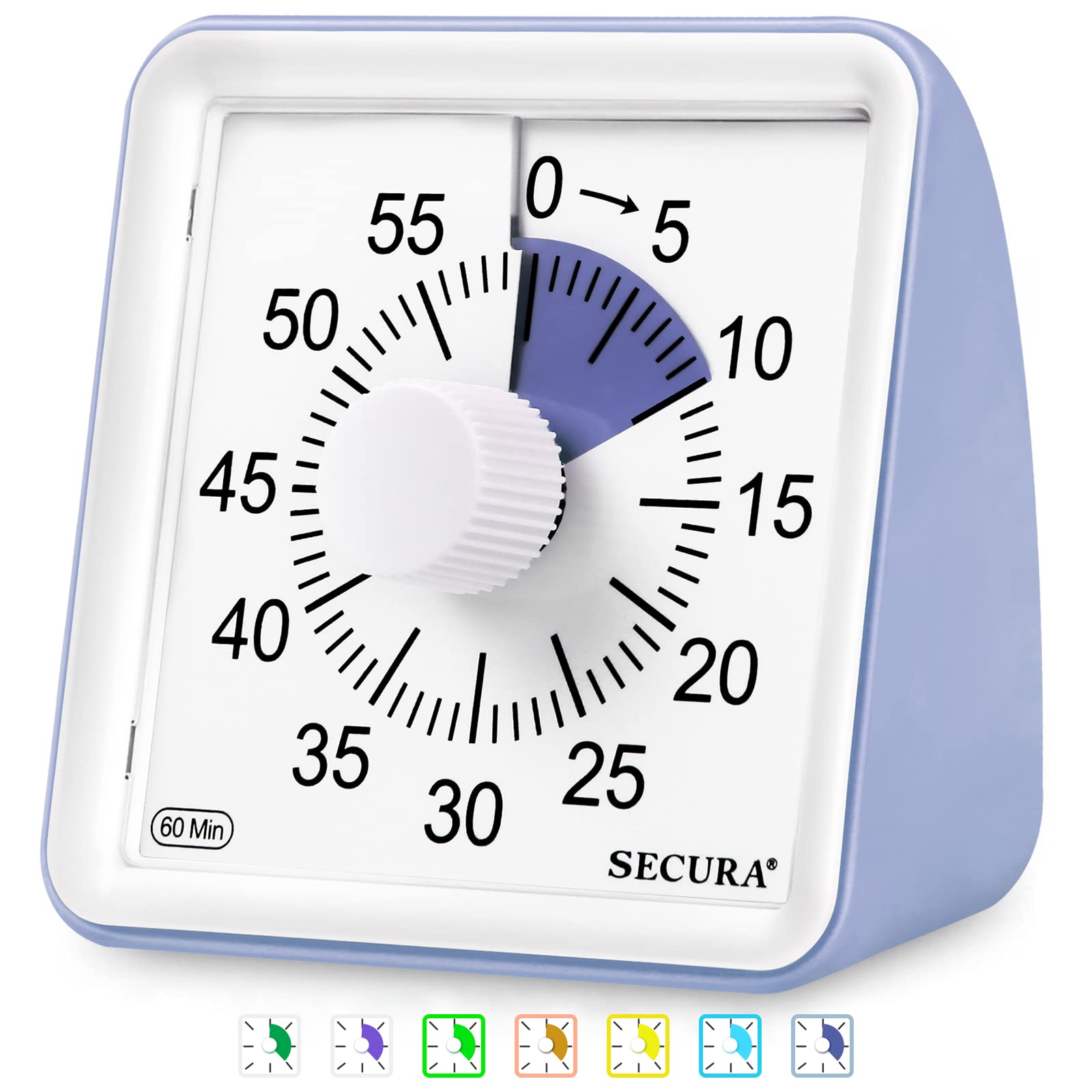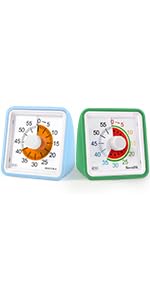









🕑 Time Management -- What can you get done in 60 minutes? Improve time management, perform tasks effectively, complete your work, and encourage productive learning with the Secura 60-minute visual classroom timer.
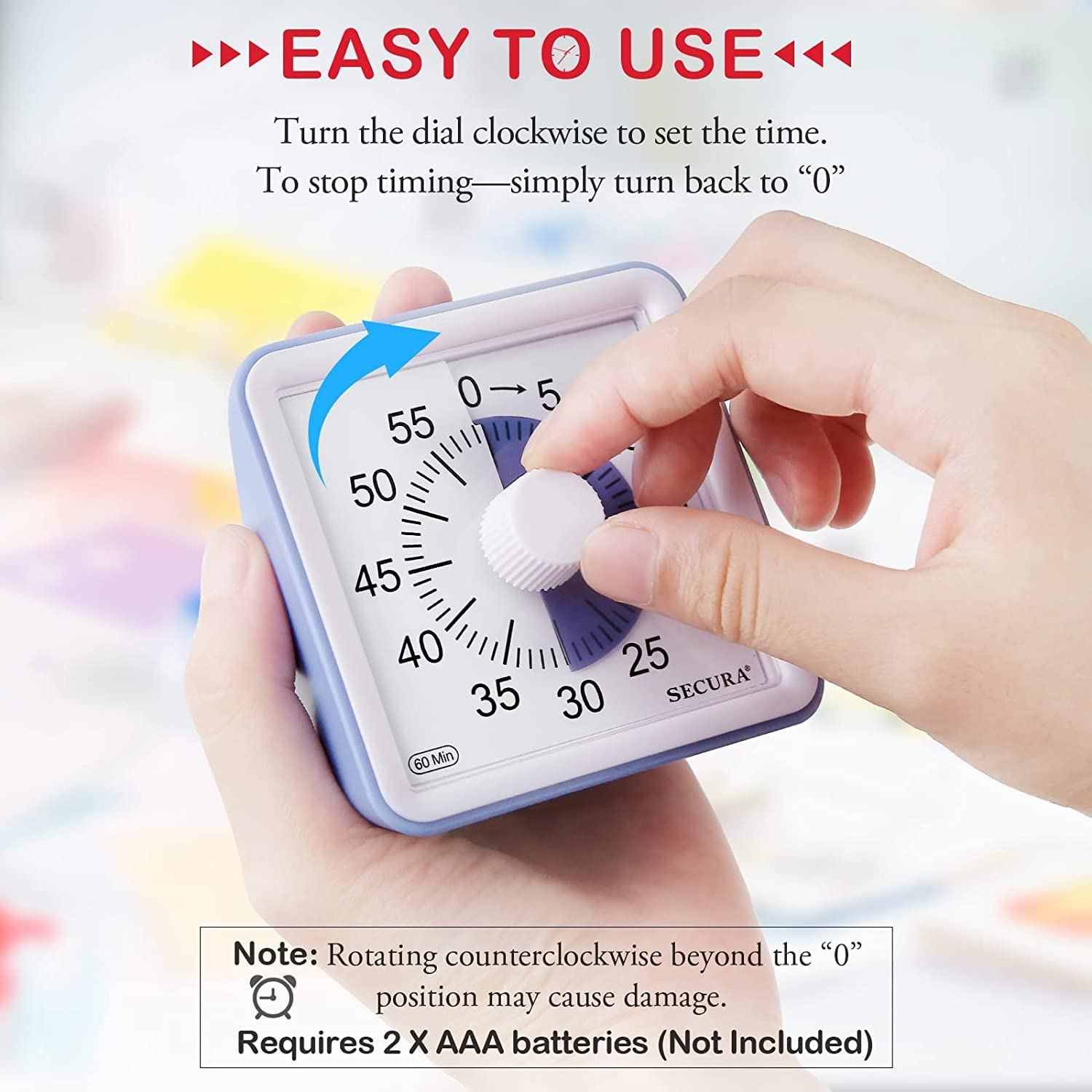
🕑 Easy to Use -- Turn the dial clockwise to adjust the time. To turn the timer off—simply turn back to zero. To turn off the ringer, please turn clockwise to "5" and then quickly back to "0". Requires 2 "AAA" batteries (Not Included).
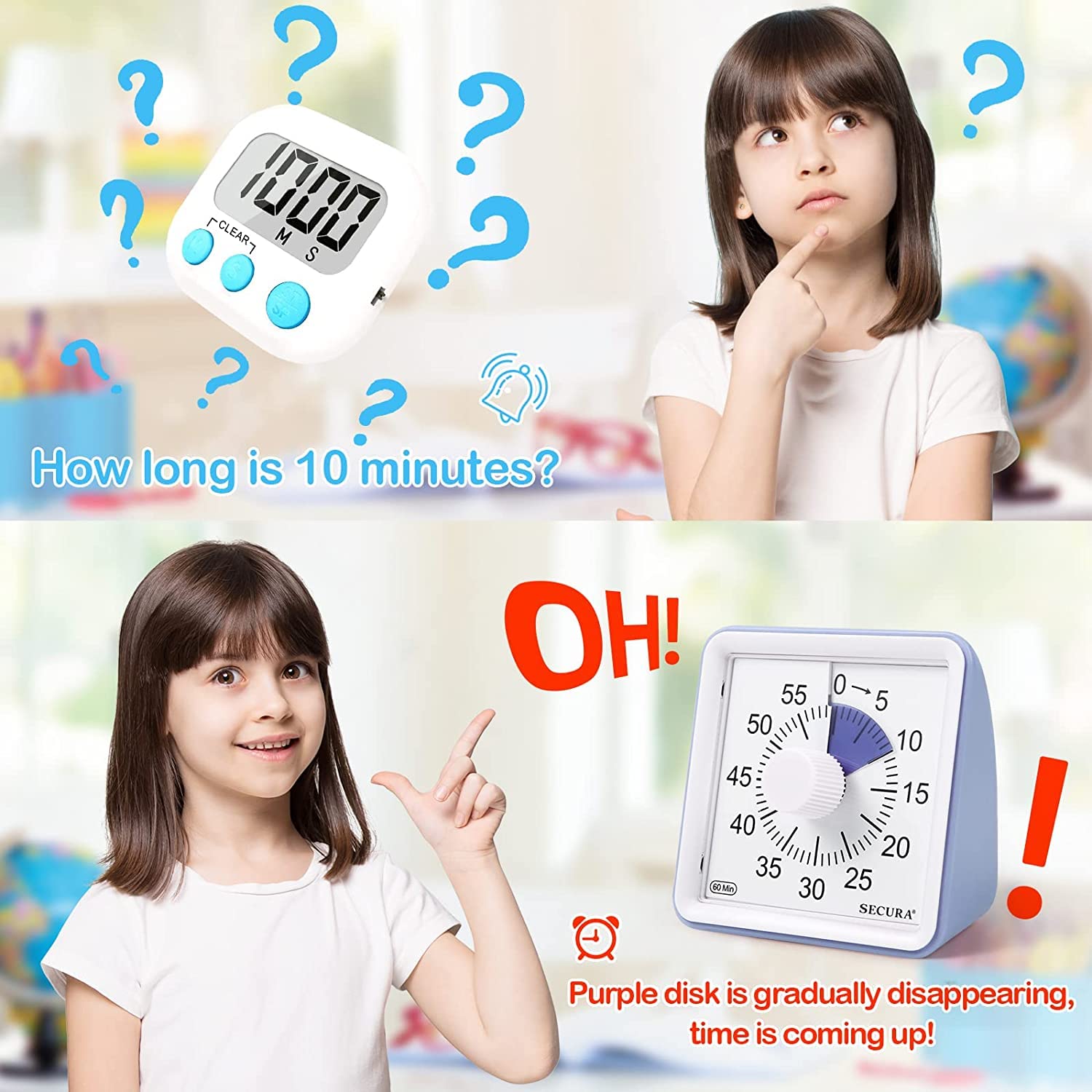
🕑 Kid friendly -- There is no loud ticking sound like a mechanical timer, just the sound of gears turning. Secura visual timer features a purple disc making it easy for children to understand the passage of time visually. Set the tone to loud(about 70dB) or low(about 50dB), and the alarm time to 3 or 60 seconds.
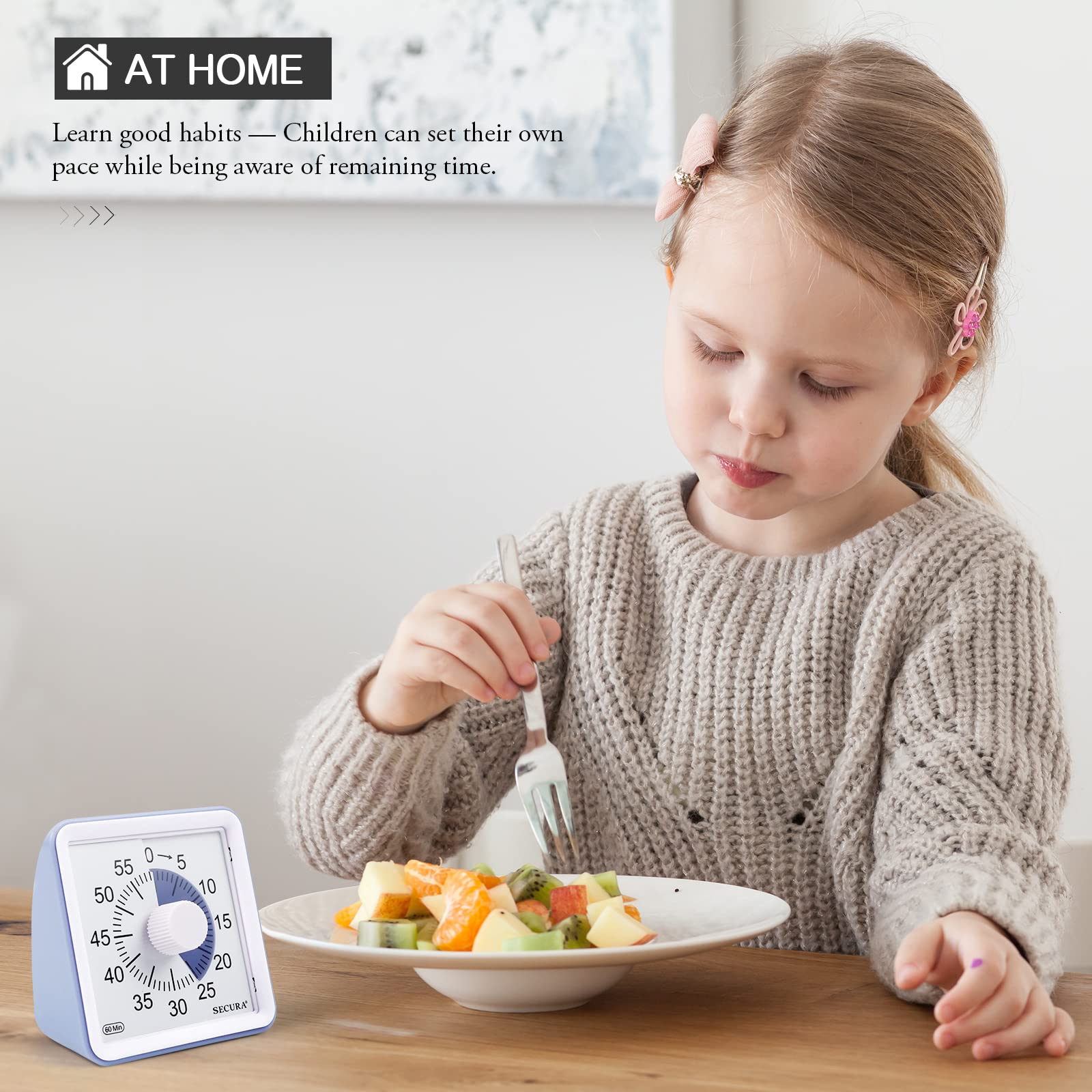
🕑 Applications -- Great for classroom, home, and office settings. Makes an excellent classroom timer, countdown timer, study timer, toddler timer, kids timer, silent timer, kitchen timer, timer clock, time tracker, and more!
🕑 Two-year Guarantee -- We provide a two-year warranty. If you have any questions about our products, please feel free to contact us and we will try our best to address them.
Product Specifications
Product Dimensions: 1.8 x 3.1 x 3.1 inches
Item Weight: 3.84 ounces
ASIN: B0895HTGNZ
Item model number: TM021
Customer Reviews: 4.5 out of 5 stars 2,380Reviews
Best Sellers Rank: #3,384 in Kitchen & Dining (See Top 100 in Kitchen & Dining) #23 in Timers
Date First Available: July 25, 2022
Screen Size: 6.9 Centimeters
Manufacturer: Secura
Product Information
Product description
Secura 60-Minute Visual Timer
A visual clock that visually displays time passing can help you easily transition from one activity to another, overcome inefficiencies and procrastination, and develop a good sense of time.
One of the biggest advantages of the Secura 60-Minute Visual Timer is that it helps your child understand time (e.g. seconds, minutes, hours, remaining time, etc.), understand the passage of time, easily manage daily tasks, break big challenges into small tasks, and solve timeout issue.
Features:
Easy operation.
No distracting ticking.
Loud or low Tone.
3 or 60 seconds alarm time.
Purple disk disappears as time elapses.
Adjustable Ring Duration & Volume
There are two buttons on the back. You can set the ringing time to 3 seconds or 60 seconds, and the volume can be set to low or loud. Meet your needs on different occasions.
How to stop the beep?
When the time is up, the timer will beep for 3 or 60 seconds. If you want to interrupt the beep, turn the control knob clockwise to "5" position and then quickly turn it back to “0”.
School
Class testing time management, managing class transitions and empower students to manage their own time.
Study Time
Visual timer helps students of all ages and abilities to develop a sense of time and complete homework and exercises on their own.
Game Time
Stopping the game may be like the end of the world for your child! Tell him the time in advance and set your visual timer. During the game, he will enjoy the game time, and once the time is up, he will stop the game.
Work
At your desk or on the conference room, visual timer increases productivity by creating a sense of urgency and keeping everyone on track.
Exercise
It is very important to control the time accurately when you are doing exercise. You need a timer to remind you how long you exercise every day. You can keep track of time easily anywhere. When the bell rings, the exercise time is over.
Kitchen
Used in the kitchen to control accurate cooking time, never worry about forgetting the food being cooked because of other housework or children, cook delicious food for your family.