







Global Trade Identification Number: 08809115905352
Manufacturer: OSANG LLC
Package Dimensions: 7.17 x 4.41 x 2.17 inches
Item Weight: 8.1 ounces
Department: Unisex-Adult
ASIN: B09YWNXCV7
Customer Reviews: 4.3 out of 5 stars 502Reviews
Date First Available: July 19, 2022
Product Information
Product description
OKRA Pro : All-In-One Glucose Monitoring Kit
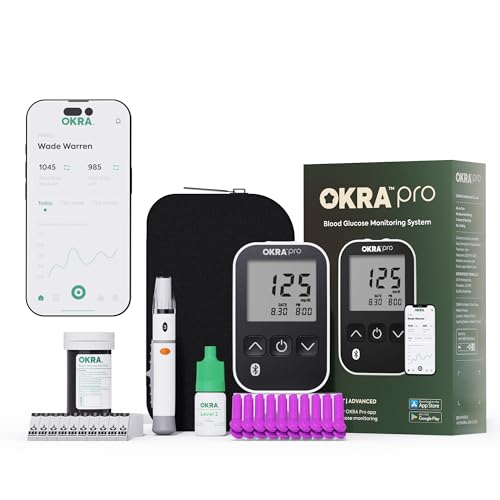
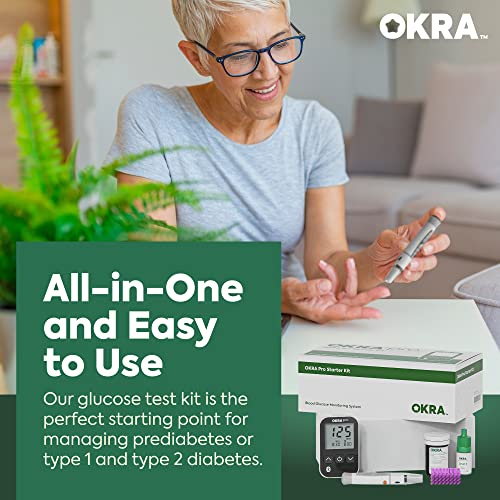
With the Okra Pro Starter Kit, you can check your blood sugar level in less than a minute. Share the results with your primary doctor by syncing the meter with the 'OKRA Pro' app.
What is in the starter kit?
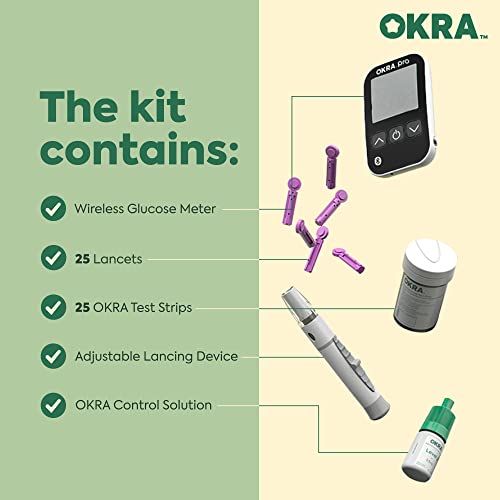
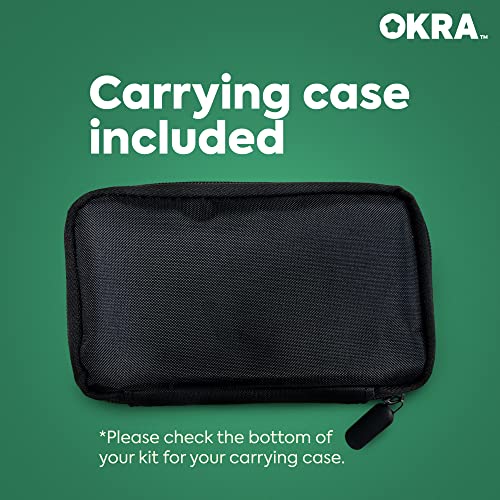
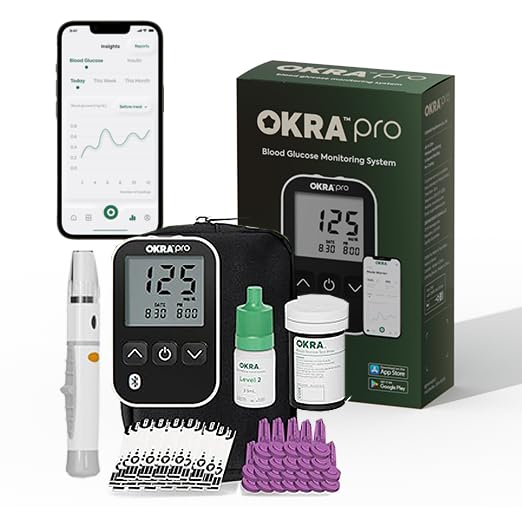
The OKRA Pro starter kit includes a meter, 25 test strips, 25 lancets, a depth-adjustable lancing device, control solution, and a portable case.
Out of test strips?
If you already have the starter kit, get the refill kit. The refill kits includes 100 test strips and lancets.
Track your blood sugar levels
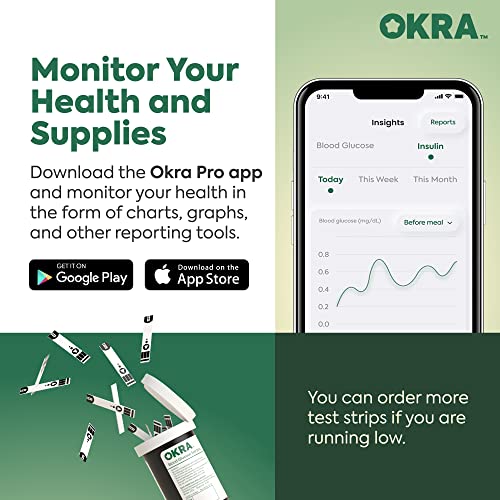
Search for the 'OKRA PRO' app and install it on your smartphone so that you can track your previous testing results and receive useful notifications.
Why Okra Pro?
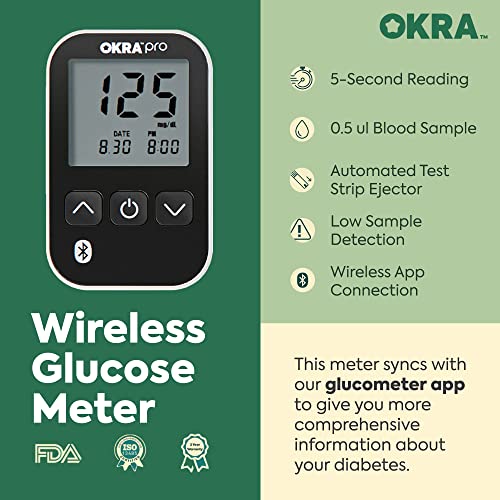
- 5 second instant readings
- Auto-eject function
- ISO-15197:2013 qualified for accuracy
- Adjustable lancing device with 6 different depth settings
Select from Our Starter Kit, Refill Kit, or Bundle Based on Your Specific Needs
meter, 25 test strips, 25 lancets, lancing device, control solution, and case.
What's in the box
100 test strips, 100 lancets.
What's in the box
starter kit + refill kit
For how many tests?
25 tests.
For how many tests?
100 tests.
For how many tests?
125 tests.
Transffering the data in the meter to the OKRA Pro app for logging
The meter can transfer data to the OKRA Pro app via Bluetooth.
Please search "OKRA Pro app" in App store or Google Play.
Unfortunately, we are not allowed to put a link here for the app.
Please follow the steps below for pairing.
Q1. How do I pair my device to OKRA Pro App?
Press the left button until 'bt' shows. Open the app, click 'Add New Test' and 'Connect'. In the device list, select 'OKRA pro' to pair. When paired, 'p' on the meter changes to 'c', and the app shows it's connected.
Q2. Will new test data transfer automatically to the app after pairing the meter?
Pairing is required every time you want to send data from the meter to the app. Even after they are connected, new data will not be stored in the app automatically.
Q3. What do I do if the recommended paring steps are not working?
Restart your phone
Reset network: Go to Settings > System > Reset options > Reset Wi-Fi, mobile & Bluetooth
Clear Bluetooth data: Settings > Apps > See all > Show system > Bluetooth. Force stop & clear data
If it still doesn’t work, reinstall the app
Q4. What is the supported operating system for the OKRA Pro App?
Android OS (5.0 and up)
iOS (12.4 and up)
as of September 2024
Q5. I followed the steps, but the data isn’t transferring to the app. What should I do?
Please get in touch via the email or phone number listed in the package with your device info (e.g., iPhone 14 Pro, iOS 17.6.1). We'll report the issue to our developer and send you a new meter in case the Bluetooth issue is with the device.