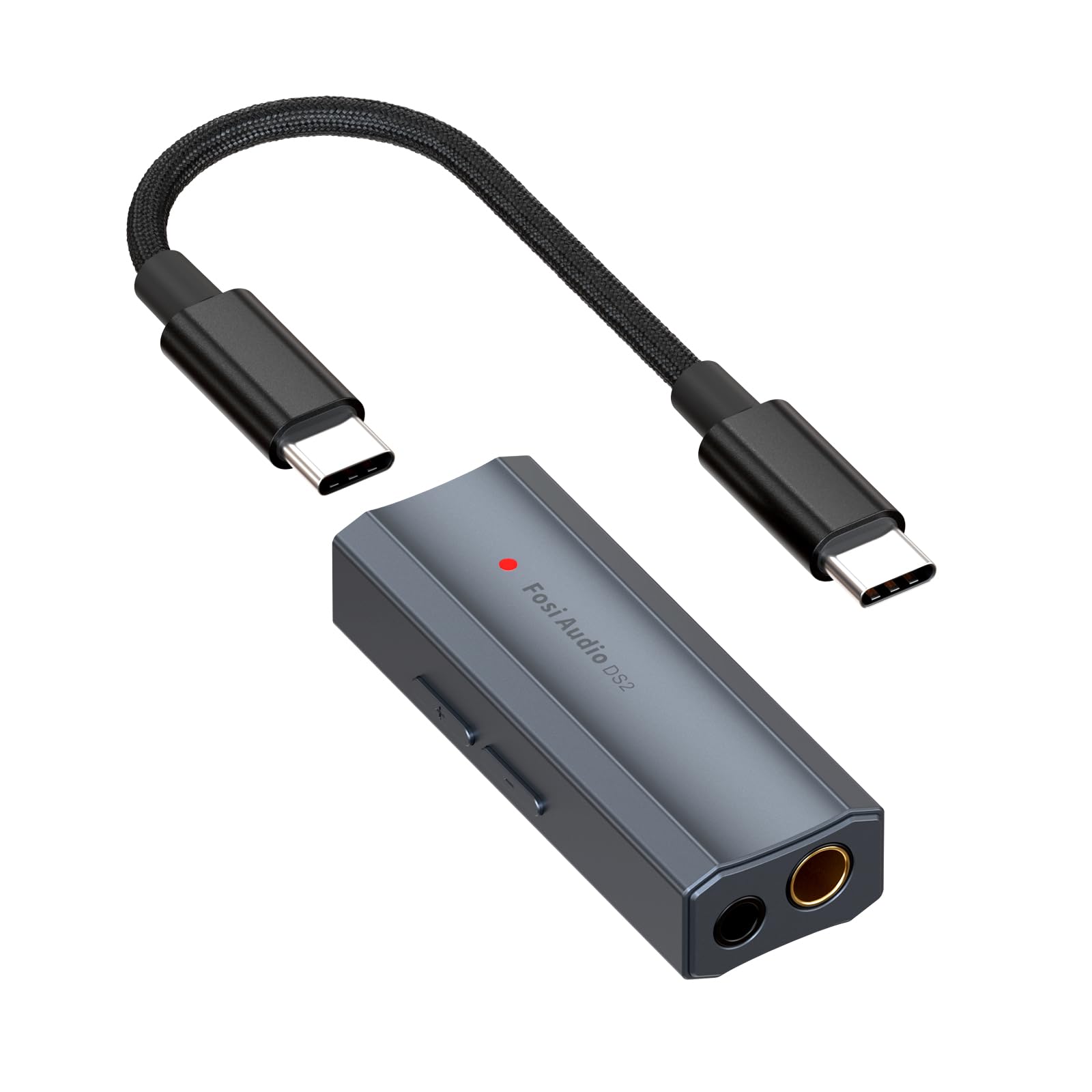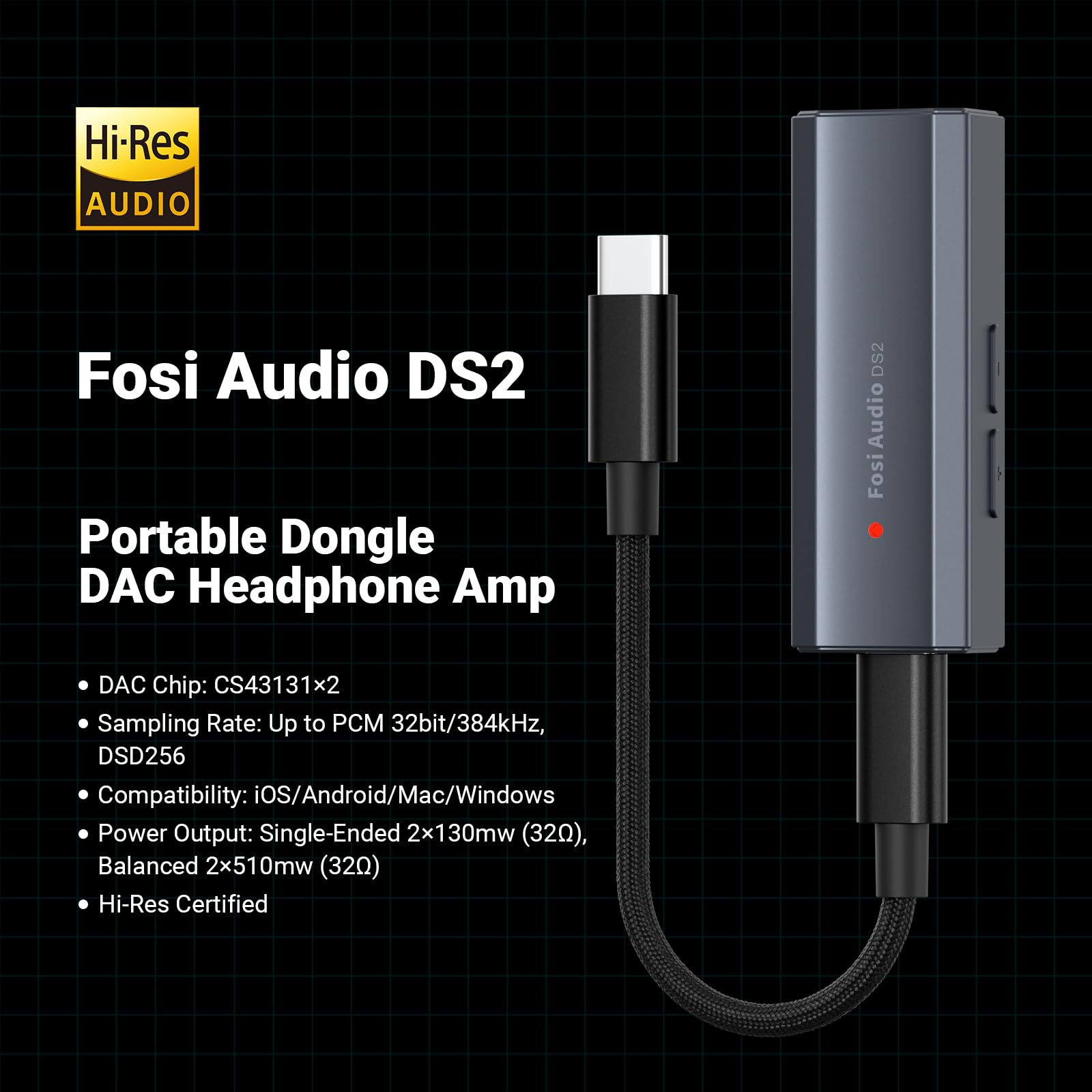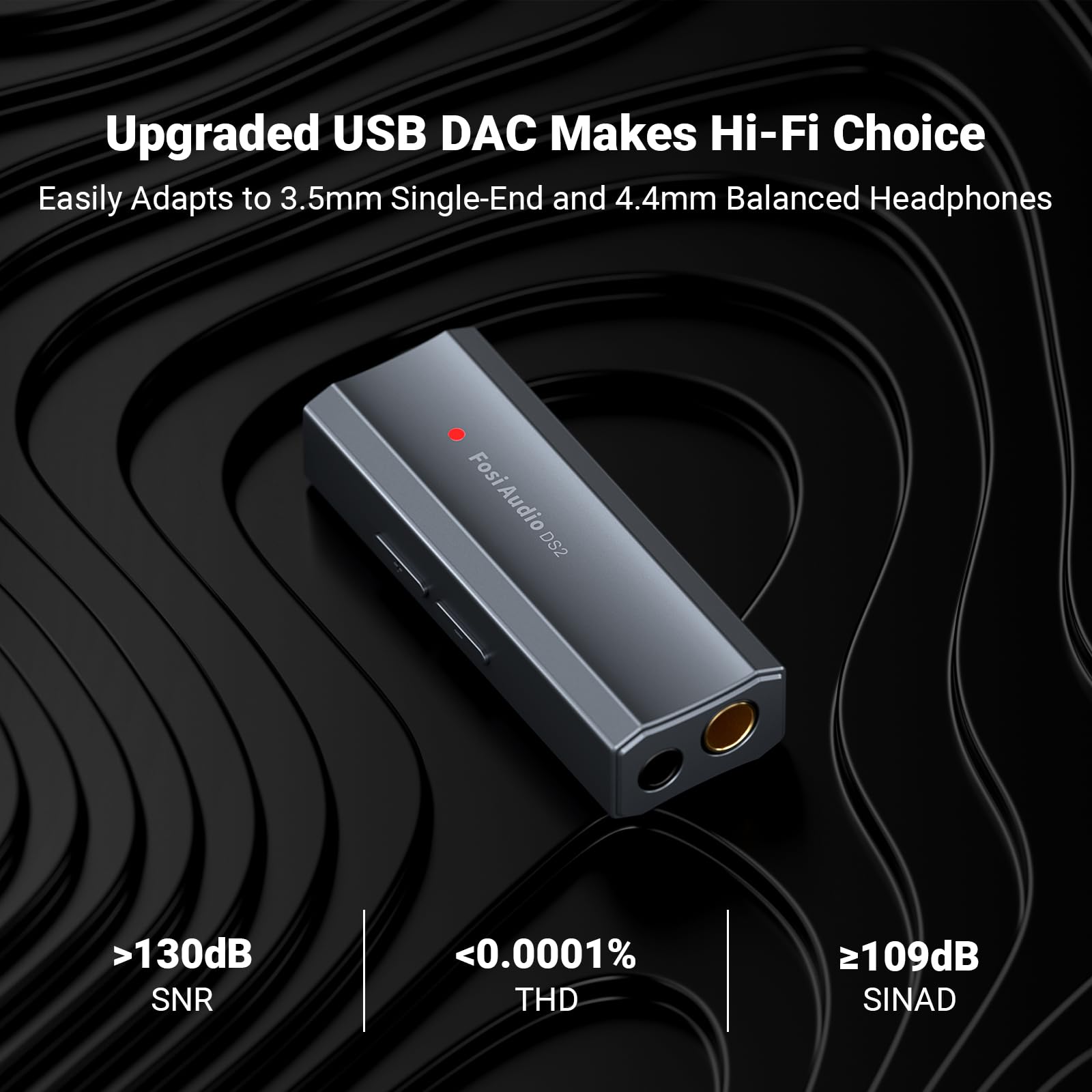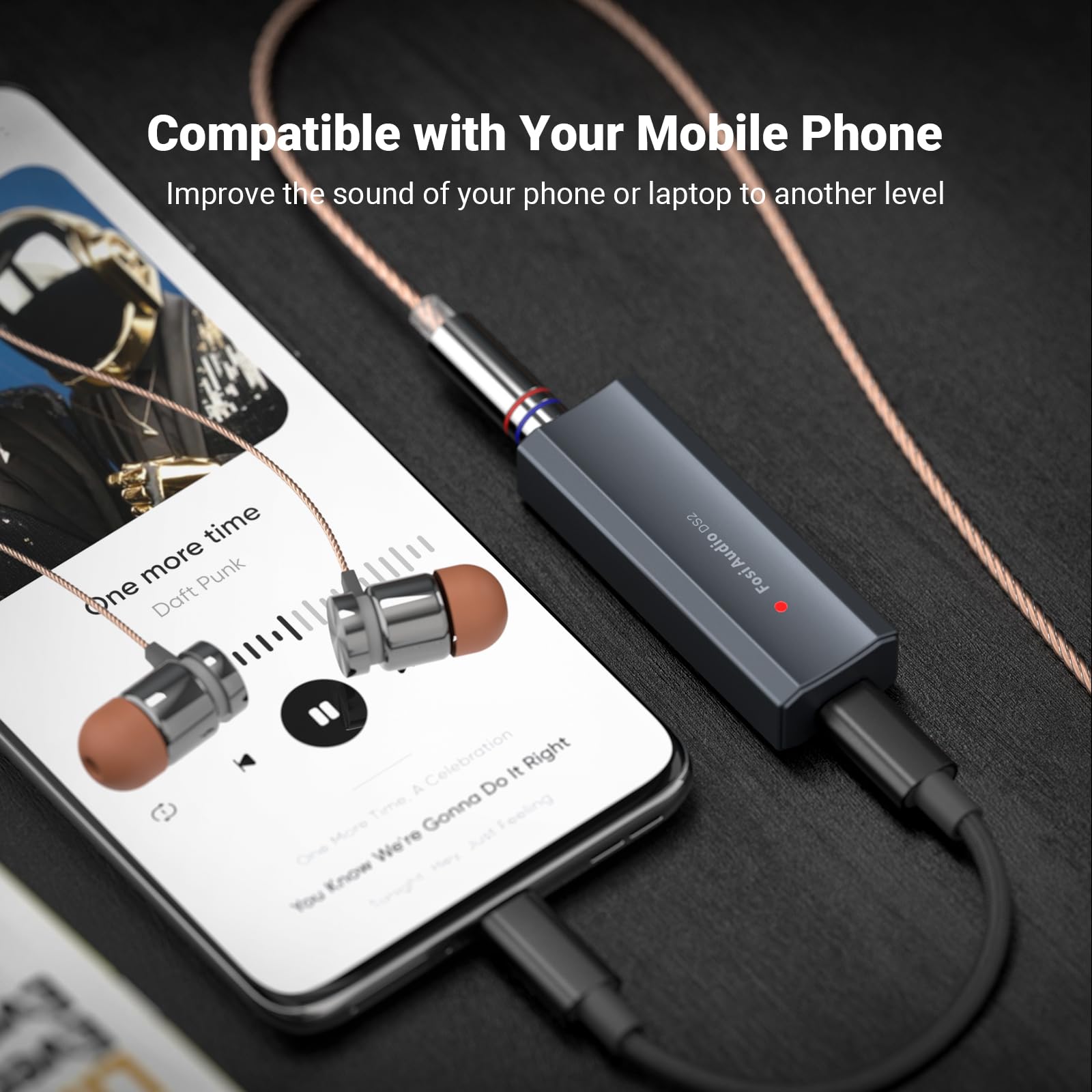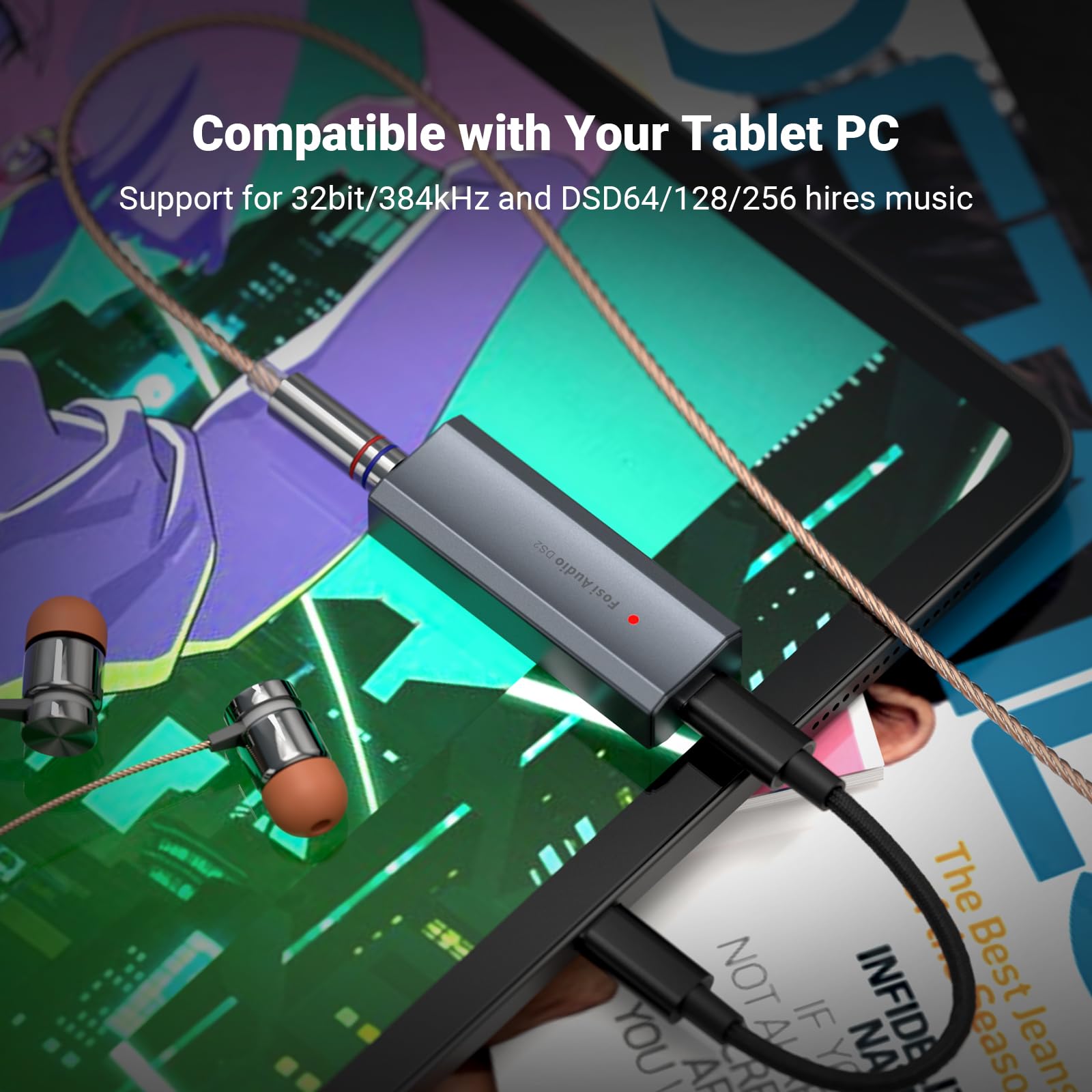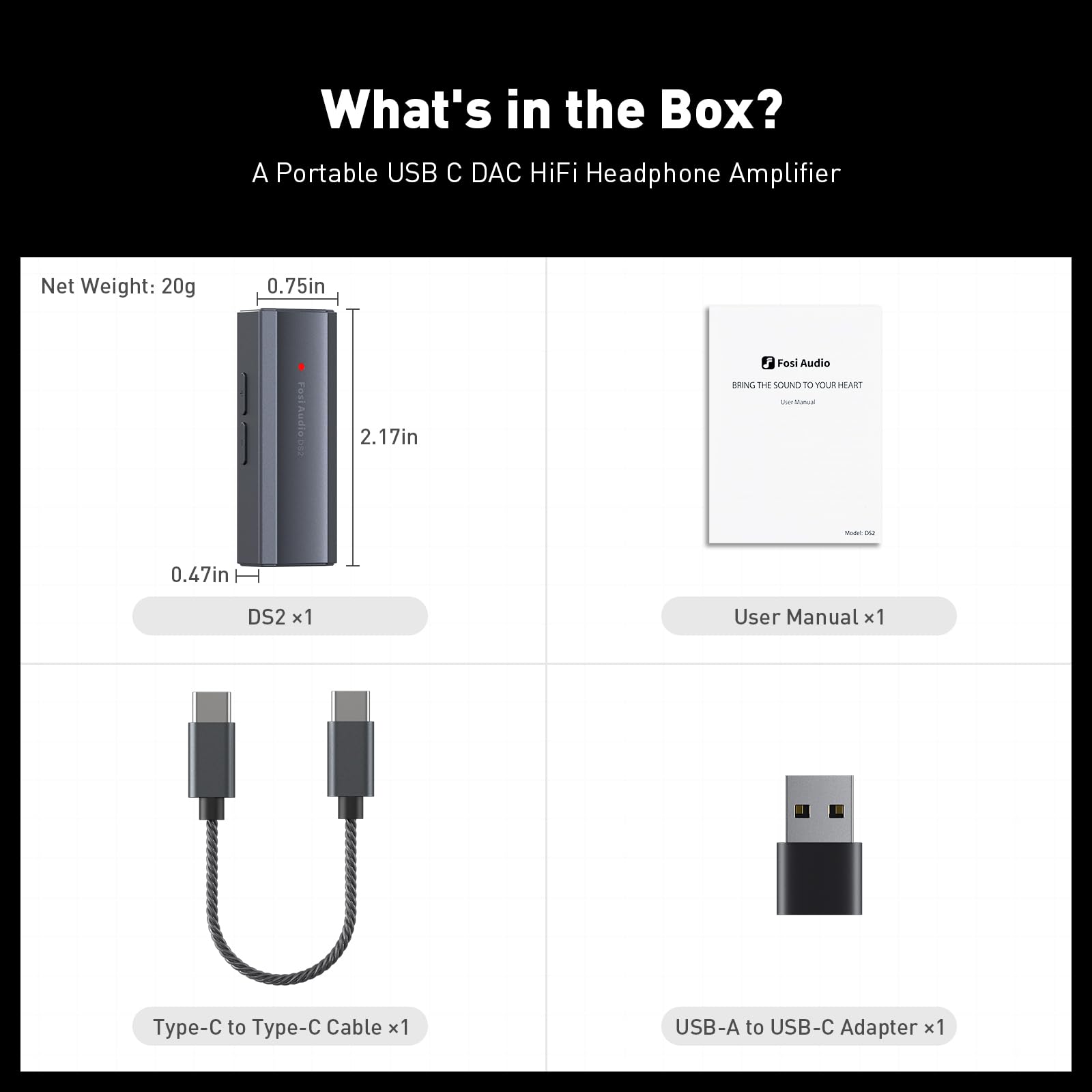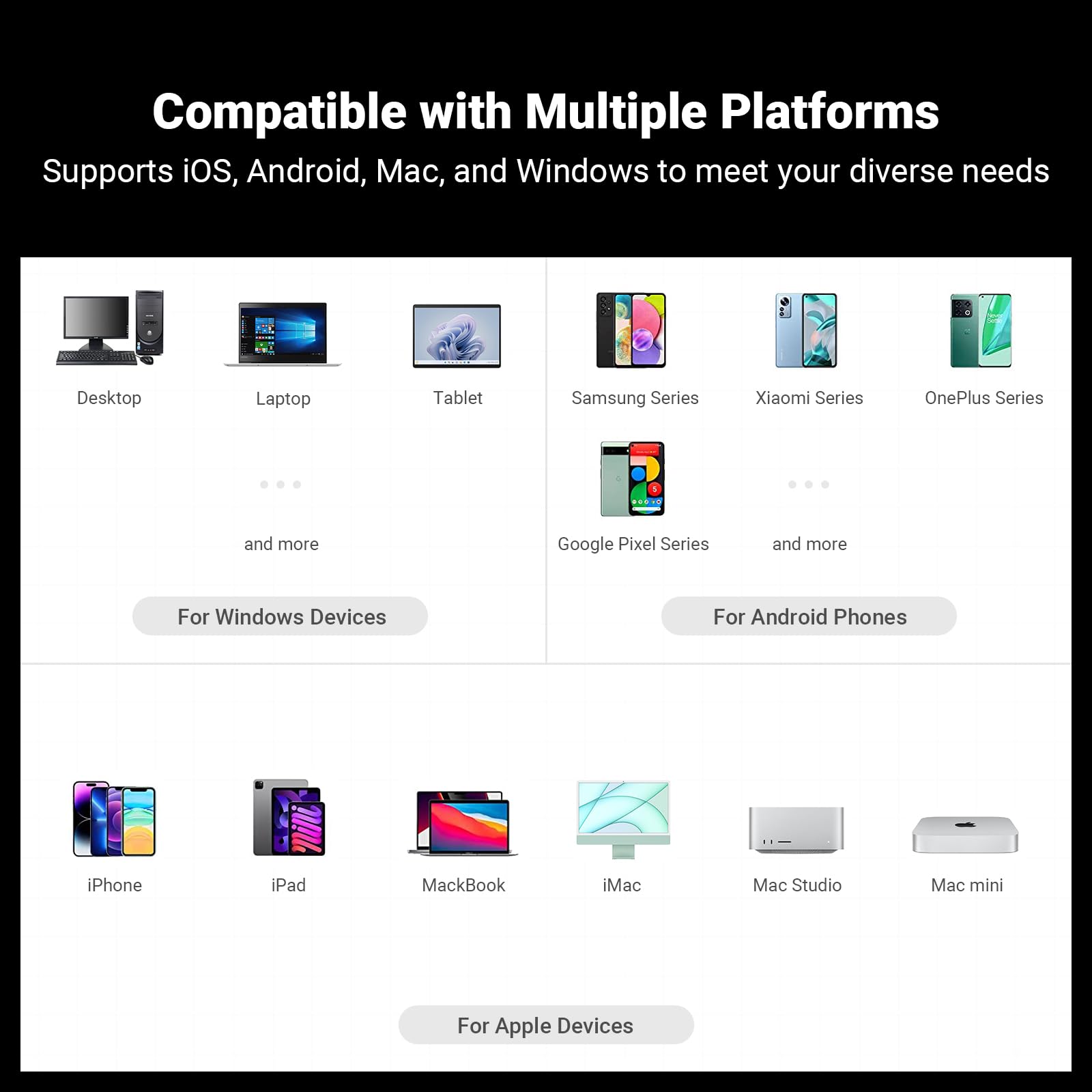









1. Check Connections & Device Compatibility: (1) Ensure Proper Cable Connections: Full Insertion and Condition: Make sure all audio cables are fully inserted into the DS2 and connected devices. Replace any frayed or damaged cables with high-quality shielded ones (recommended: cables with metal connectors for better performance and durability).
(2) Confirm Device Compatibility: ---Device Specifications: Check that your headphones' impedance (e.g., 16-300Ω) matches the DS2's requirements (see product manual). The DS2 supports a wide range of devices, but compatibility can vary. --- High-Impedance Headphones: High-impedance headphones (typically above 100 ohms) require more power to drive, which means they can provide better sound quality when paired with a suitable amplifier. They are less prone to distortion and can offer a more detailed and accurate sound reproduction. They are often used in audiophile setups for their superior sound quality.
2. Optimize Setup & Audio Sources
(1) Headphone and Device Upgrade: -- High-Quality Headphones: Use high-sensitivity, high-impedance headphones for better audio quality. Place them at least 30cm away from walls or corners to reduce echoes.
- Device Compatibility: Ensure your device (phone, computer, etc.) supports high-resolution audio formats for optimal performance.
(2) Audio Quality Optimization: -- Lossless Formats: Play lossless music formats (e.g., FLAC, WAV) on dedicated devices (e.g., music players or updated phones/computers) for the best audio experience. -- Equalizer Settings: Reset the equalizer to the neutral (flat) position initially. Adjust bass/treble gradually (e.g., to 50% of the scale) to fine-tune the sound to your preference.
(3) Proper Mode Selection: -- Mode Switching: Ensure you have selected the correct mode (e.g., UAC2.0, UAC1.0) on the DS2 for your specific audio source and device. Refer to the product manual for detailed mode settings.
3. Reduce Environmental Interference (1) Use Shielded Cables: -- Anti-Interference Cables: Use shielded USB and headphone cables with grounding (metal-shell connectors) to minimize interference and buzzing noises. (2) Maintain Distance from Interference Sources: -- Distance from Interference: Keep audio/USB cables ≥30cm away from routers, power outlets, or other electronic devices that may cause interference.
(3) Troubleshoot Sources: -- Test with Another Device: Test the same song or audio file on another phone/computer. If the noise persists, contact support for further assistance.
Quick Tips: -- Using with a Phone: Ensure your phone's OTG function is enabled if you're using it as a source device. -- Avoid Overheating: The DS2 may get warm due to its high output power. Use it in a well-ventilated area and avoid extended periods of continuous use.