






4K Digital Camera for Photography Autofocus, Upgraded 64MP WiFi Vlogging Camera for YouTube with 3" 180° Flip Screen, 16X Zoom, Compact Travel Cameras for Beginners with 32GB Card, 2 Batteries, Black
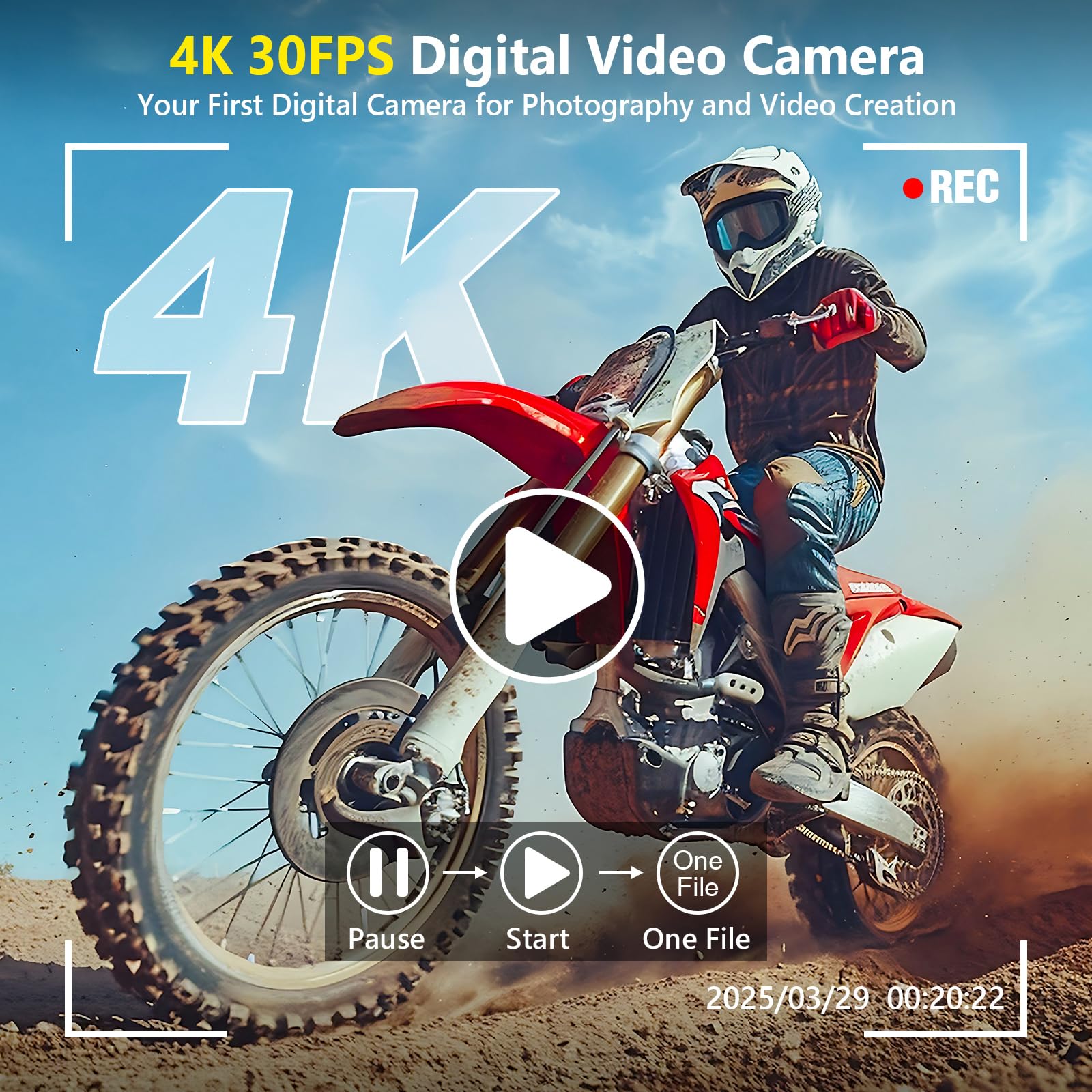
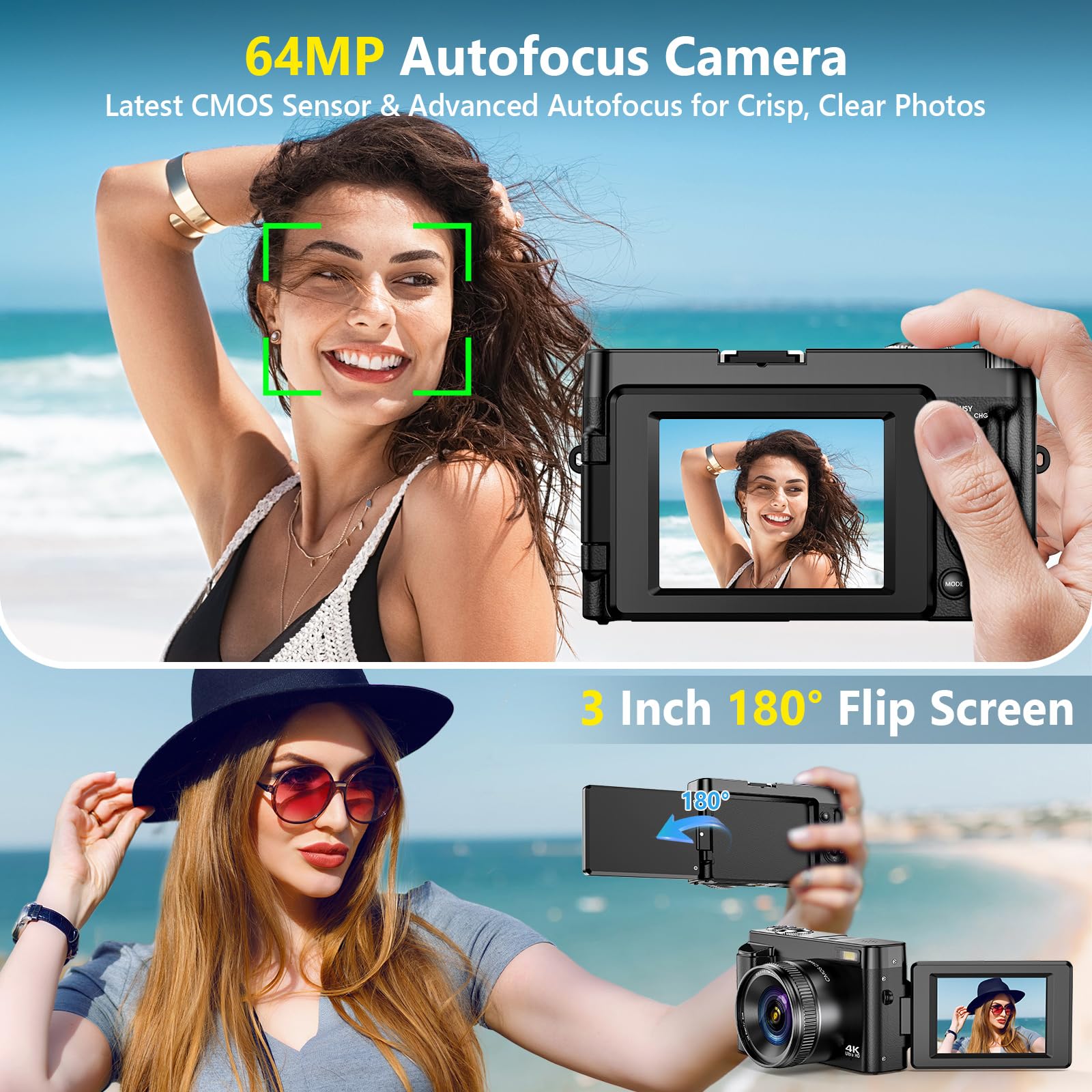
4K 64MP DIGITAL CAMERA WITH AUTOFOCUS: The upgraded 4K digital camera for photography captures video in 4K and high-quality 64MP photos. Autofocus ensures your subjects are sharp and in focus, effortlessly capturing even the tiniest details.
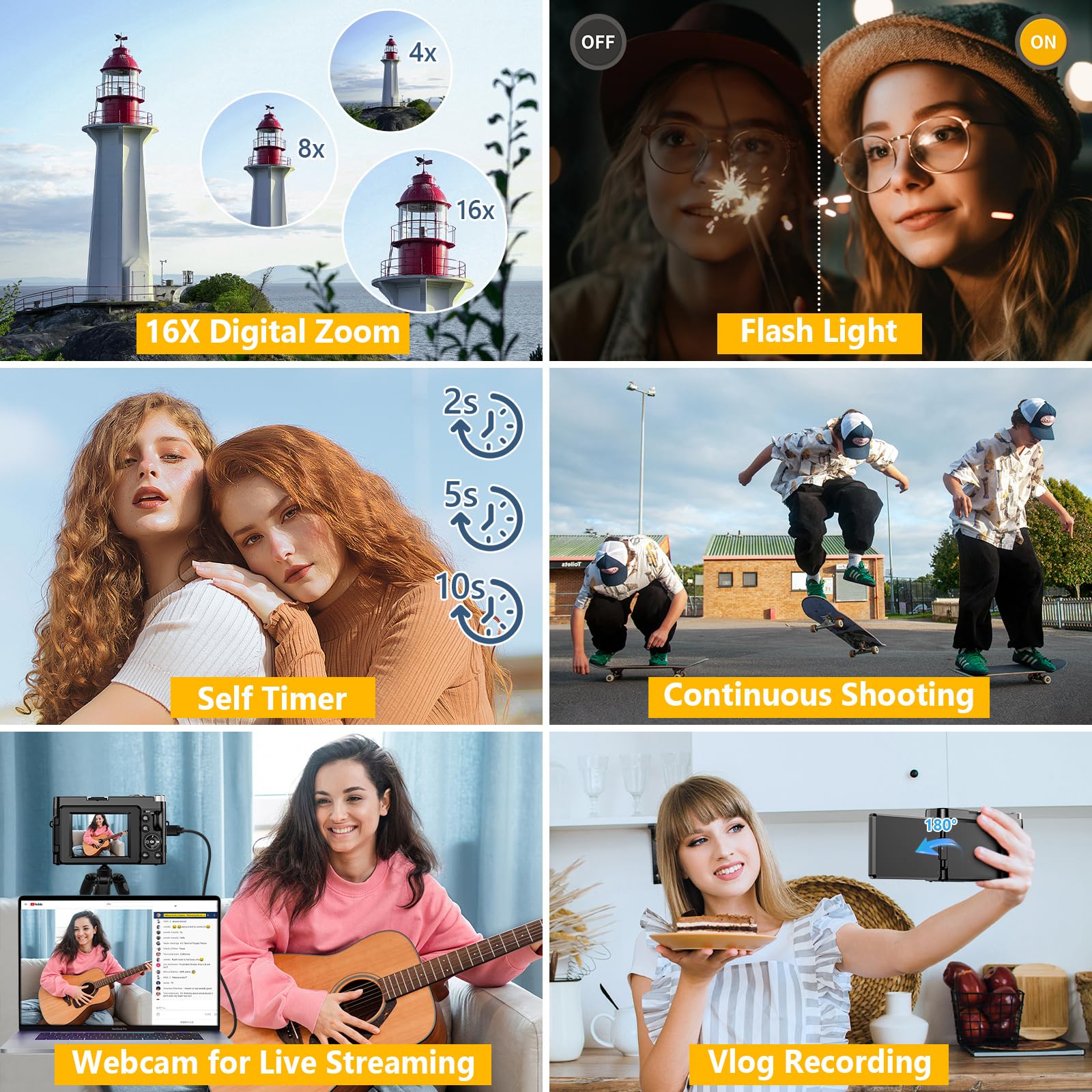
FLIP SCREEN SELFIE CAMERA WITH 16X ZOOM & FLASHLIGHT: The 4K vlogging camera for YouTube is equipped with a 3.0-inch IPS 180° flip screen, ideal for selfie enthusiasts and vlogging creation. With a 16X digital zoom and a built-in flashlight, this digital point and shoot camera transforms distant landscapes into crisp, clear images even in low light conditions!
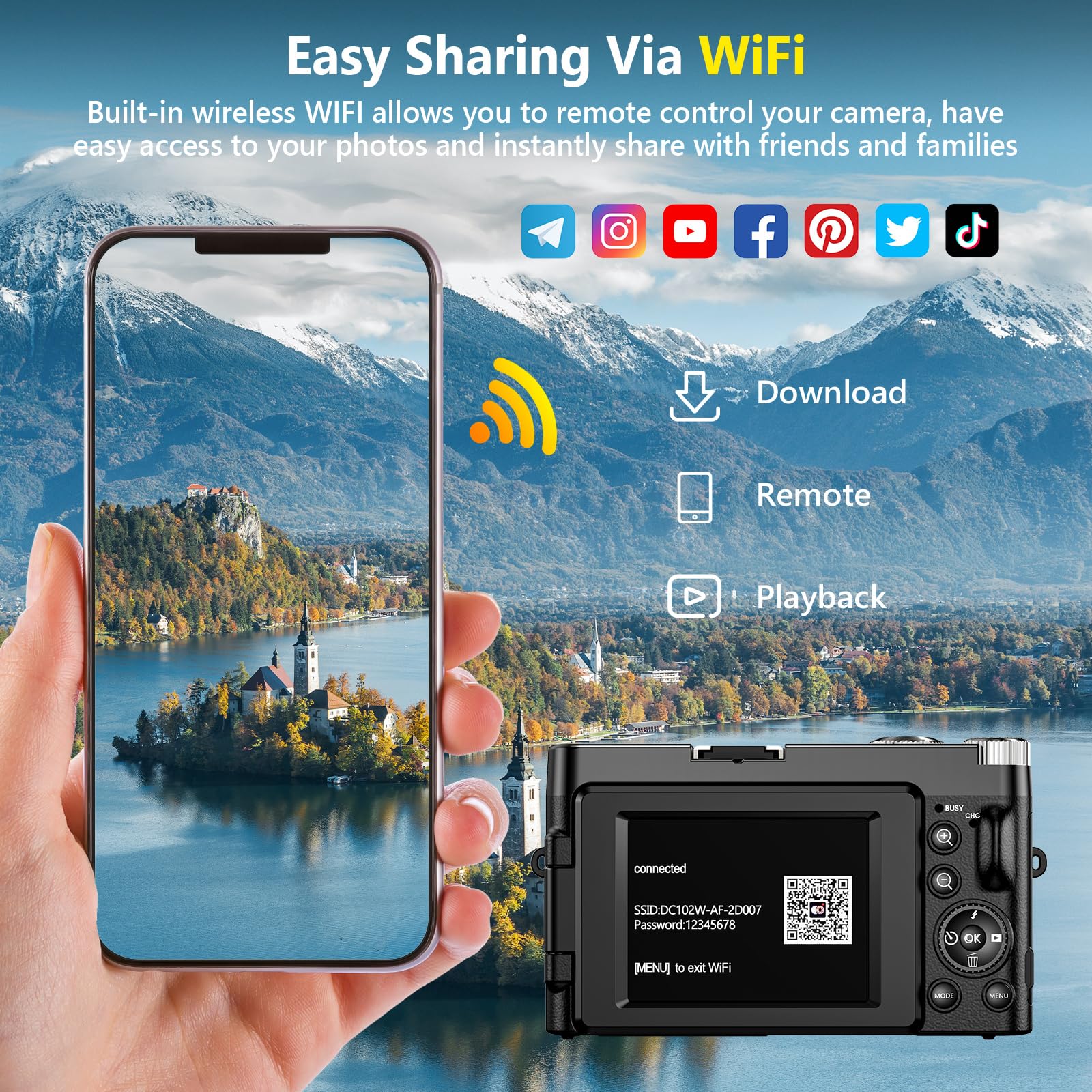
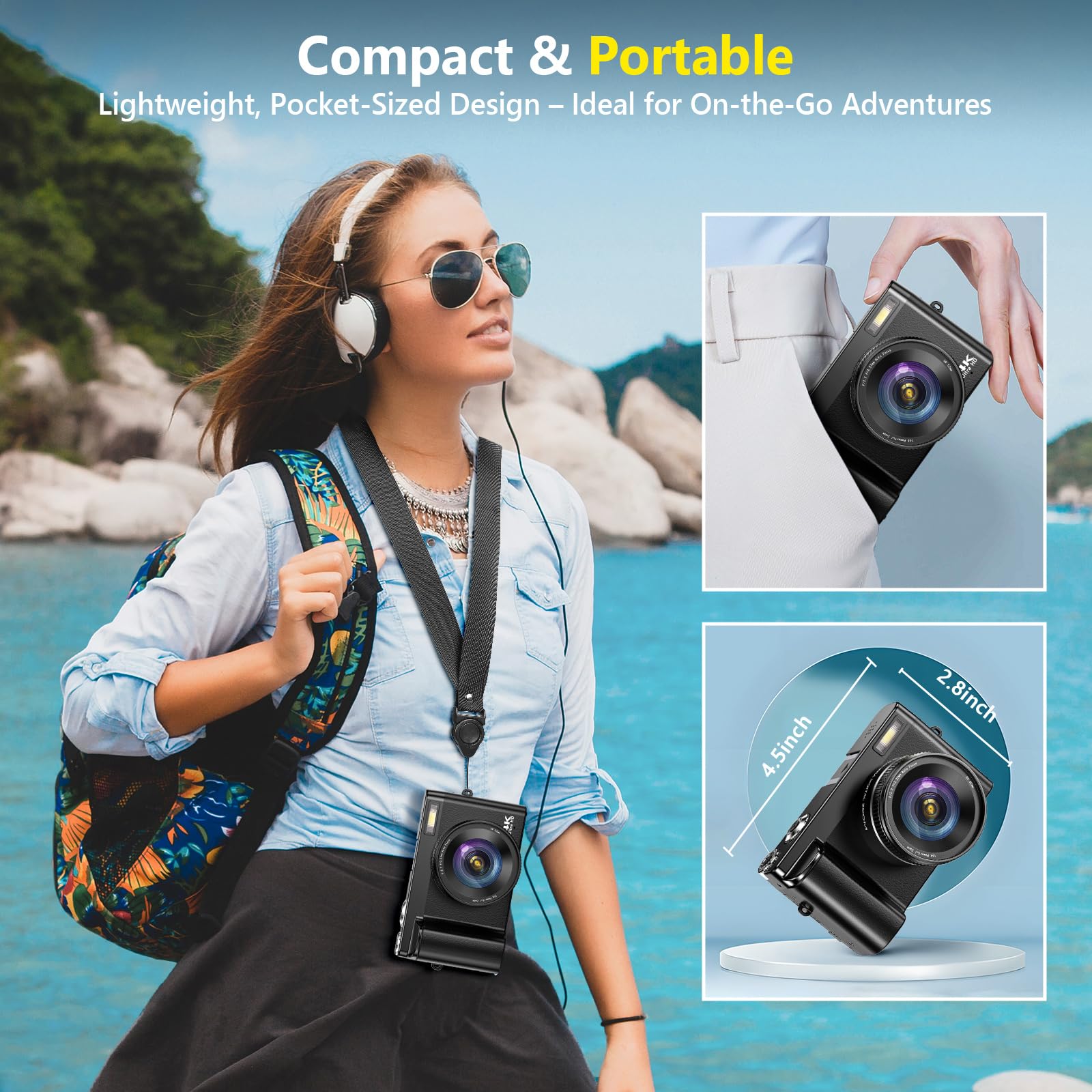
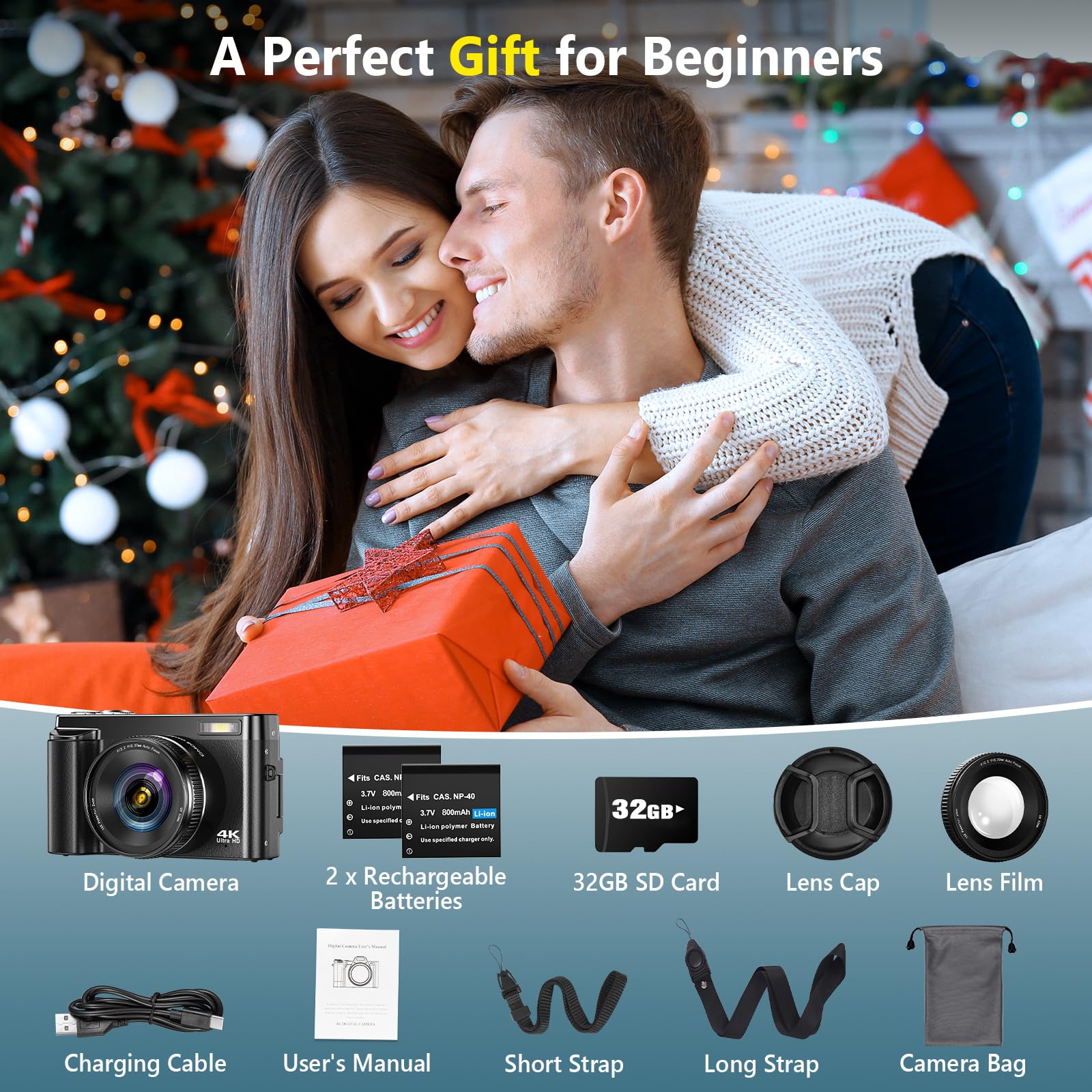
COMPACT TRAVEL CAMERA WITH WIFI: Built-in WiFi connectivity allows you to easily transfer photos and videos to your smartphone and instantly share on social media. Designed for travel and everyday use, this compact portable camera comes with 2 batteries and 2 straps, making it a reliable companion for capturing memories on the go.(Tips:Use the original charging cable for faster and more stable charging.)
MULTIFUNCTIONAL PHOTOGRAPHY CAMERA: The digital video camera can be used as a webcam for live streaming, video calls, vlogging, etc. This camera for pictures supports time-lapse, slow-motion, and pause features to make your videos more creative. Additional features like a fill light, date and time stamp, anti-shake, 3 continuous shooting, smile & face detection, beauty face, self-timer, and various filters, all waiting for you to foster creativity.
PERFECT GIFT & RELIABLE CUSTOMER SUPPORT: User-friendly, lightweight and versatile, this 4K camera for beginners is a perfect gift for teens, starters, kids, amateurs, and seniors as their first photography digital camera in life. Rest easy with our 18-month replacement and refund guarantee. And don't forget, we're here to assist you within 12 hours or less!
Product Specifications
Product Information
Product description
Please adjust the camera’s resolution before shooting.
For high-definition photos, set the camera default settings 7M-Wide to 64M,
For high video quality, set the default settings Full-HD to 4K
Photo Tips
Focus before fully pressing shutter
Half-press for autofocus; press fully when the frame turns green
Flash Function Notes
Press the flash icon to turn on
For short-distance or indoor use only
Won’t work at low battery
Battery Charging Tips: 1. If unused for a long time, it is normal that the charging indicator may take longer to light up 2. Use a 5V/2A adapter and the original cable for best charging 3. Charge between 10°C and 30°C for optimal performance 4. Keep battery and charger contacts clean and dust-free
How to take clear pictures with autofocus?
1. Half-press the shutter button
2. The focus frame changes from yellow to green
3. Full-press the shutter button to shoot a true HD picture
How to Transfer the Files?
1. Connect the camera directly to a computer via the original USB cable, and choose "MSDS" when a dialog pops up.
2. Open the APP Viipulse, access to the camera files, and then download them directly to your phone.
How to format the memory card?
Press the "Mode" Button 3 times to enter Setup, then select "Format" "Yes" to format the memory card! Please remember to format the memory card the first time.
Note: Once formatted, all data will be gone!
Why can’t my phone connect to the camera via Wi-Fi or control it through the app?
1. Restart the camera and re-enable Wi-Fi mode
2. Make sure the app is connected to the camera’s Wi-Fi, not home Wi-Fi
3. Allow the app to access local network, photos, and location
How to use the camera as a webcam and transfer files?
Webcam:
Connect the camera to your computer with the original USB cable. Select “PC Camera” to use it as a webcam.
Transfer Files:
Connect via the original USB cable and choose “MSDS”, then use the Viipulse app to download files to your phone.