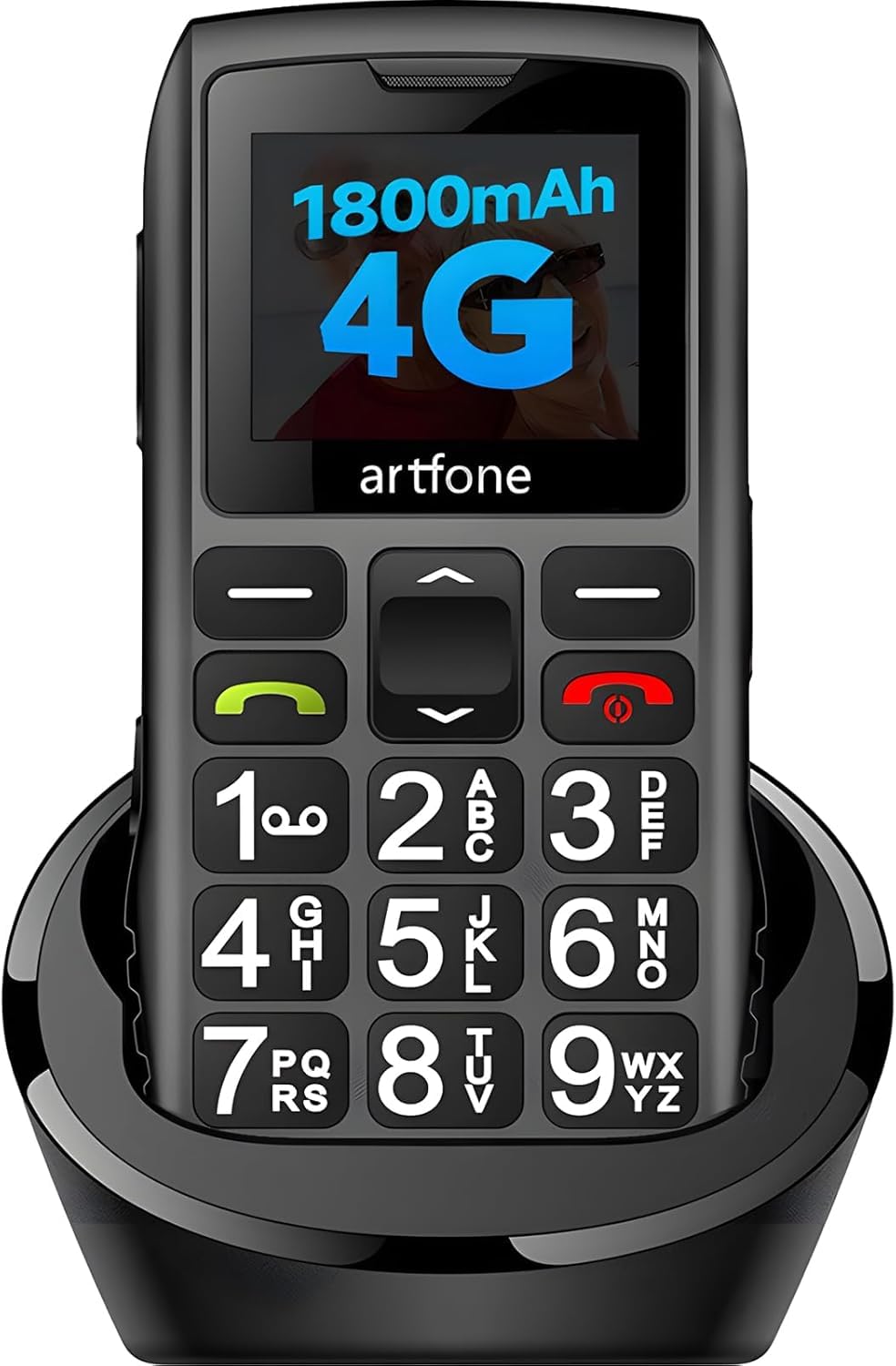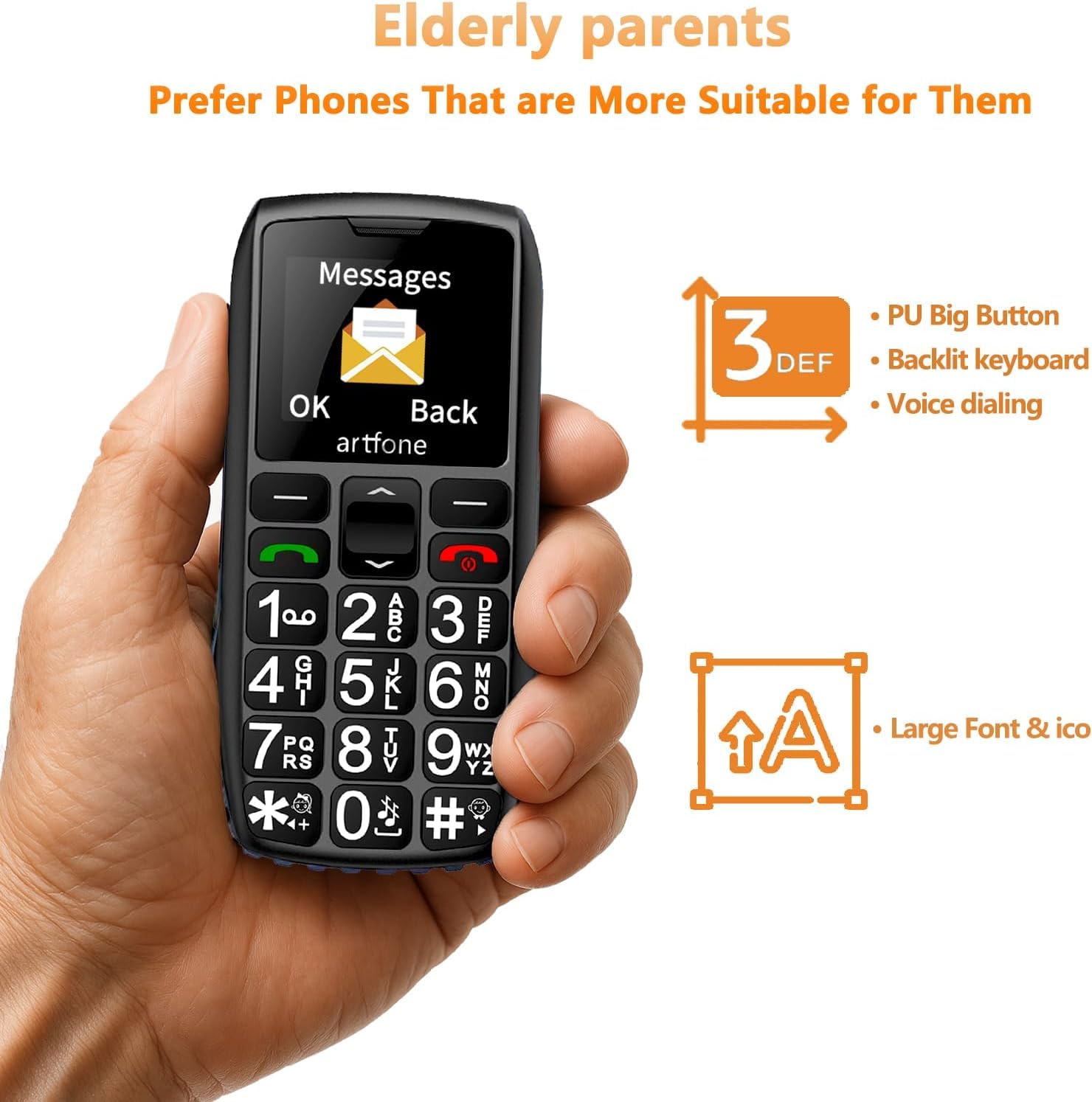










| Bands | 4G Bands: FDD B2/4/5/12/13/17/26/66+TDD B38/B41 --- 3G Bands: 850/1900/2100 MHz --- 2G Bands: 850/1900 MHz |
|---|
| Supported Languages | English, German, French, Italian, Spanish, Polish, Dutch, Czech, Portugal, Arabic, Russian,etc. |
|---|
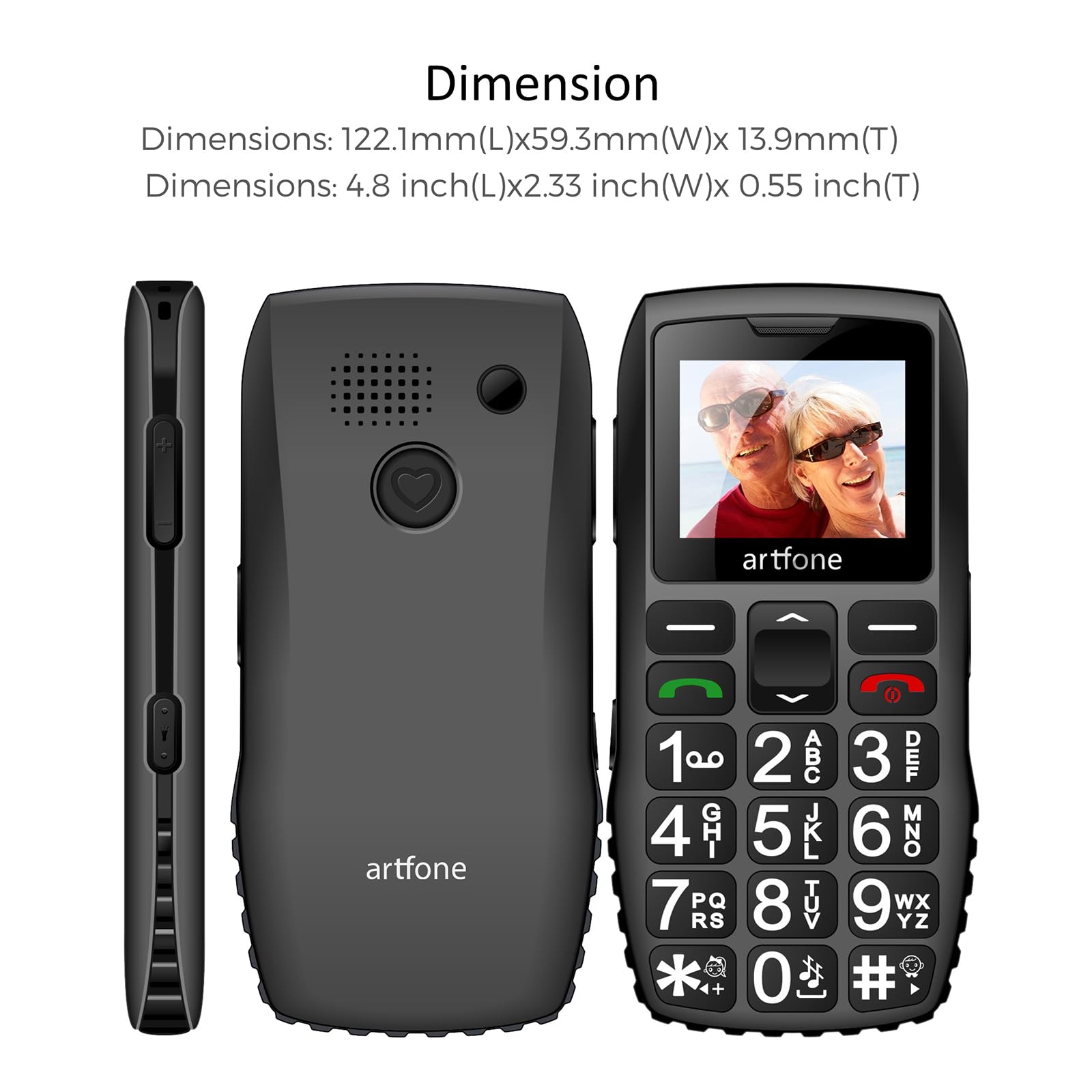
| Size | 4.80×2.05×0.55 inches --- Camera: No |
|---|
| Photo Contacts | Contact - Add new contact - Modify Icon |
|---|
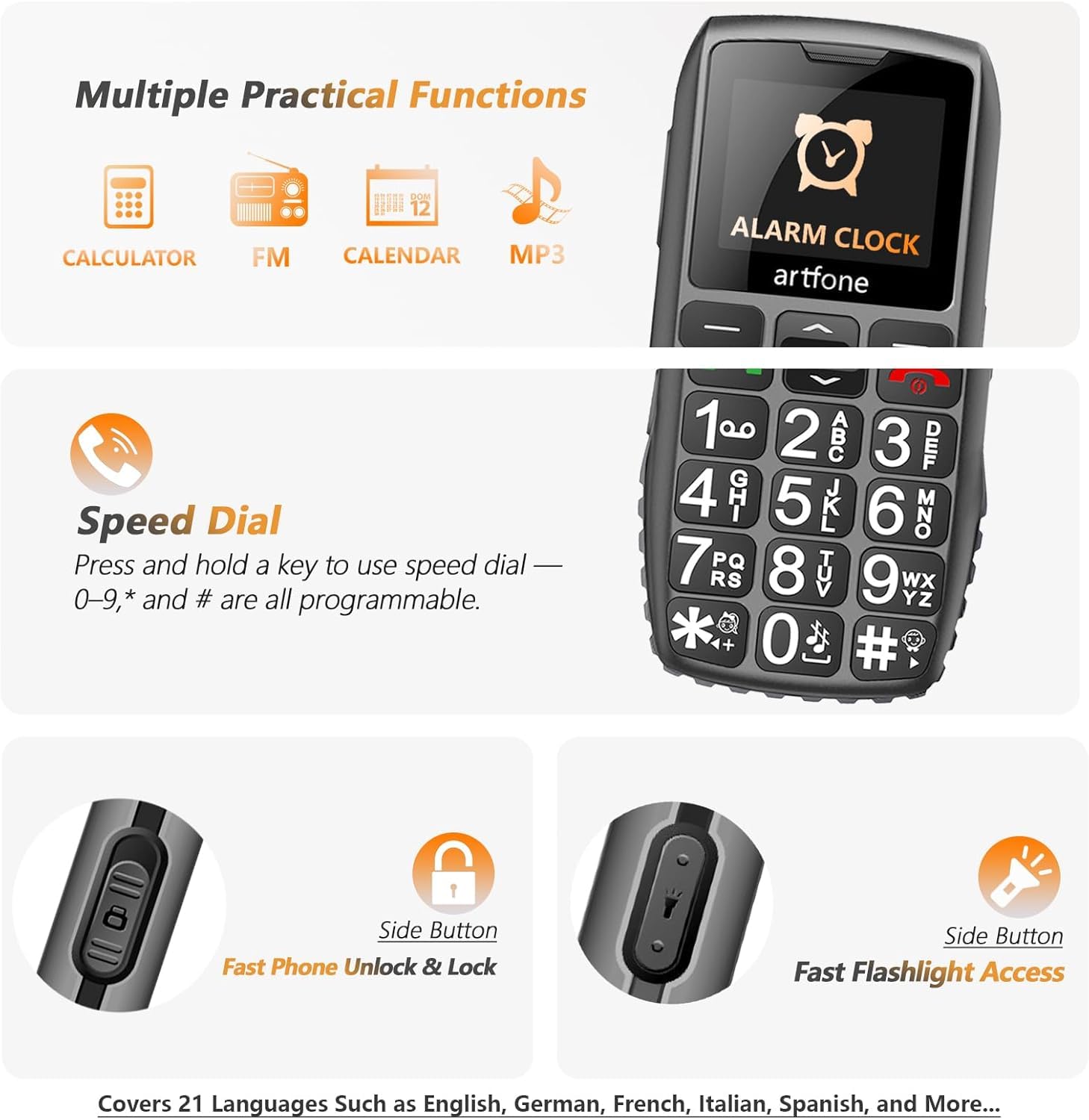
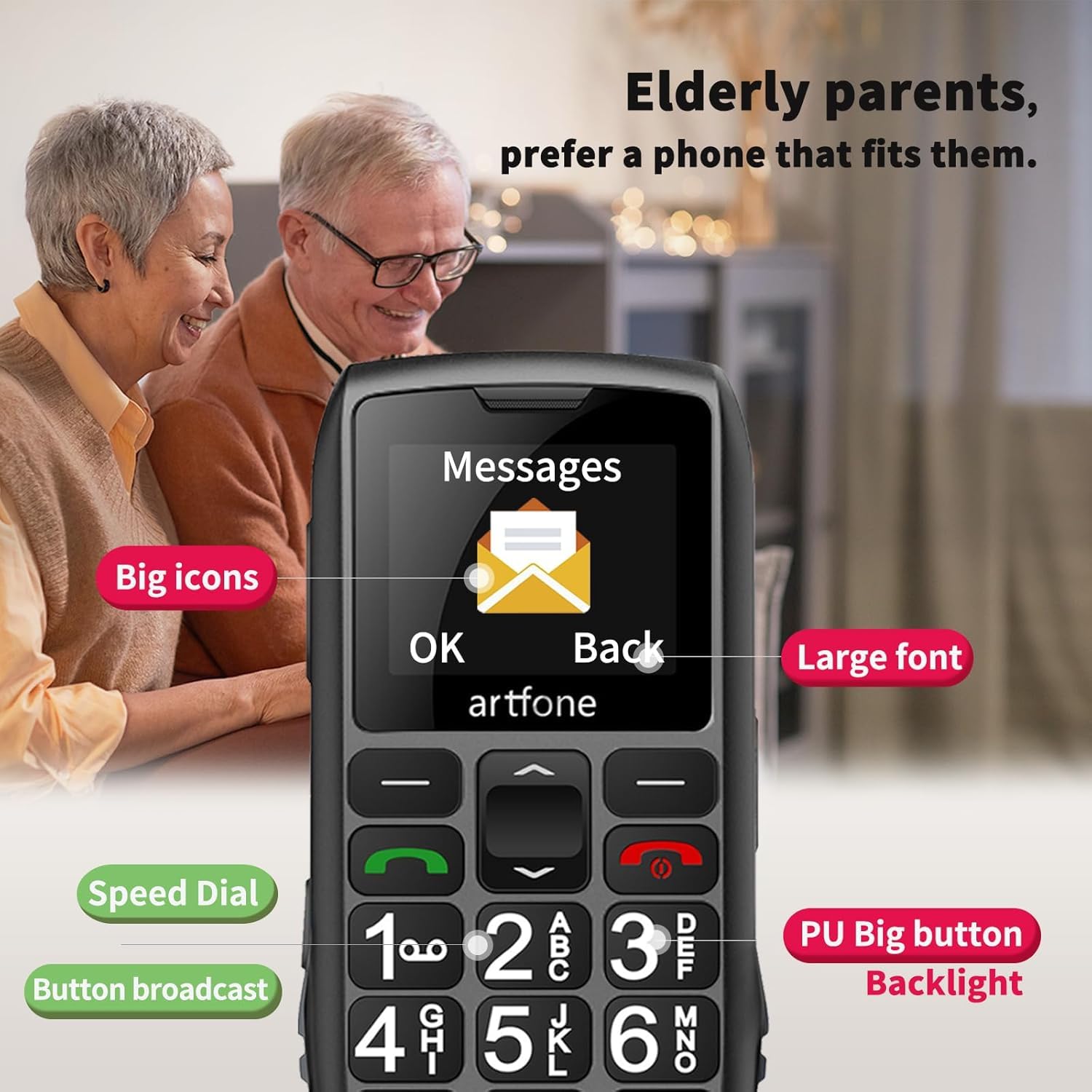
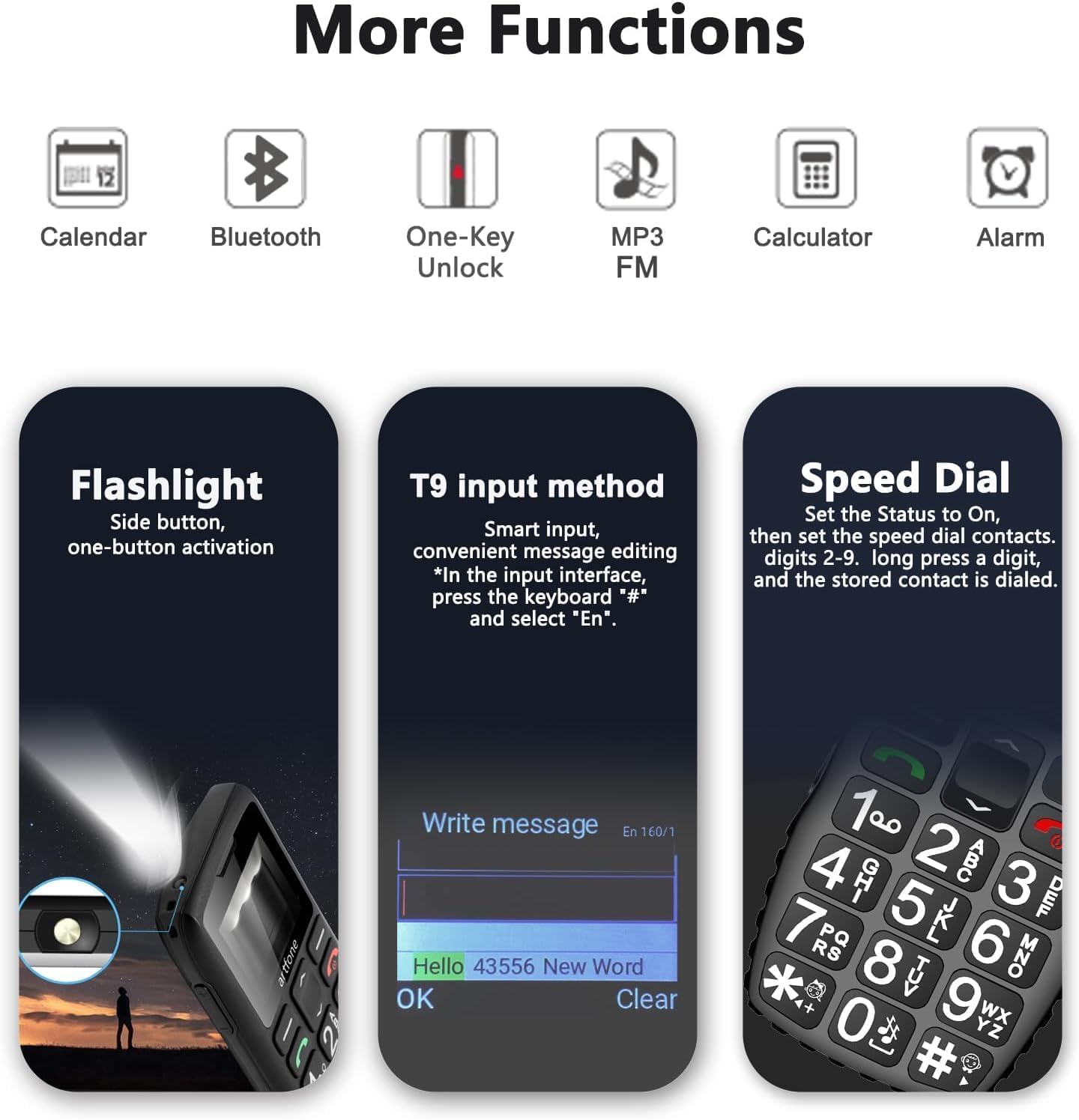
| Configuration Functions | Making Calls, Time Reporting, Bluetooth, Wireless FM, MMS/SMS; SOS Emergency Button; Speed Dial; Alarm Clock; Calendar; Calculator, Torch, Volume Side Button, Sound Recorder, Image Viewer, Video Player, Airplane Mode, Wallpaper, LCD Backlight, Keyboard Light etc. |
|---|
| Basic Parameters | Chipset: Spreadtrum T107 --- Flash memory: 128 + 48 MB --- CPU frequency: 1000MHz --- Display: 1.8 inches QVGA |
|---|
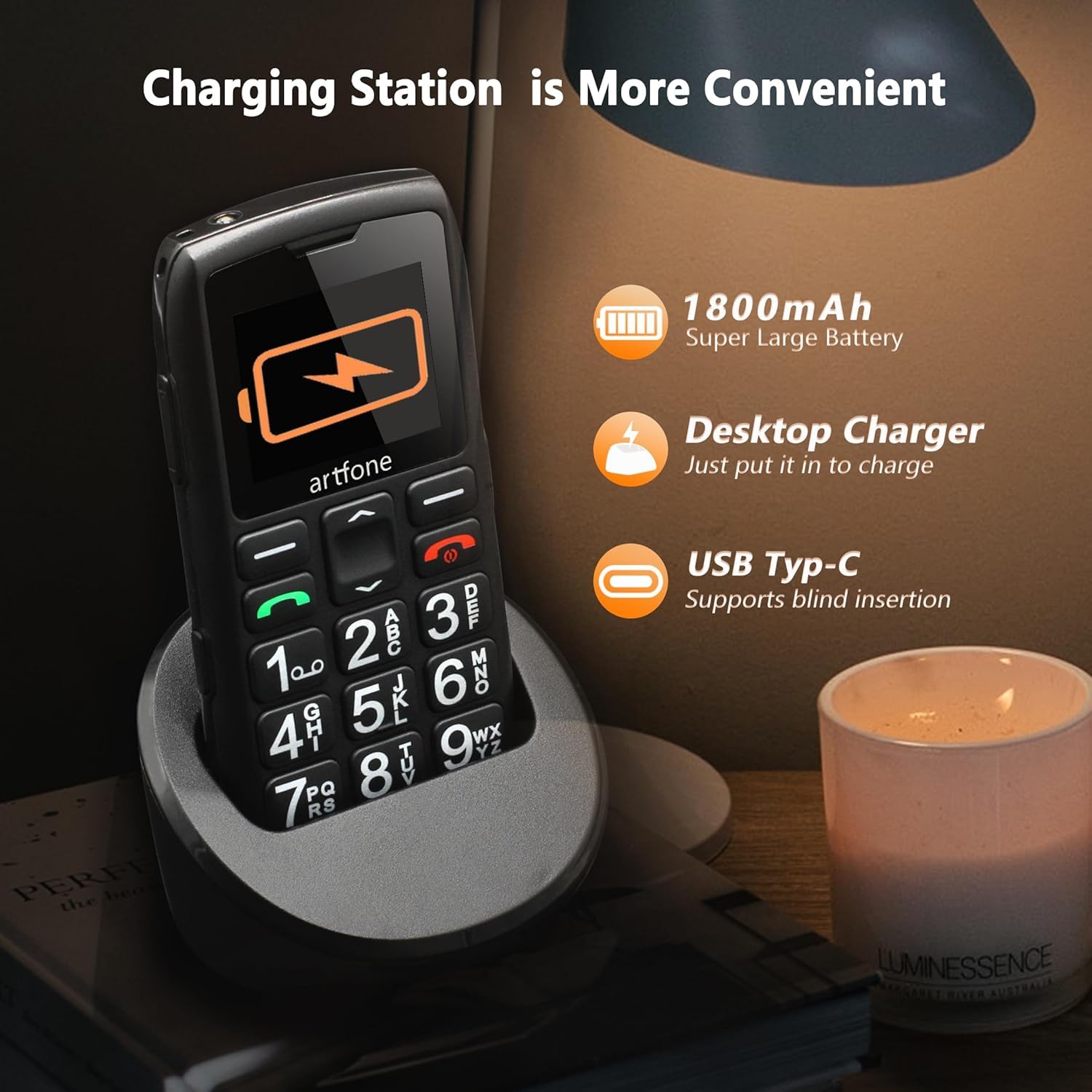
| Battery Life and Charging Mode | Battery Capacity: BP-4L 1800 mAh --- Standby Time: 240-300 hours (10-12 days) --- Charging Mode: USB-C & Chaging Dock |
|---|
| Card Slots | Does not include: Single Nano SIM card + 1 SD card --- Micro SD Card: Support (expands up to 64GB) |
|---|
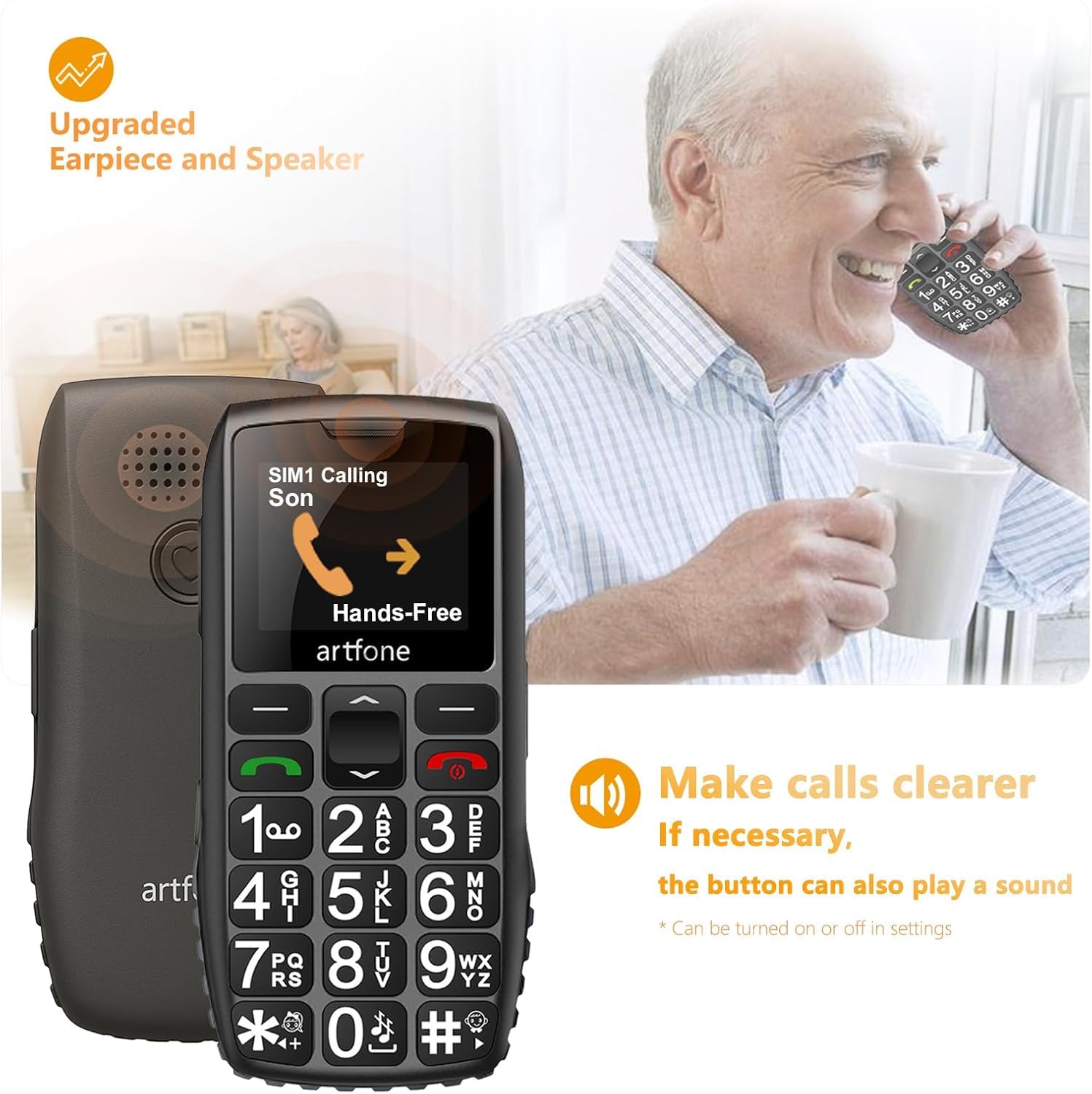
| Hardware Configuration | Speaker: 2030 Box & Stereo --- Receiver: 2030 Box & Stereo --- Keypad: 21 --- Keypad backlight: white(8 lights) --- Bluetooth: 2.1+EDR --- Headphone Jack: 3.5 mm |
|---|
| Date Format/Restore Factory | Default setting is Day/Month/Year. --- Standard US date format: Menu → Settings → Phone Settings → Time & Date → Date Format → Month/Day/Year丨Menu → Settings → Phone settings → Restore factory settings → 1234 |
|---|
| Shortcut Functions of Buttons | Silent/Vibration/Normal Mode: Long - press the 0 button to switch the volume mode. --- FM Radio: Long - press the * button to activate the radio function (a 3.5mm headset needs to be inserted). --- Flashlight: Slide the right - side button up or down. --- Airplane Mode: Long - press the red power - off button to switch to airplane mode, or power off/restart the phone. |
|---|
| Voice Time Announcement: | Long - press the volume + button. The time will be announced in the local language (when not in silent mode). |
|---|
| Language/Blacklist Settings | Menu → Settings → Phone settings → Language settings → Menu → Settings → Security → Blacklist |
|---|
| Turn on Speakerphone | After answering a call, press the upper - right - hand button to switch between speakerphone and handset modes. |
|---|
| Set Speed - Dial Contacts | Long - press the */# button or number buttons 2 - 9 to call the pre - set contacts. Or, you can operate as follows: Menu - Settings - Speed dial |
|---|
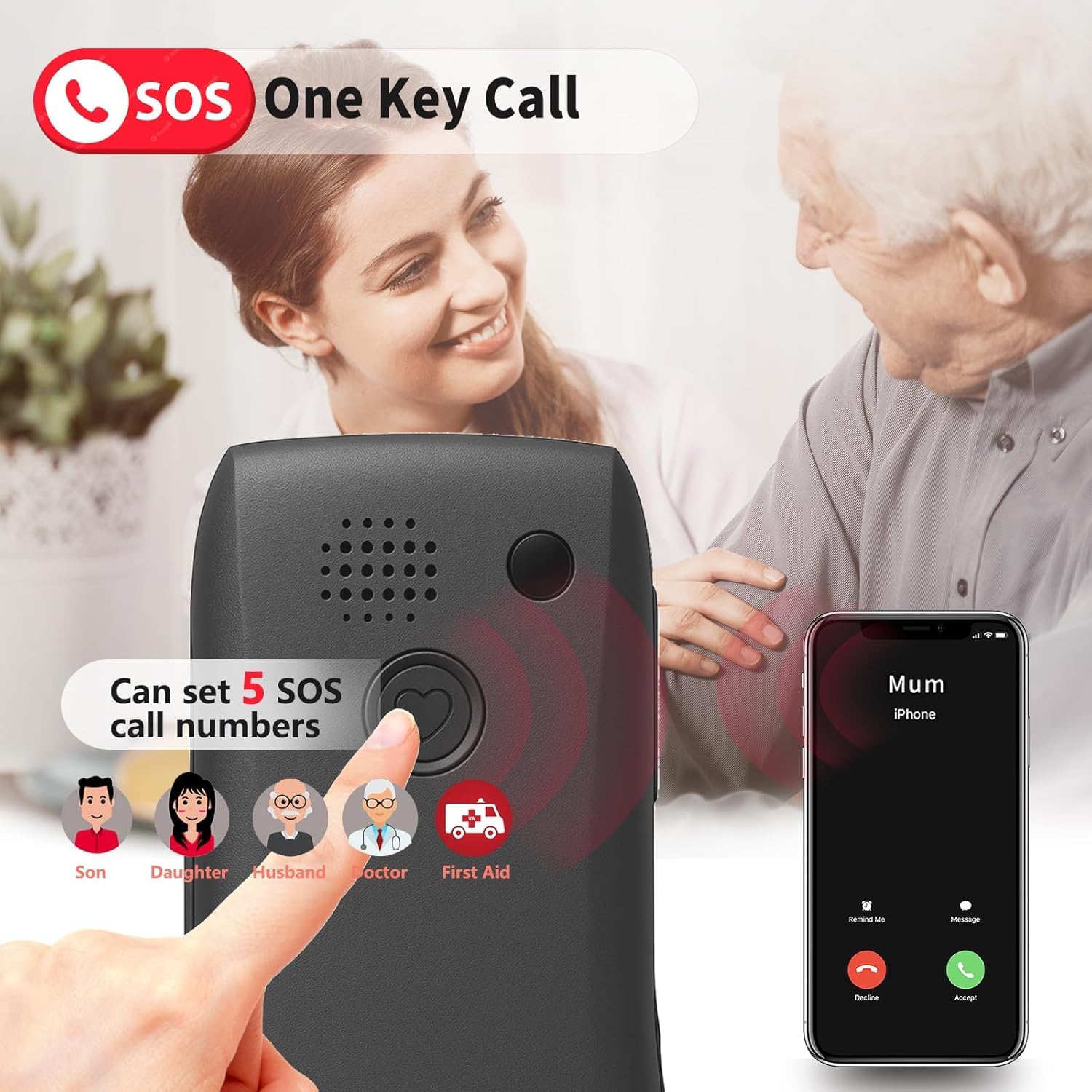
| Emergency Contact Settings | Menu → SOS → SOS status/on → SOS number list. After adding up to 5 contacts, in case of an emergency, long - press the SOS button on the back of the phone. The phone will automatically dial the number of the first contact and send a distress message. If the call is not answered within 20 seconds, it will automatically dial the number of the second contact, and so on. |
|---|