







Q: How do I set up the robot?
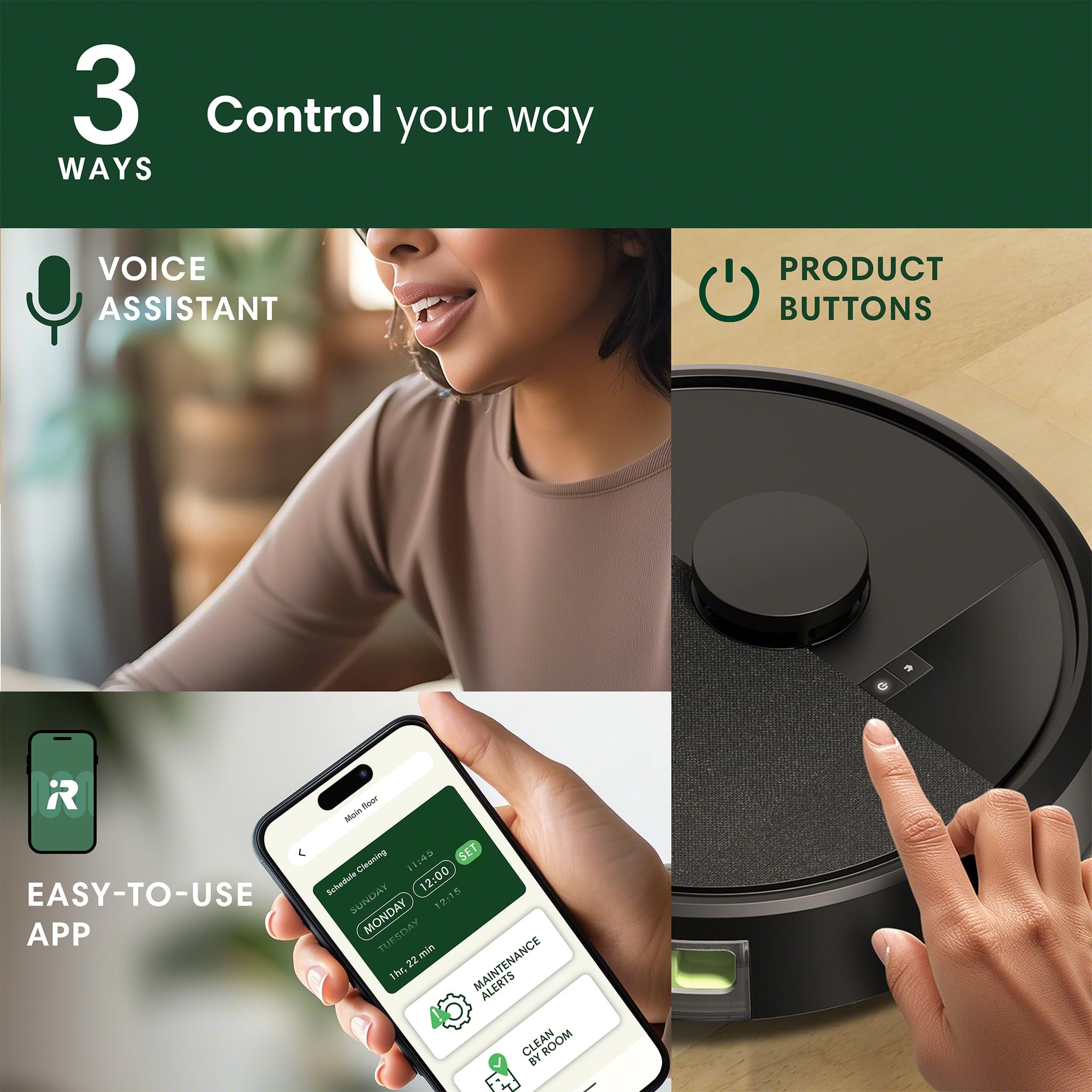
A. Set up is simple. Just unbox, plug in the charger and download the Roomba® Home App. A 2.4 GHz network on your robot and phone is required for setup and operation. After setup, your phone can return to 5GHz. Follow the prompts and in a few minutes your robot is ready.
Q: How well does it vacuum?
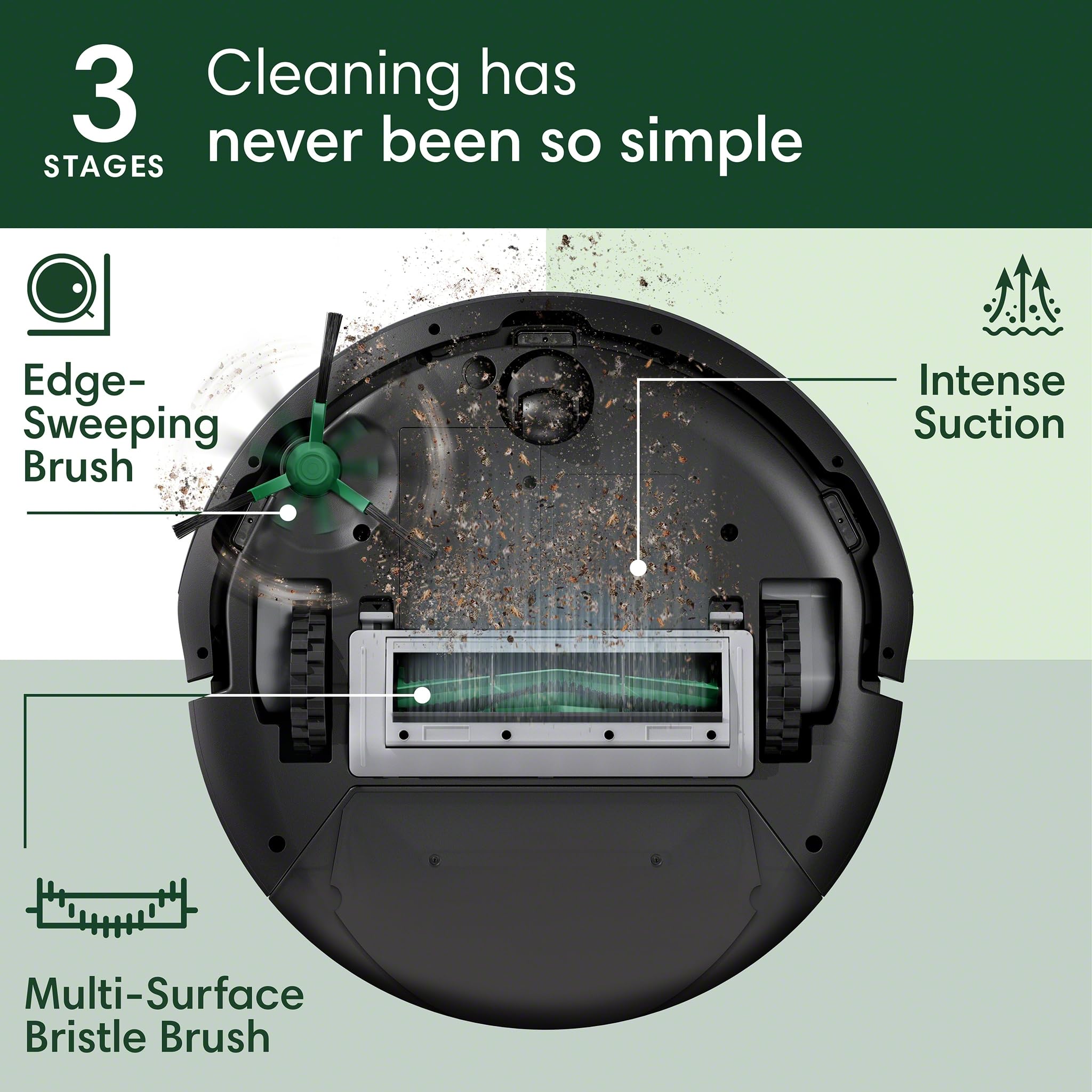
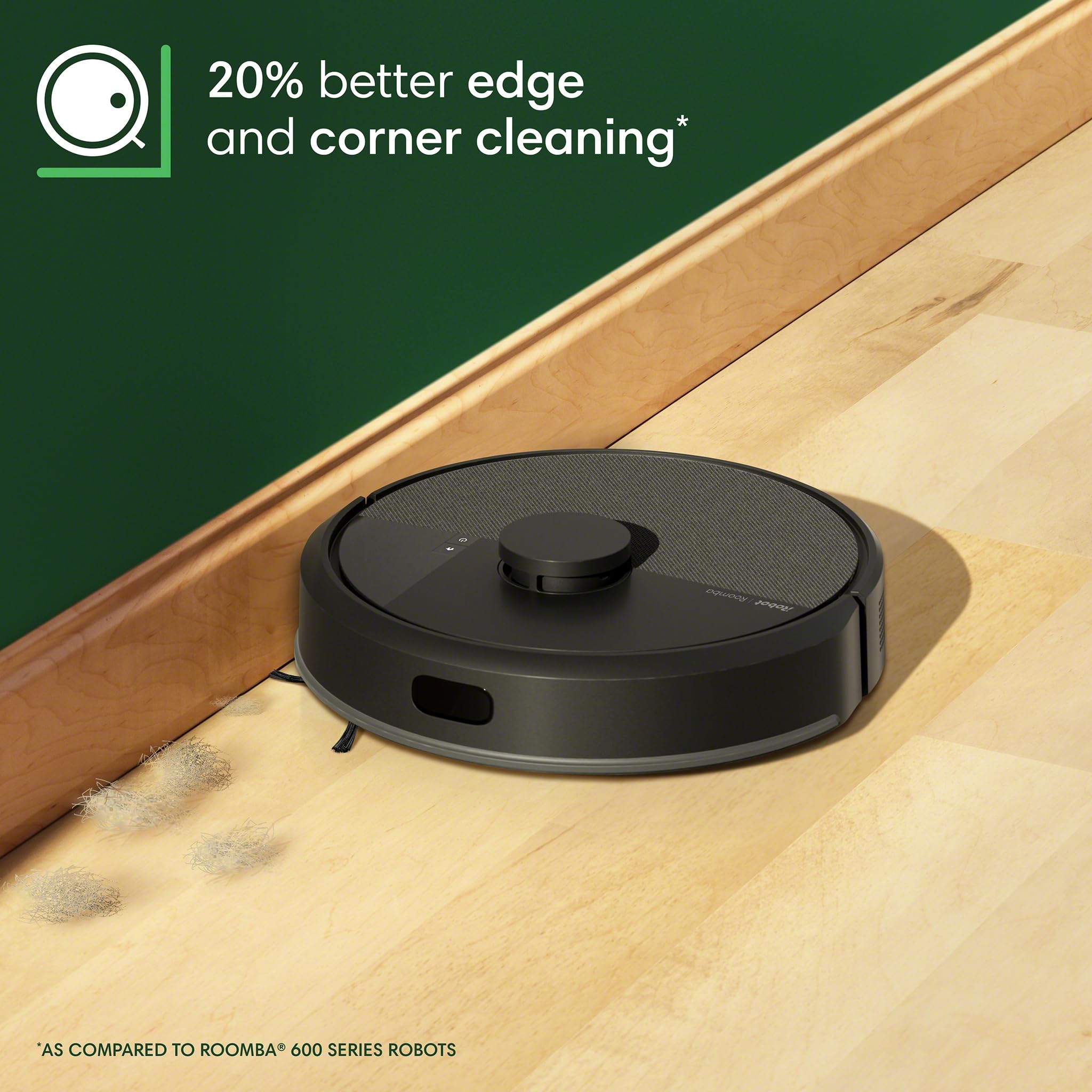
A. A great vacuum is more than just power (though this one is equipped with 70X more intense suction*), it's the details that deliver. Specialized brushes pull up dirt or dust from carpets and dust bunnies from hard-to-reach corners.
*As compared to Roomba® 600 series robots
Q: How does the home mapping work?
A. ClearView™ LiDAR scans your space to create up to 3 maps, even on different levels of your home, that you can customize in the Roomba® Home App. Mapping takes only 10 minutes*, and then your Roomba® robot is ready to navigate smoothly and avoid obstacles.
*1000 sq ft/93m2 space
Q: What kind of maintenance is required?
A. To keep your robot operating smoothly, you'll perform basic care and maintenance including wiping out the bin as needed, wiping down charging contacts, occasional brush-cleaning and changing the filter every 3-6 months. Please check the owner's guide for detailed maintenance instructions.
Q. Will my privacy be protected?
A. Yes, iRobot uses encryption to store and strictly limit access to data and is verified by 3rd party security organizations. Security measures include auto software updates and the ability to delete your data if you pass your robot on to a new owner.